
NFC Tags for Smart Home Automation
Use CaseTap a tag. Trigger a routine. No voice commands, no apps.

At a glance
Use NFC tags to automate your smart home. Trigger Google Home routines, Home Assistant automations, scene controls, and shortcuts with a single tap.
SEE THE IDEA IN ACTION
Make your routine a tap
Your desk. Your car. Your shortcut. A supported phone, an NFC tag and an automation app.
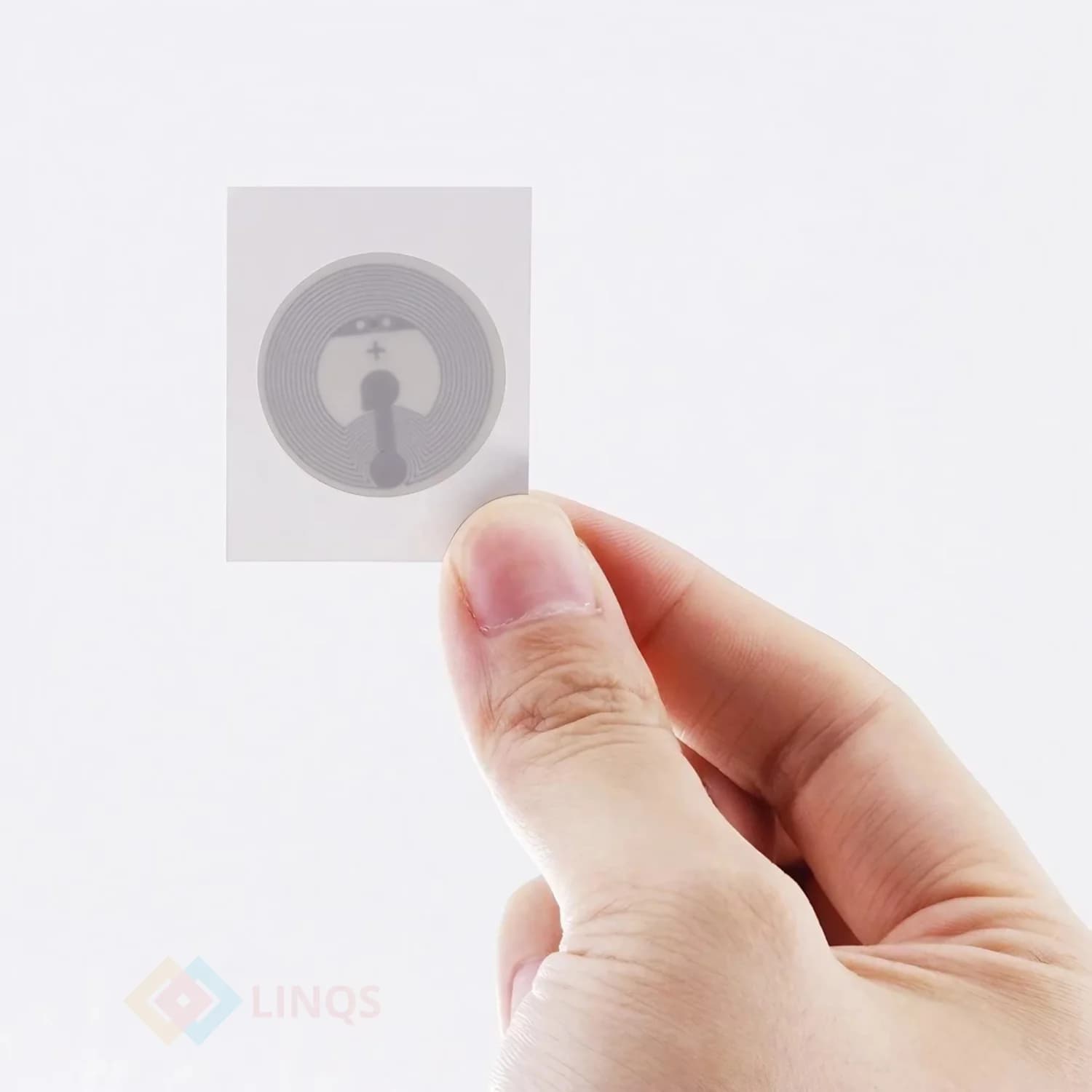
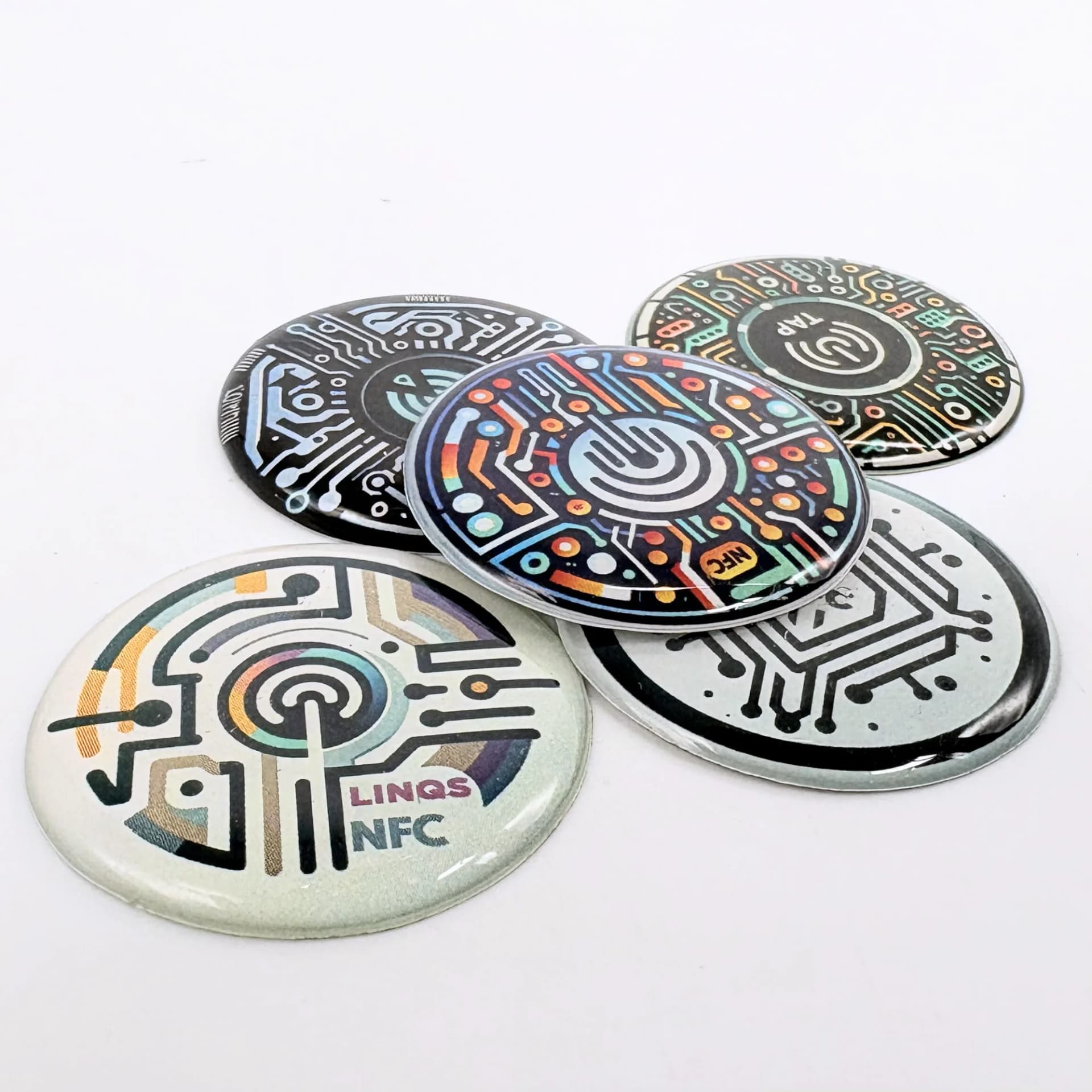
This NFC Tag Just Made My Car Smarter
LINQS Nerdi NFC Tags | One Tap Automations
- 01Create an NFC-triggered automation on your phone.
- 02Choose the actions and permissions it needs.
- 03Test the routine safely while stationary.
The Problem
Smart home devices are powerful but clumsy to trigger. You open an app, find the right scene, tap three buttons — or shout at a voice assistant that mishears you. NFC tags placed at key spots in your home let anyone tap their phone to trigger an exact automation: lights, music, thermostat, door locks, or multi-device routines. One tap, zero friction.
Who This Is For
- Smart home enthusiasts using Google Home, Alexa, or Apple HomeKit
- Home Assistant and other open-source automation users
- Airbnb hosts who want guests to control rooms without training
- Offices with meeting room automation (lights, projector, AC)
- Anyone tired of fumbling with apps to control smart devices
What Opens on Tap
Google Home routine
Android + Google Home app. Tag triggers a pre-configured routine (lights, music, thermostat, etc.).
Home Assistant automation
HA Companion app on Android/iPhone. Tag triggers any automation via webhook or intent.
Apple Shortcuts
iPhone + Shortcuts app. Tag triggers a shortcut that controls HomeKit devices or runs custom actions.
Tasker automation (Android)
Power users. Tag triggers complex multi-step Tasker profiles.
URL to smart home dashboard
Fallback: opens a web-based control panel in the browser.
Where the Tag Goes
Bedside table
Tap to trigger "Good Night" routine: lights off, alarm set, doors locked.
Front door (inside)
Tap when leaving: lights off, thermostat to away mode, security on.
Kitchen counter
Tap to start a cooking timer, play music, or turn on kitchen lights.
Desk or workspace
Tap to switch to "Focus" mode: DND on, desk lamp on, music starts.
Meeting room entrance
Tap to turn on projector, dim lights, and start the call timer.
Car dashboard (NFC card)
Tap before driving: navigate to work, send ETA to partner, play podcast.
Best Tag Types for This Use Case
NFC sticker (round 25mm)
Small, discreet, sticks anywhere. Perfect for walls, nightstands, and light switches.
Not ideal for surfaces that get wet frequently.
Epoxy NFC tag
Domed, durable, looks intentional. Good for permanent automation points.
Slightly thicker — may look bulky on thin surfaces.
NFC card
Portable. Keep in your car, wallet, or bag for on-the-go automations.
Not suitable for wall-mounting.
Anti-metal NFC tag
For placement on metal surfaces like appliances, server racks, or metal desks.
Not needed on wood, plastic, or drywall.
Quick Decision Rules
- 1Google Home userWrite a URL that triggers a routine via Google Home app deeplink
- 2Home Assistant userUse HA Companion app NFC trigger or webhook URL
- 3iPhone + HomeKitUse Apple Shortcuts NFC automation trigger
- 4Want it to work for guestsUse a simple URL (no app required) that opens a web dashboard
- 5Multiple automations from one spotUse separate tags side-by-side, labelled clearly
- 6Metal surface (fridge, server rack)Use anti-metal NFC tag
Recommended Deployment Setups
Bedroom automation
- Place a tag on the nightstand. Program "Good Night" routine: all lights off, doors locked, alarm set. Place a second tag for "Good Morning": bedroom lights on, coffee machine starts, weather briefing.
Leaving / arriving home
- Place a tag by the front door. "Leaving" tag: lights off, thermostat to eco, security armed. "Arriving" tag: lights on, thermostat to comfort, music plays.
Meeting room (office)
- Tag at the room entrance. Tap to start meeting: projector on, blinds close, lights dim. Second tag to end meeting: everything off, room available notification sent.
Airbnb / guest room
- Pre-placed tags for guests. "Wi-Fi" tag connects to network. "Lights" tag controls room lighting. "Checkout" tag shows checkout instructions. No guest training needed.
Common Mistakes to Avoid
- Not labelling the tag — nobody remembers which tag does what after a week
- Placing tags where phones cannot physically reach (behind furniture, under carpet)
- Expecting NFC to work through thick phone cases — most work, but rugged cases can block
- Using iPhone without realizing NFC automation requires Shortcuts app setup first
- Not having a fallback for guests or family members without NFC phones
- Writing a URL directly instead of using a local automation trigger (adds unnecessary latency)
Recommended Products
Frequently Asked Questions
Yes. On Android, you can set up Google Home routines triggered by NFC tags. When you tap the tag, the Google Home app runs the routine — controlling lights, speakers, thermostats, and more. Requires the Google Home app and NFC-enabled Android phone.
Setting up NFC automation across your home or office?
We supply NFC tags in sticker, card, and epoxy formats. Pre-encoded or blank — order from 10 units.