

At a glance
NFC tags that let guests connect to Wi-Fi by tapping their phone. For hotels, cafés, Airbnb, and offices. No typing passwords.
SEE THE IDEA IN ACTION
Welcome guests to Wi-Fi
Less password typing. More settling in. A Wi-Fi tag and a phone that supports its setup.
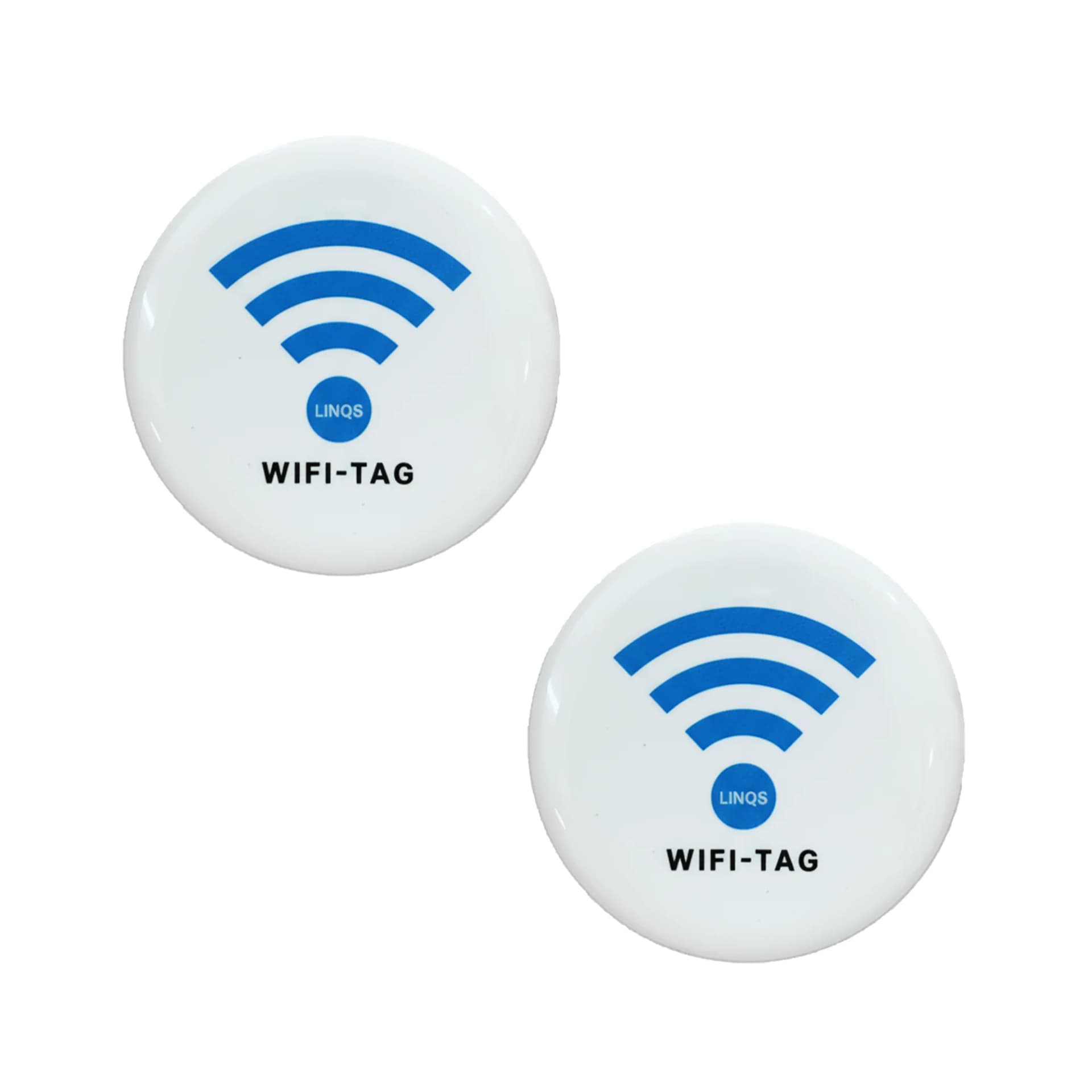
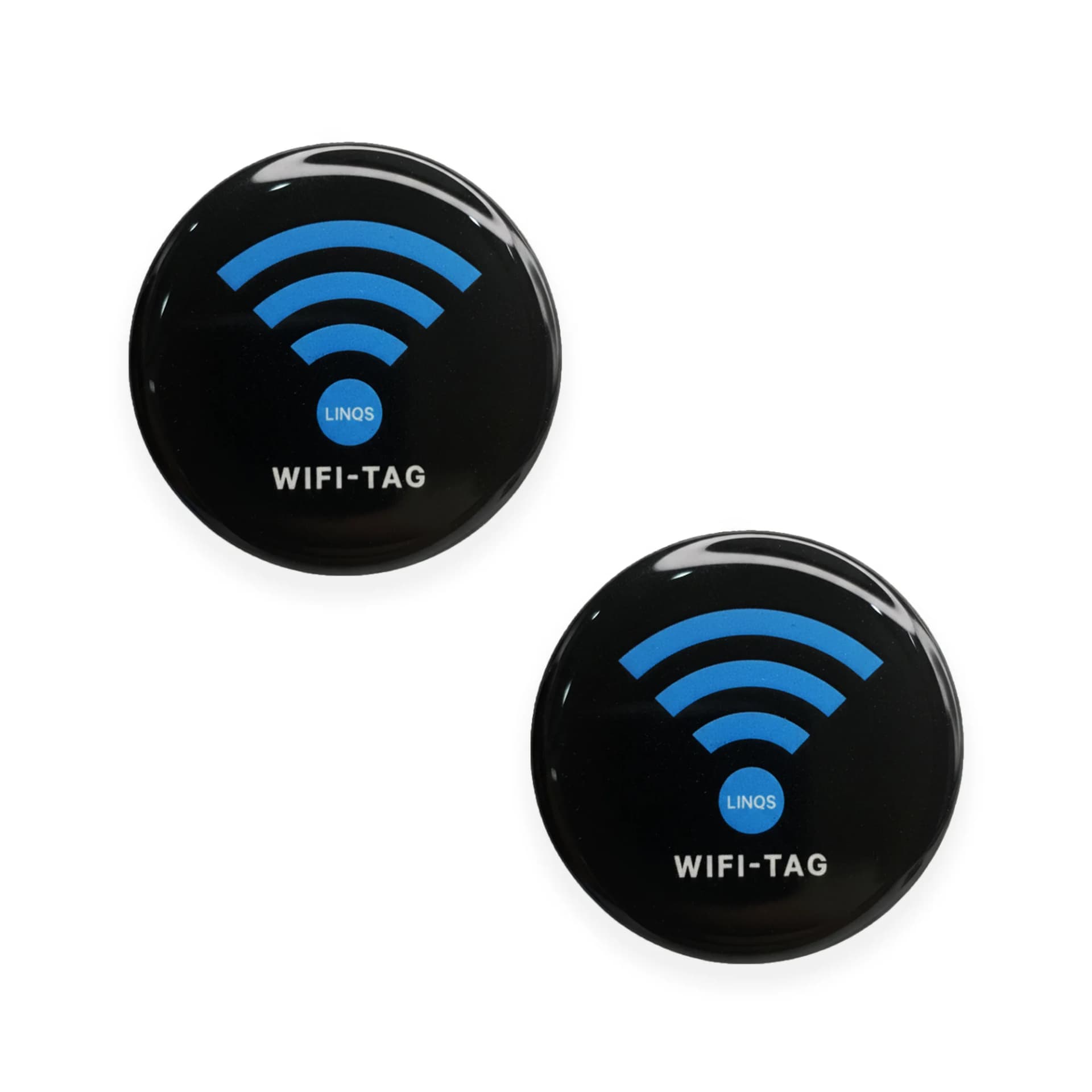
Share WiFi Instantly with NFC Tag
- 01Choose the network-sharing method for your guest phones.
- 02Encode and test the tag with your network details.
- 03Place it where guests can reach it; keep a QR fallback.
The Problem
Guests ask for the Wi-Fi password, you spell it out, they mistype it, you spell it again. Printed passwords get outdated. An NFC tag encoded with your Wi-Fi credentials lets anyone connect in one tap — Android auto-joins, iPhone opens settings with the network pre-filled.
Who This Is For
- Hotels and resorts
- Cafés and restaurants
- Co-working spaces and offices
- Airbnb and vacation rental hosts
What Opens on Tap
Wi-Fi auto-connect (Android)
Android phones with NFC join the network automatically. No password typing.
Wi-Fi settings pre-fill (iPhone)
iPhone opens Settings with the network name and password pre-filled. One tap to join.
Landing page with password
Fallback option: a simple page showing the Wi-Fi name and password for manual entry.
Where the Tag Goes
Room placard
In-room information card. Guest taps for Wi-Fi, room service menu, and local guide.
Reception desk
Standee or embedded tag. Guest connects while checking in.
Table tent
Small table-top sign at cafés and restaurants. "Tap for free Wi-Fi."
Wall-mounted sign
Near the entrance or seating area. Visible "Tap here for Wi-Fi" label.
Welcome card
Handed to the guest at check-in. Acts as a room key companion.
Best Tag Types for This Use Case
NFC sticker
Thin, cheap, sticks behind a placard or sign. Most common for Wi-Fi sharing.
Not durable enough for high-traffic public counters.
NFC card
Rigid card format. Works as a welcome card or table tent insert.
More expensive per unit than stickers.
NFC table standee
Freestanding acrylic standee with embedded tag. Premium look for cafés and lobbies.
Can be knocked over. Best for stable surfaces.
Epoxy NFC tag
Domed, durable, easy to clean. Good for wall-mount in public spaces.
Overkill for single-use welcome cards.
Quick Decision Rules
- 1Android guestsWi-Fi NDEF record auto-connects
- 2iPhone guestsWi-Fi NDEF opens settings, or use URL fallback
- 3Password changes oftenUse URL redirect to a page showing current password
- 4Want both NFC and QRPrint QR on the placard with NFC tag behind it
- 5Metal surfaceUse anti-metal tag or place on non-metal standee
Recommended Deployment Setups
Single room
- One tag per room. Encode with the room-specific or property-wide Wi-Fi credentials.
Hotel-wide rollout
- Tags in every room, lobby, restaurant. Same SSID or room-specific networks.
Café / restaurant
- Table tents or wall signs. Update the tag when the password changes.
Co-working / office
- Reception desk and meeting rooms. Separate guest and staff networks.
Common Mistakes to Avoid
- Expecting iPhone to auto-connect like Android (it does not — iPhone pre-fills settings)
- Not including a QR code fallback for older phones
- Encoding the wrong Wi-Fi password and not testing
- Placing the tag where guests cannot reach it (behind furniture, too high)
- Using WPA3 credentials when most phones only support WPA2
- Locking the tag before confirming the password is correct
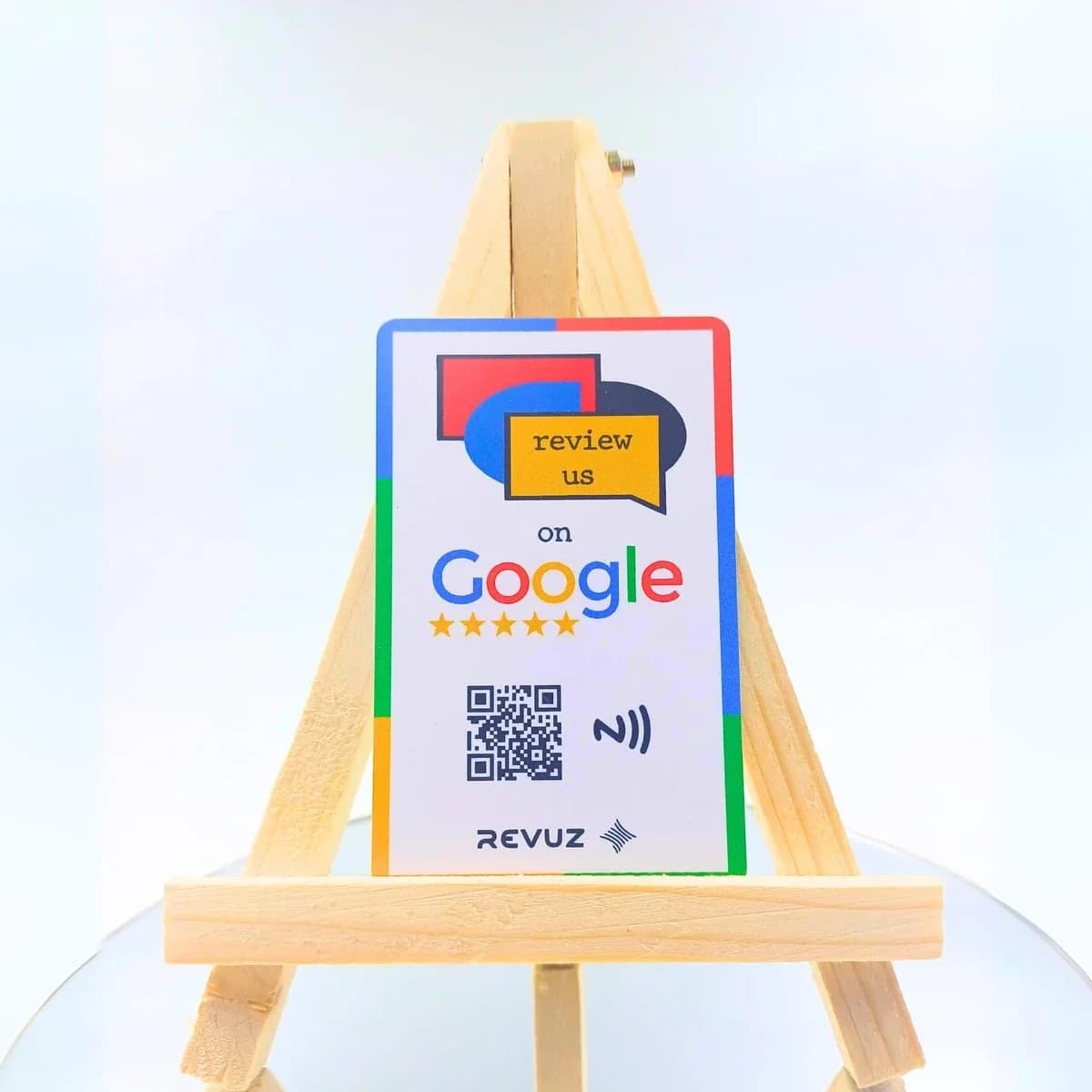
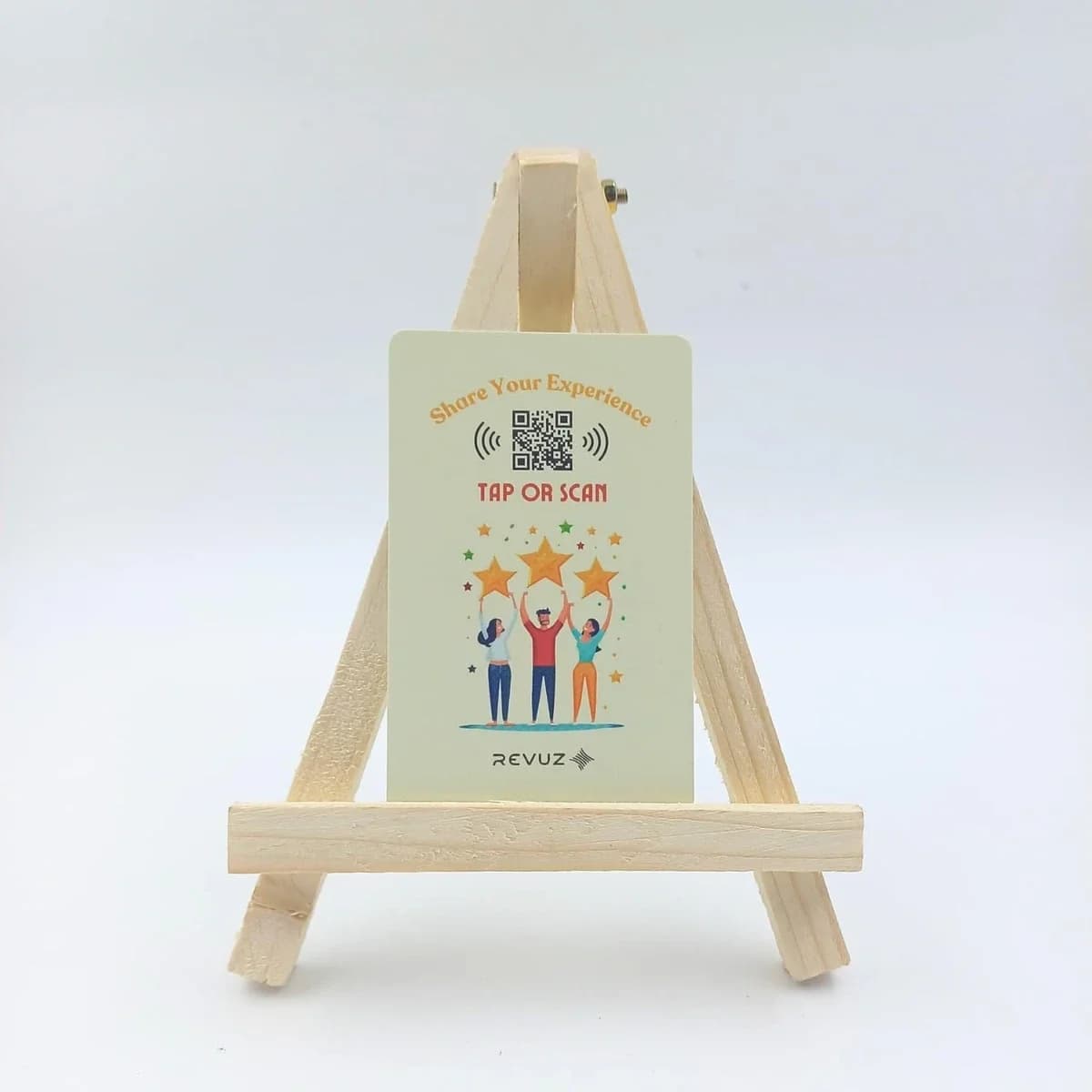
Revuz — Turn guest Wi-Fi taps into review taps at checkout
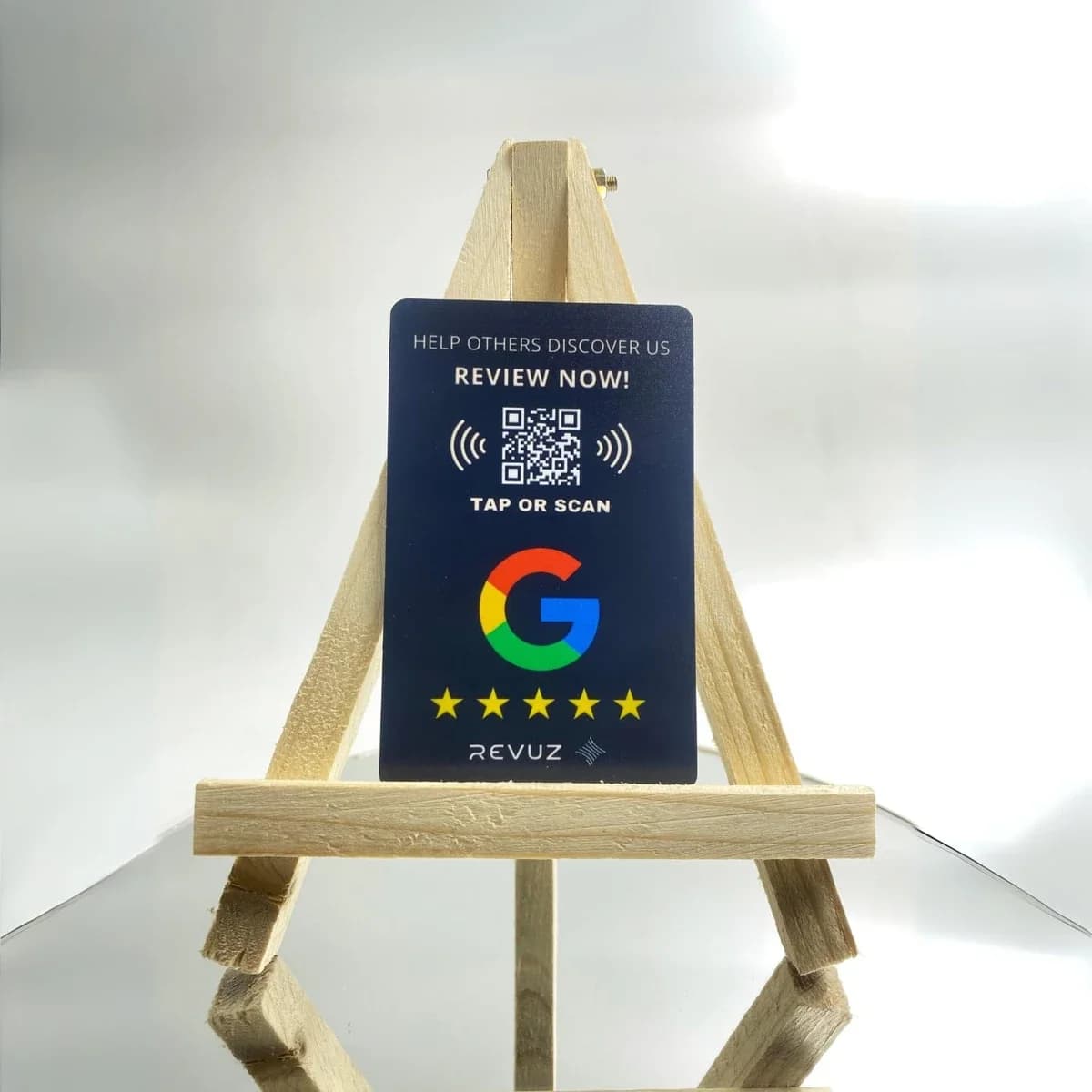
After guests connect and complete their visit, Revuz helps you capture Google reviews with the same tap-first experience. Ideal for cafés, hotels, reception desks, and guest-facing counters.
Why Revuz instead of a plain review tag?
Frequently Asked Questions
iPhone XS and later reads the tag automatically. It opens Wi-Fi settings with the network pre-filled. The user taps "Join" — no password typing.
Rolling out Wi-Fi tags across rooms or locations?
We supply pre-encoded NFC tags with your Wi-Fi credentials. Cards, stickers, or standees — order from 25 units.