
WiFi NFC Tags - One-Tap Guest WiFi, No App
Stop spelling your WiFi password.
Guests tap. They connect. Done.
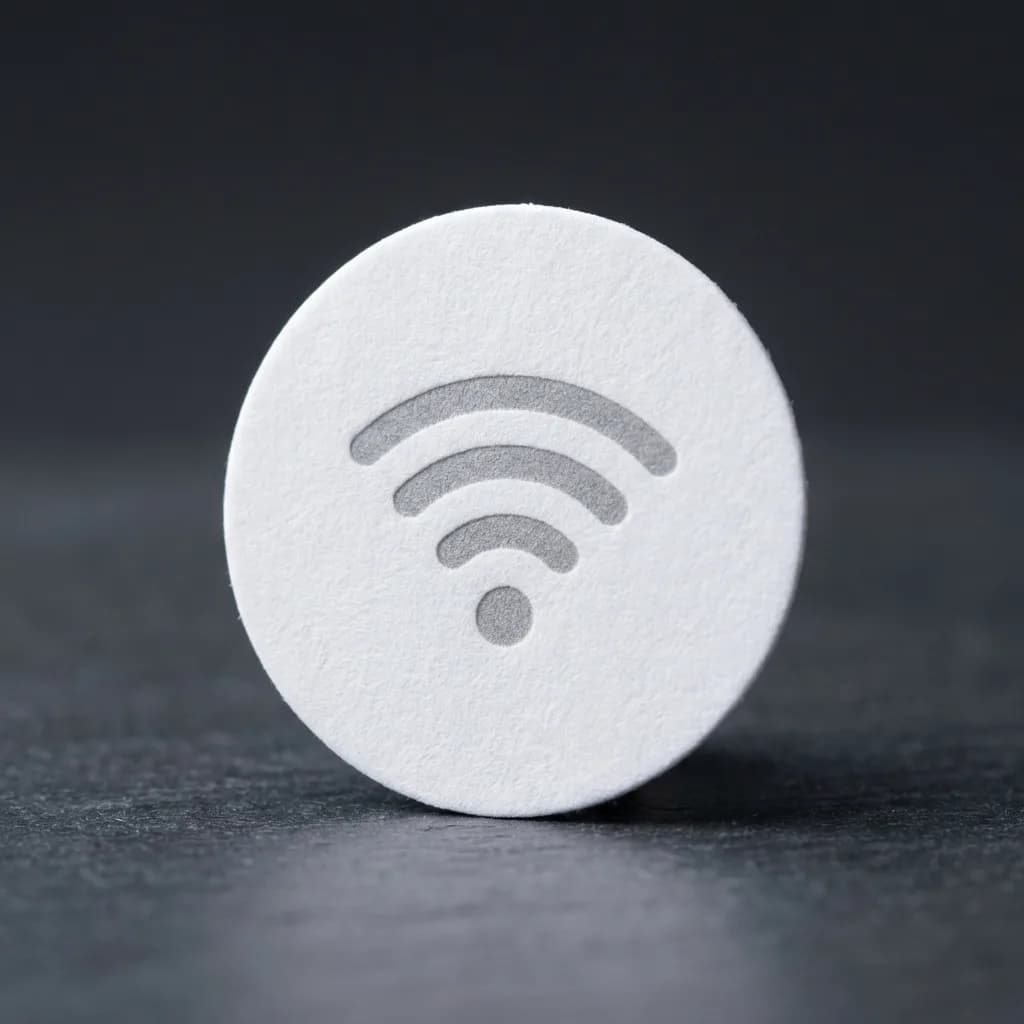
No technical knowledge needed. If you can type your WiFi password, you can set this up.
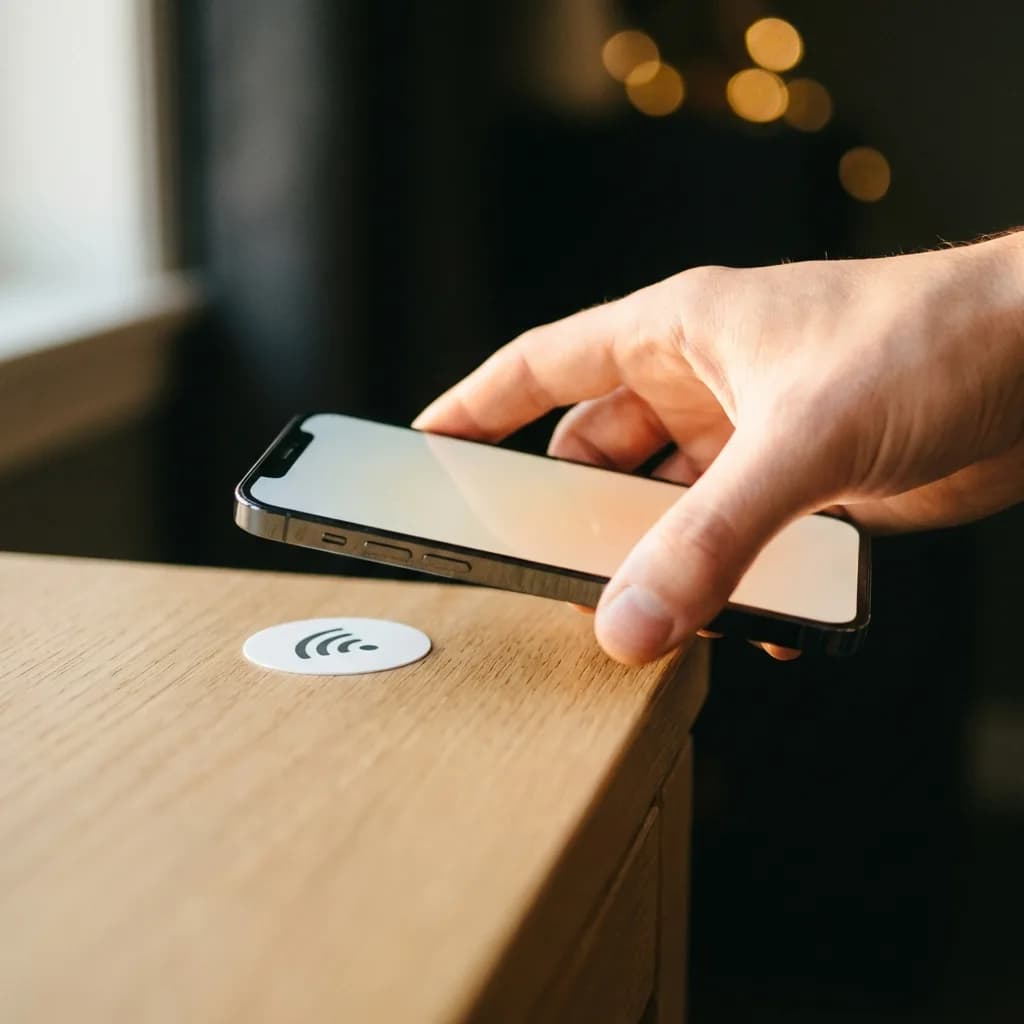
Open the setup page
Tap the sticker with your phone. A simple form opens.
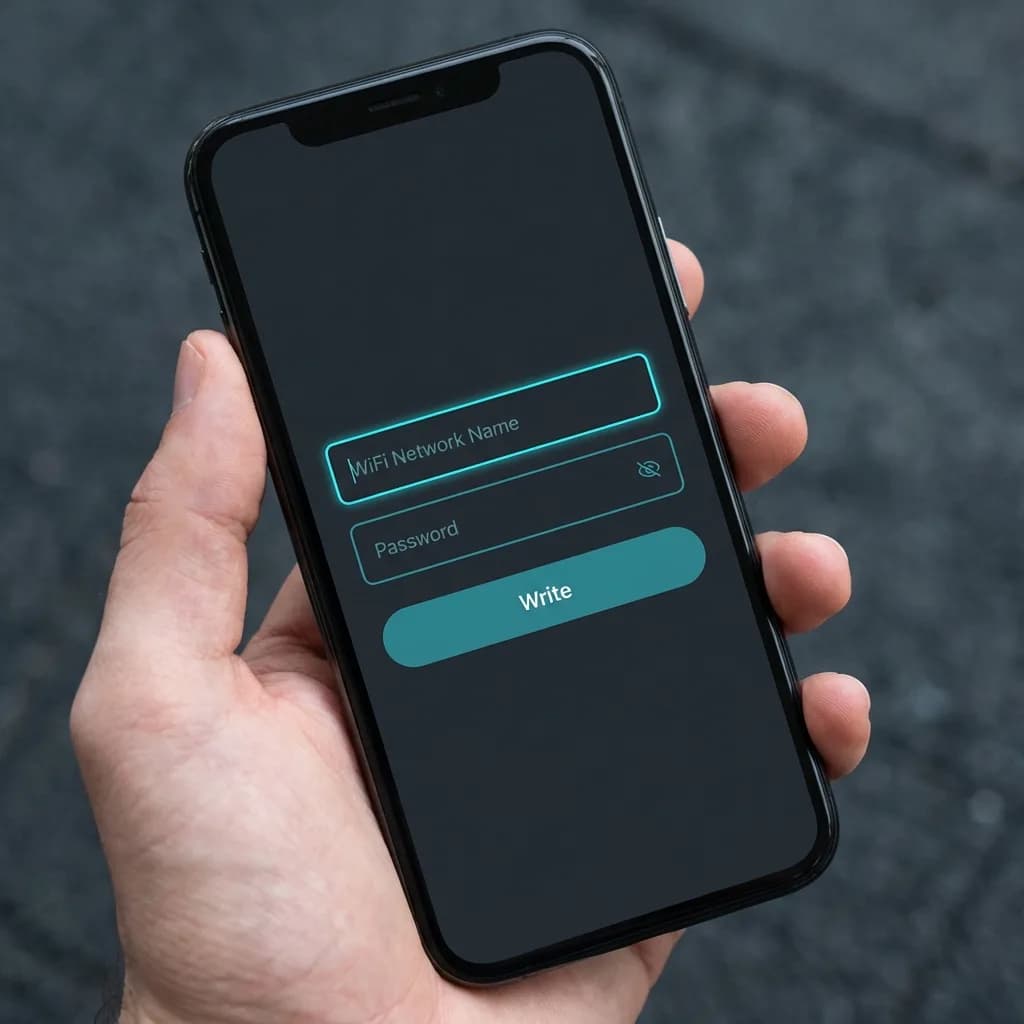
Type your WiFi details
That's it. Just two fields.
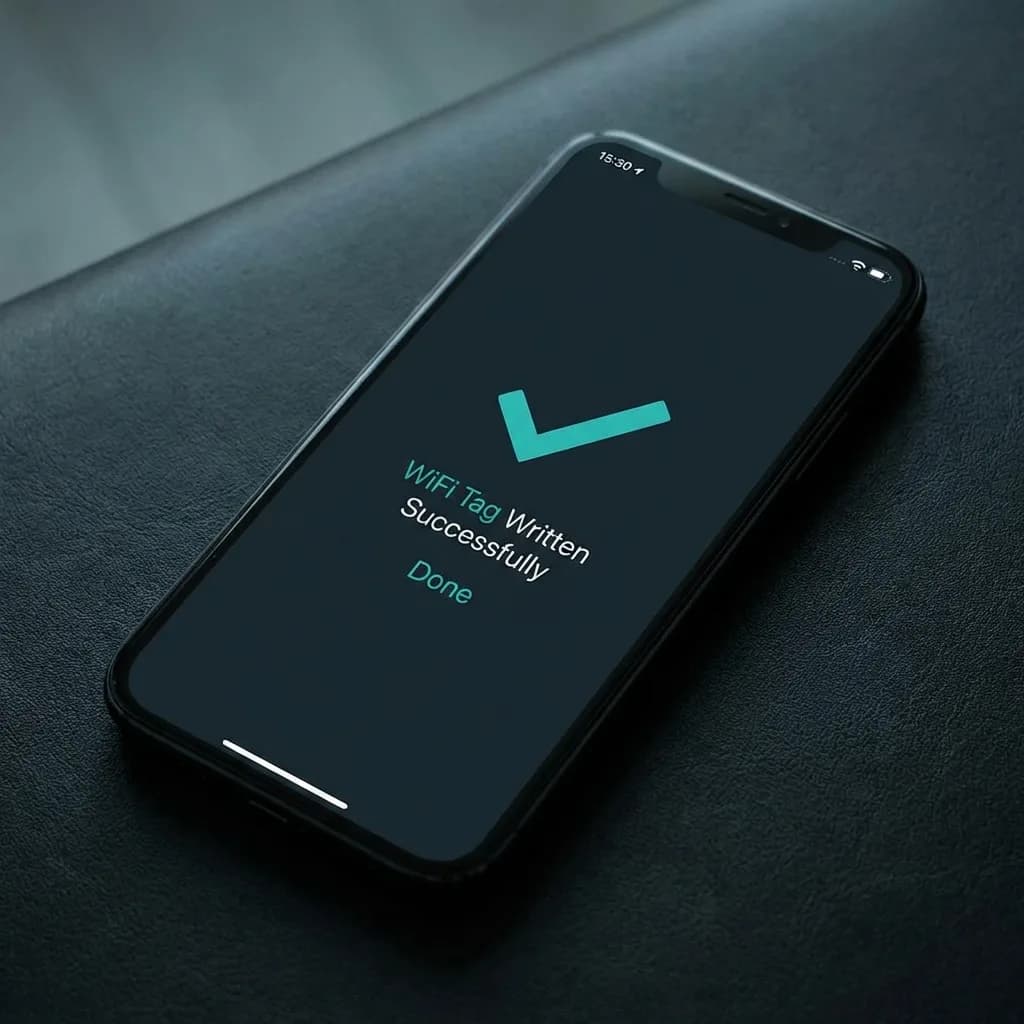
Tap "Write" and hold
Done. Your WiFi tag is ready.
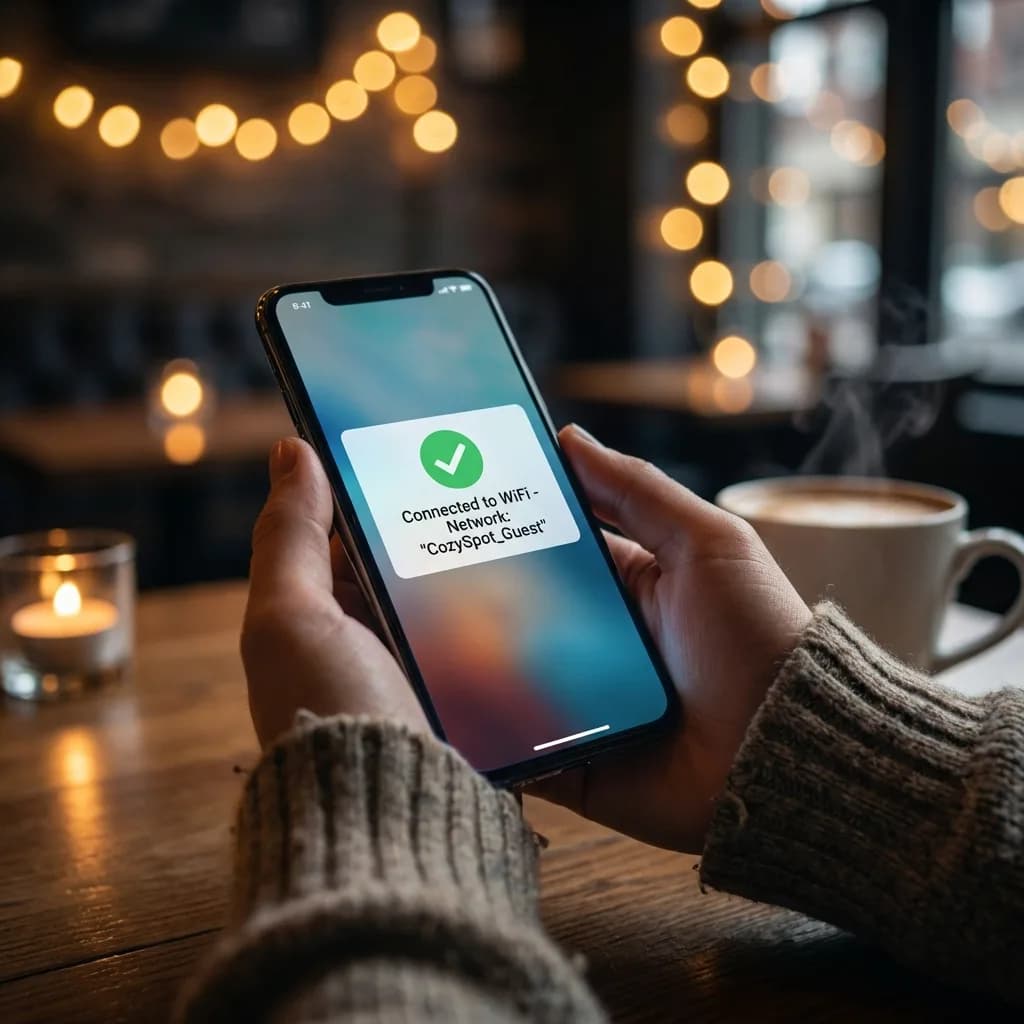
Guests tap to connect
No passwords spoken. No typing. No asking.
Hotels & BnBs
5-star WiFi for every guest
Cafes
Your staff will thank you
Offices
Visitors connect themselves
Homes
End the password dance
Clinics
Patients stay calm, connected
Retail
WiFi that keeps them shopping
Android and iPhone
- Android: tap the sticker and join
- iPhone XS and later: tap opens a join page
- Set it up once with an NFC Android phone
Password Stays Private
- Guests connect without seeing the password
- No more screenshots floating around
- Your network stays secure
Zero Tech Skills
- No apps to install
- No manuals to read
- Just type your password and tap
Set It and Forget It
- No batteries. No charging.
- Stick it once. It just works.
- For years.
1 lakh+ orders shipped since 2014
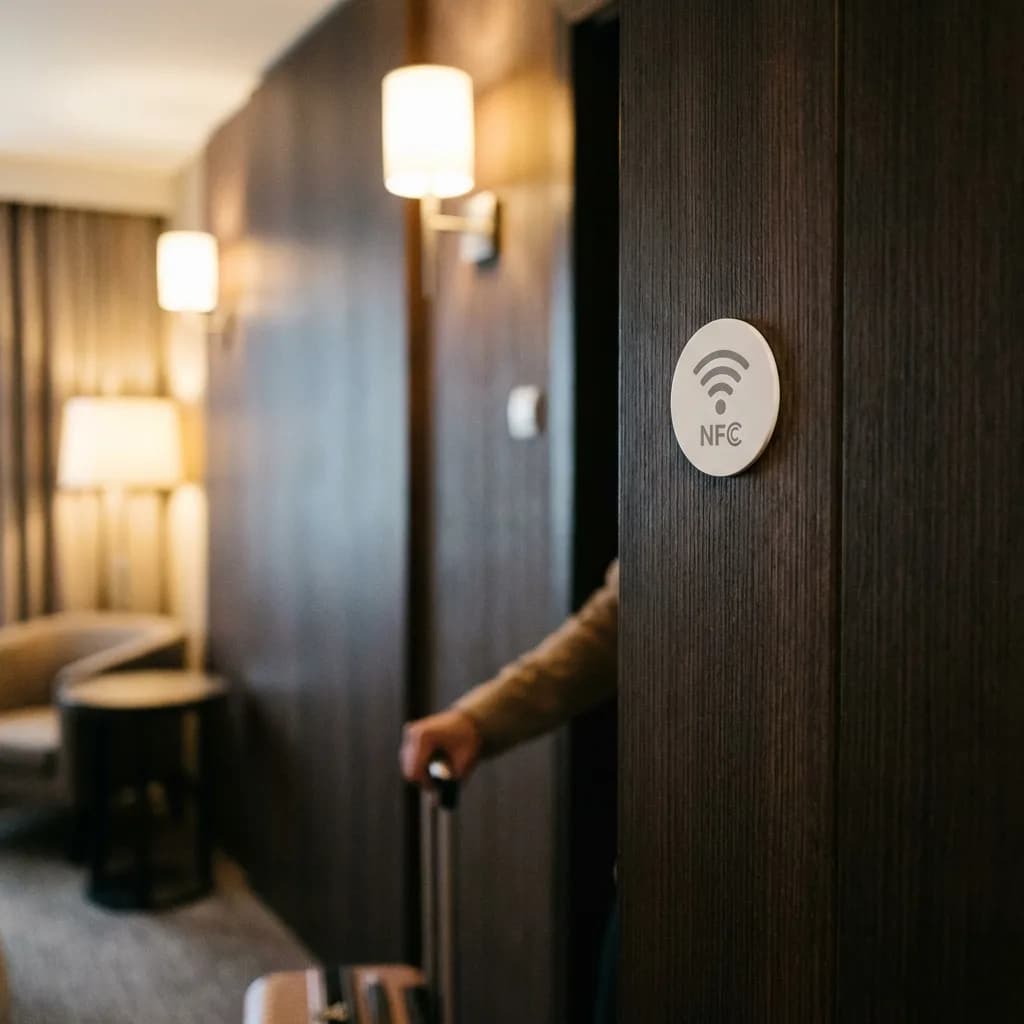
By the entrance
First thing guests see
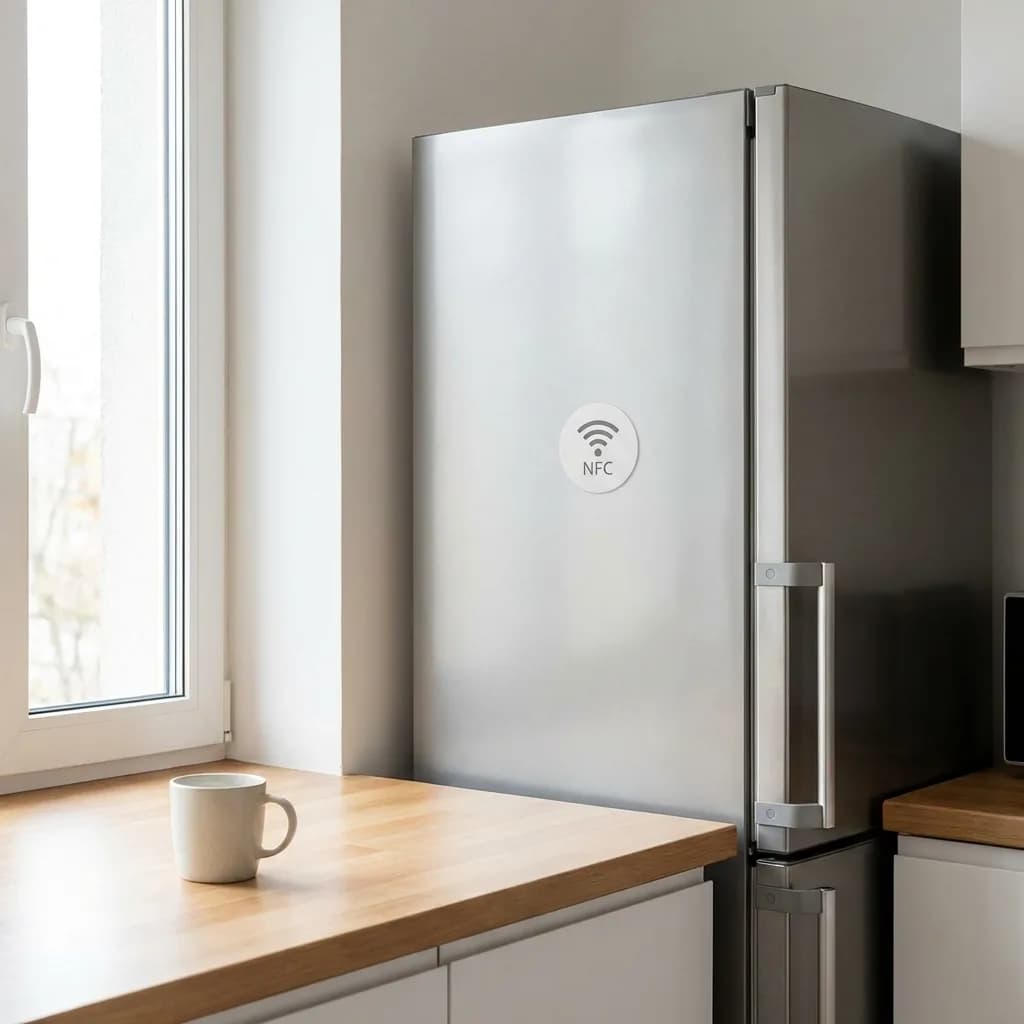
On the fridge
Can't be missed
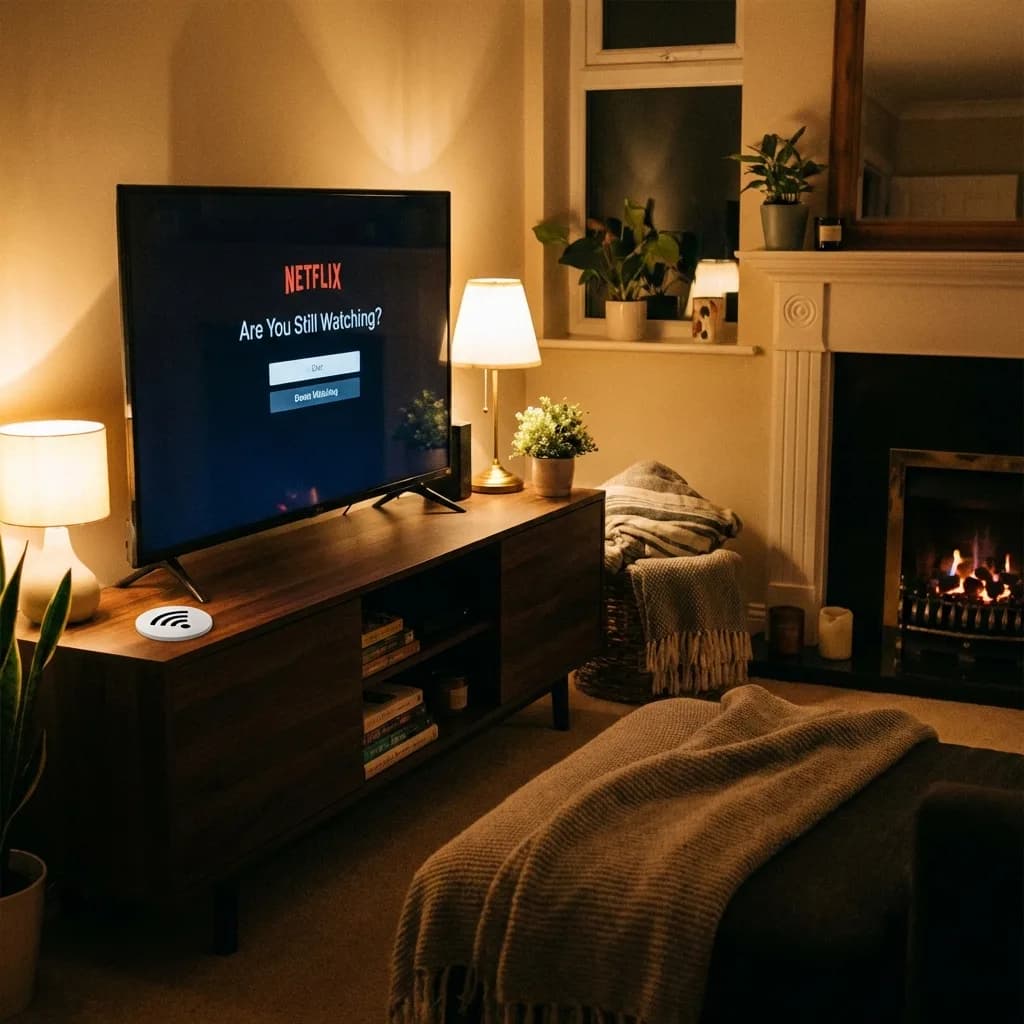
Near the TV
Streaming needs WiFi
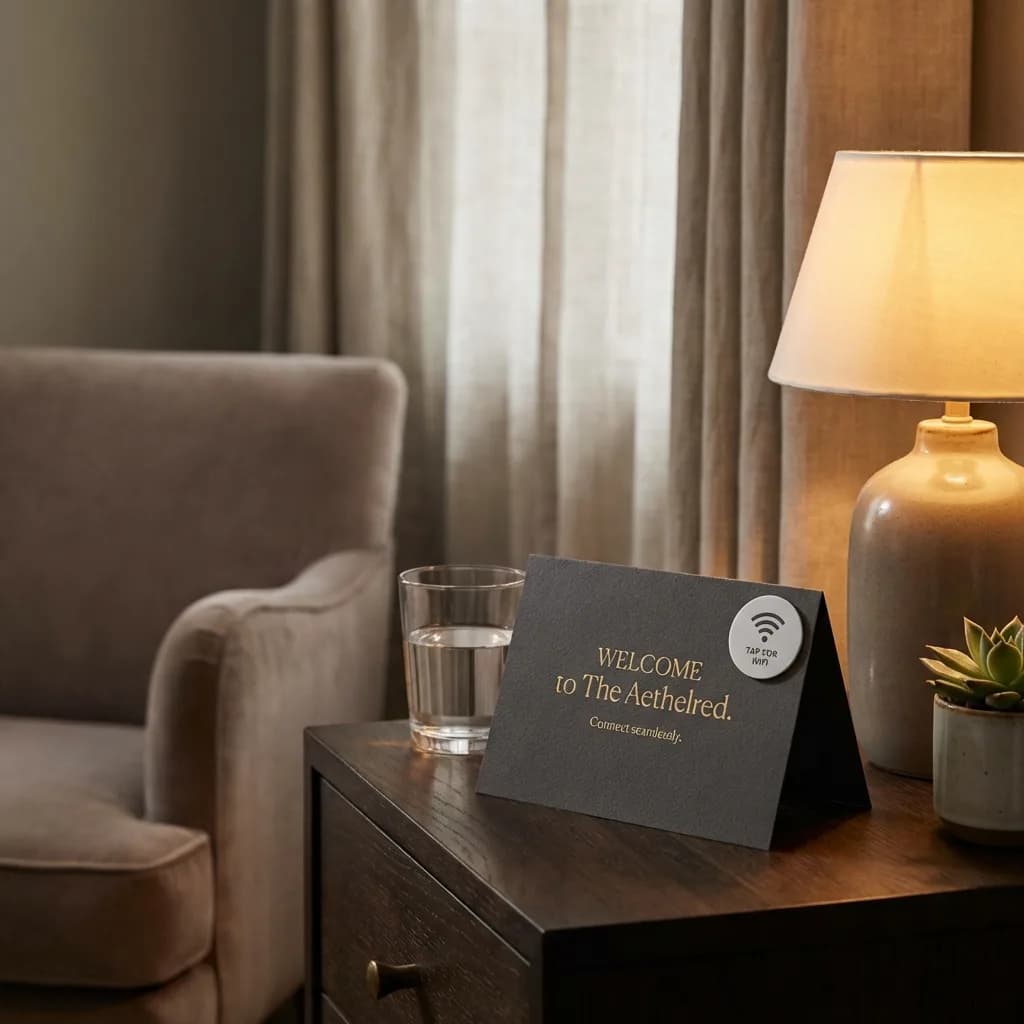
On welcome cards
Take it to their room
Ships in 1 day • Lifetime product, zero subscription
NFC is the same technology used for contactless payments. You don't need to understand how it works. Just tap the sticker with your phone.
Ready to stop spelling passwords?
SEE THE IDEA IN ACTION
Welcome guests to Wi-Fi
Less password typing. More settling in. A Wi-Fi tag and a phone that supports its setup.
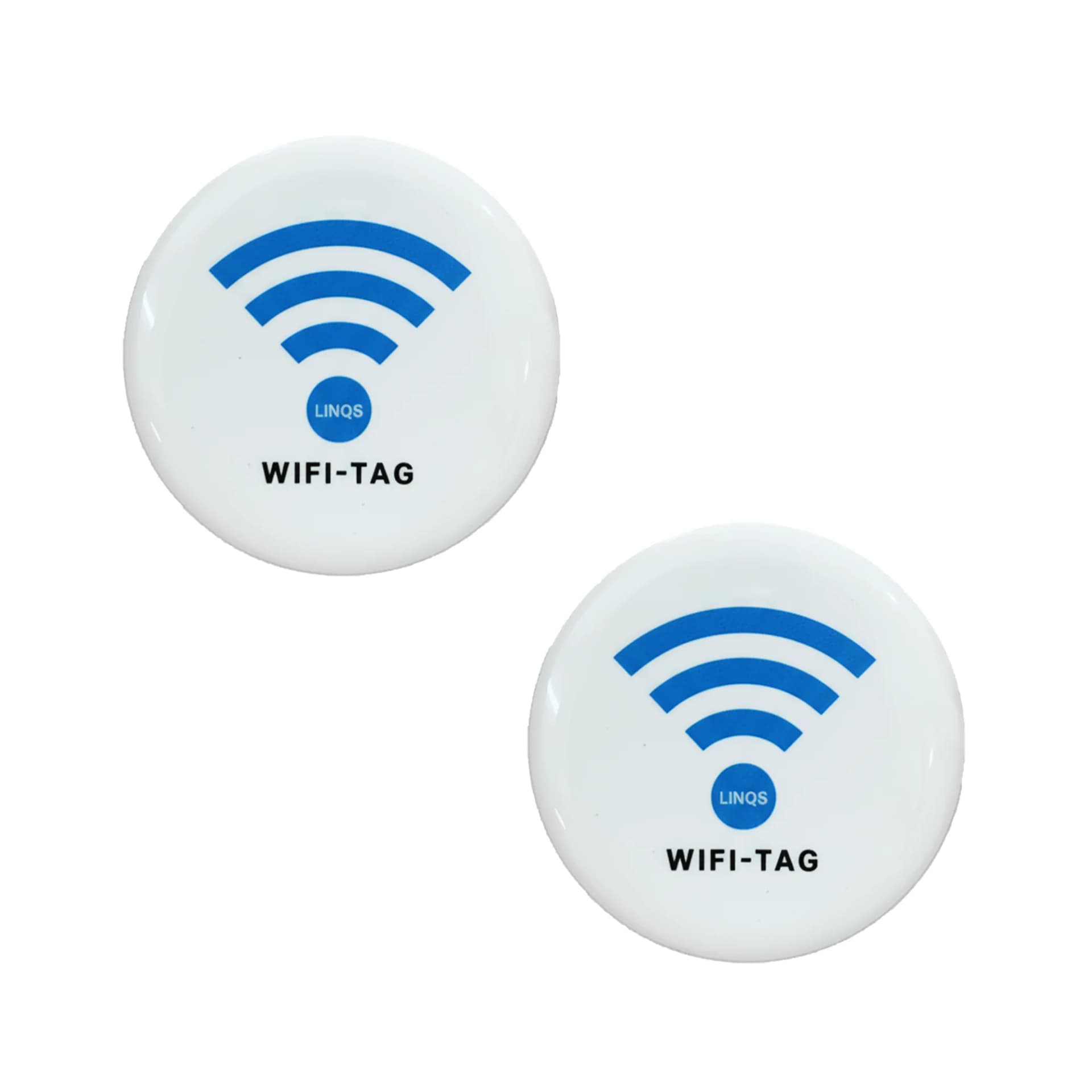
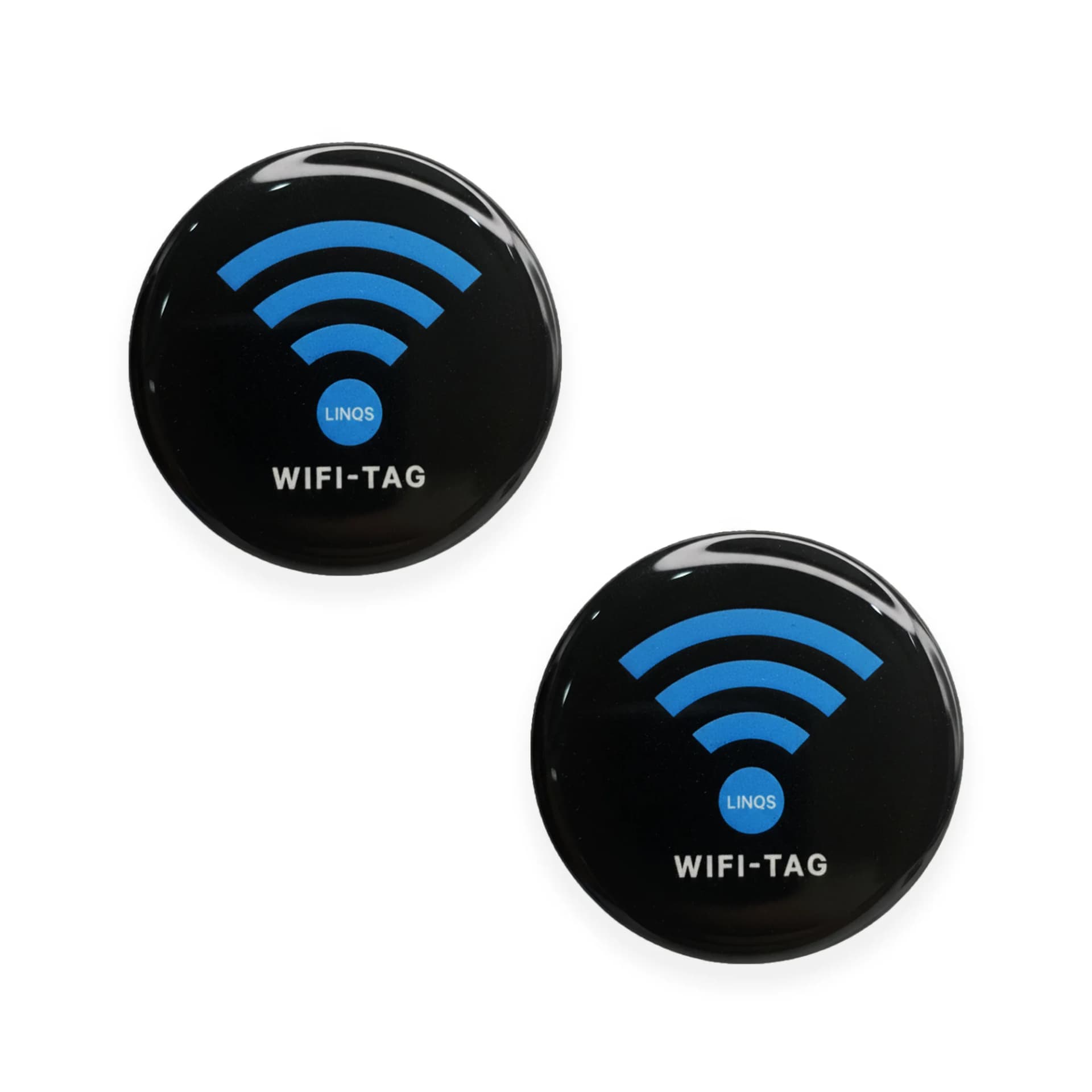
Share WiFi Instantly with NFC Tag
- 01Choose the network-sharing method for your guest phones.
- 02Encode and test the tag with your network details.
- 03Place it where guests can reach it; keep a QR fallback.