
NFC Hotel Room & Guest Journey Tags
Use CaseOne room, multiple tap points — Wi-Fi, menu, reviews, local guide

At a glance
NFC tags for hotel rooms: Wi-Fi, room service menu, local guide, review prompt, and guest feedback. One room, multiple tap experiences.
The Problem
Hotel rooms have paper menus, laminated Wi-Fi cards, and QR codes that nobody scans. Guests want instant access on their phone — Wi-Fi, room service, local tips, checkout info. NFC tags on the room placard, bedside, and bathroom mirror turn the room into a digital concierge.
Who This Is For
- Hotels and resorts
- Boutique and heritage properties
- Airbnb and vacation rental hosts
- Hostel and serviced apartment operators
What Opens on Tap
Guest landing page
One page with everything: Wi-Fi, menu, local guide, checkout, feedback. Room-specific.
Wi-Fi auto-connect
Android auto-joins. iPhone pre-fills credentials. No password typing.
Room service menu
Digital menu with photos. Tap to order via WhatsApp or form.
Local area guide
Curated recommendations: restaurants, attractions, transport, emergency.
Review prompt
Post-checkout tag in the lobby. "Enjoyed your stay? Tap to leave a Google review."
Where the Tag Goes
Room placard (nightstand)
Primary tag. Guest taps for Wi-Fi, menu, and room info — all from one card.
Bathroom mirror area
Tag for spa menu, amenities request, or housekeeping call.
TV console or desk
Tag for entertainment guide, checkout info, or feedback form.
Welcome card (check-in)
Handed at reception. Tap for property guide, Wi-Fi, and emergency contacts.
Restaurant or lobby
Common area tags for menu, events calendar, or review prompt.
Best Tag Types for This Use Case
NFC card (branded)
Rigid card with hotel branding. Place on nightstand or in welcome folder. Premium feel.
Can be taken by guests as souvenir. Budget for replacements.
NFC sticker
Stick behind a placard, mirror decal, or desk sign. Invisible, permanent.
Less premium than a branded card. Hard to replace if it fails.
NFC table standee
Freestanding display on the desk or nightstand. Clear "Tap here" instruction.
Can be knocked over. May not fit the room aesthetic.
Quick Decision Rules
- 1Single tag per roomLanding page with all info (Wi-Fi, menu, guide, feedback)
- 2Multiple tags per roomSeparate tags for Wi-Fi, menu, and feedback
- 3Premium propertyBranded NFC card on nightstand
- 4Budget propertyNFC sticker behind existing placard
- 5Want reviewsDedicated tag at checkout linking to Google review page
Recommended Deployment Setups
Single property
- Start with one room type. One tag per room linking to a room-specific landing page.
Chain-wide rollout
- Standard tag placement across all properties. Localised landing pages per hotel.
Airbnb / rental
- Welcome card with Wi-Fi, house rules, and local tips. Handed or left on the counter.
Lobby and common areas
- Review prompt at checkout. Menu at the restaurant. Events board at the lobby.
Common Mistakes to Avoid
- Too many tags in one room (guests get confused — start with one or two)
- Landing page not mobile-optimised (guests use phones, not laptops)
- Wi-Fi credentials on the tag are outdated (update tags when password changes)
- No visual instruction ("Tap here" label is essential)
- Not collecting guest feedback (add a review/feedback link to the landing page)
- Ignoring iPhone behaviour (Wi-Fi does not auto-connect on iPhone — explain the one extra tap)
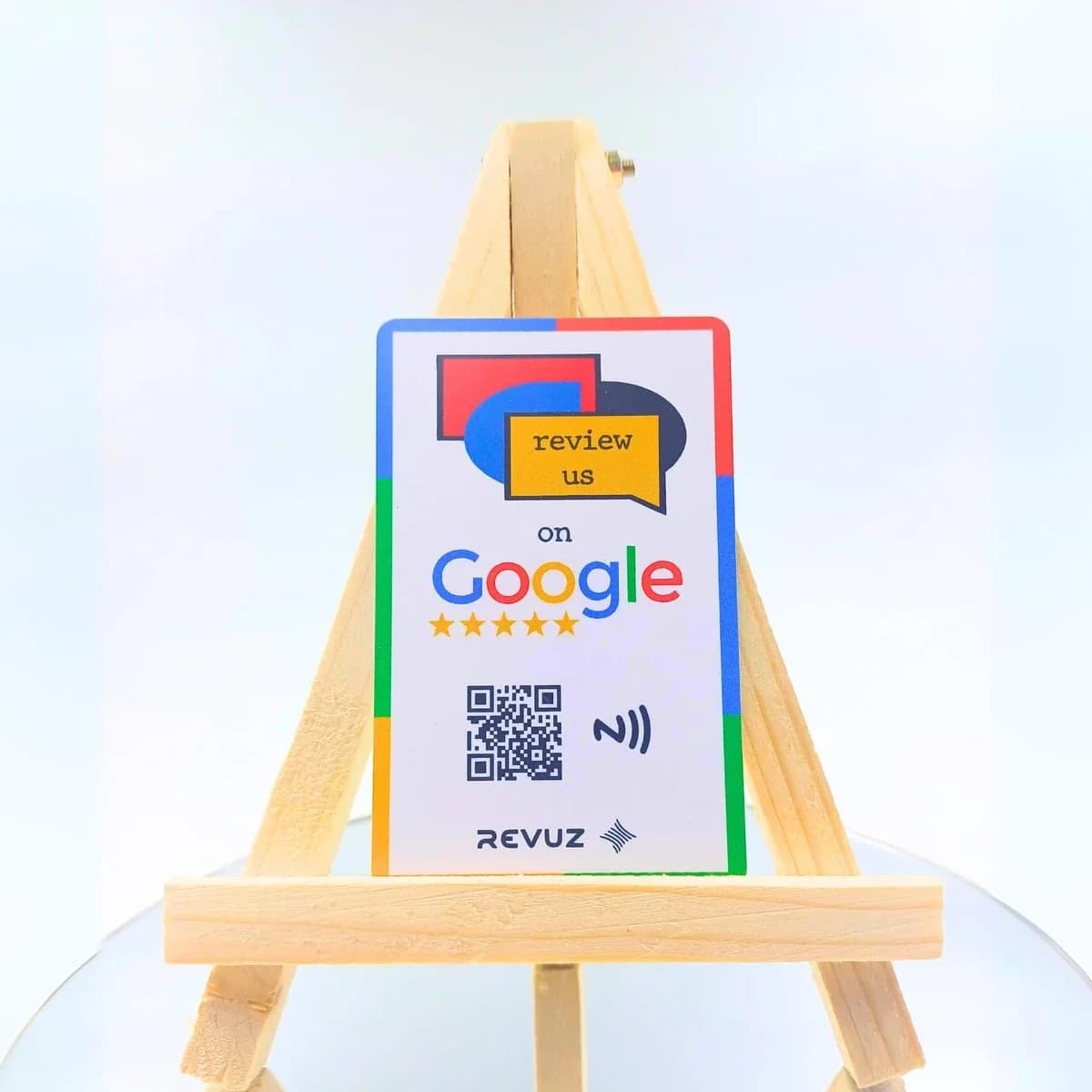
Revuz — Tap-to-Review Cards for Hotels & Restaurants
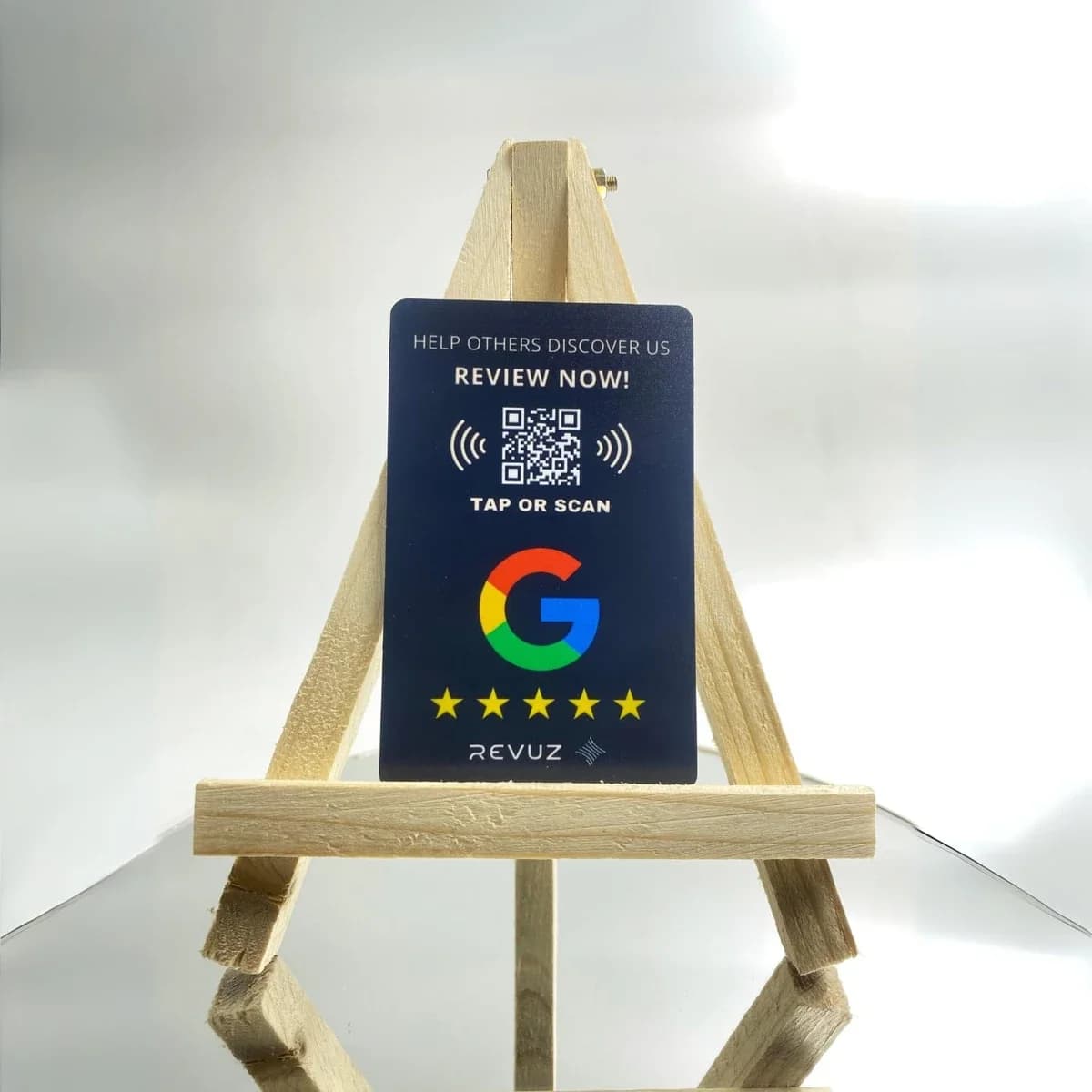
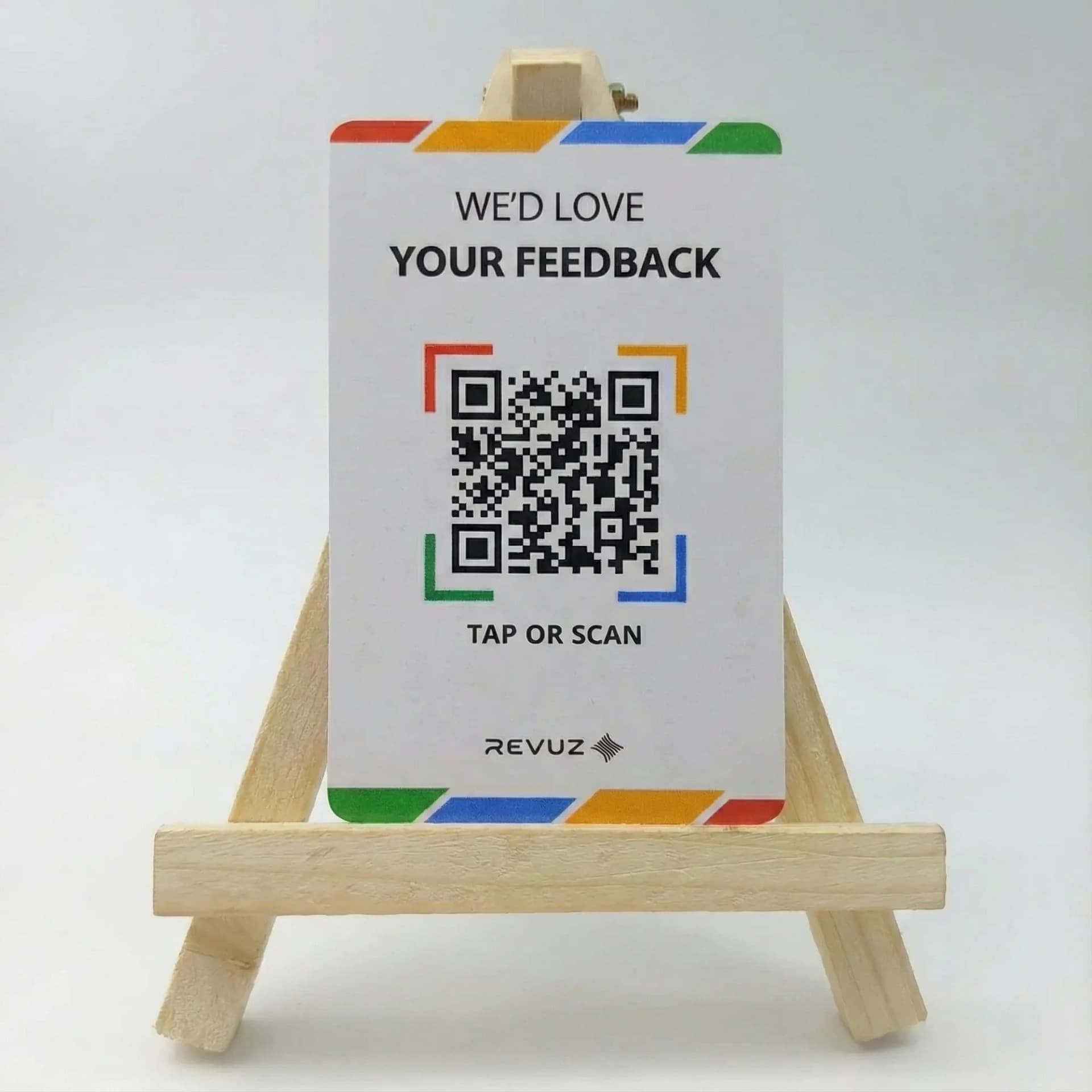
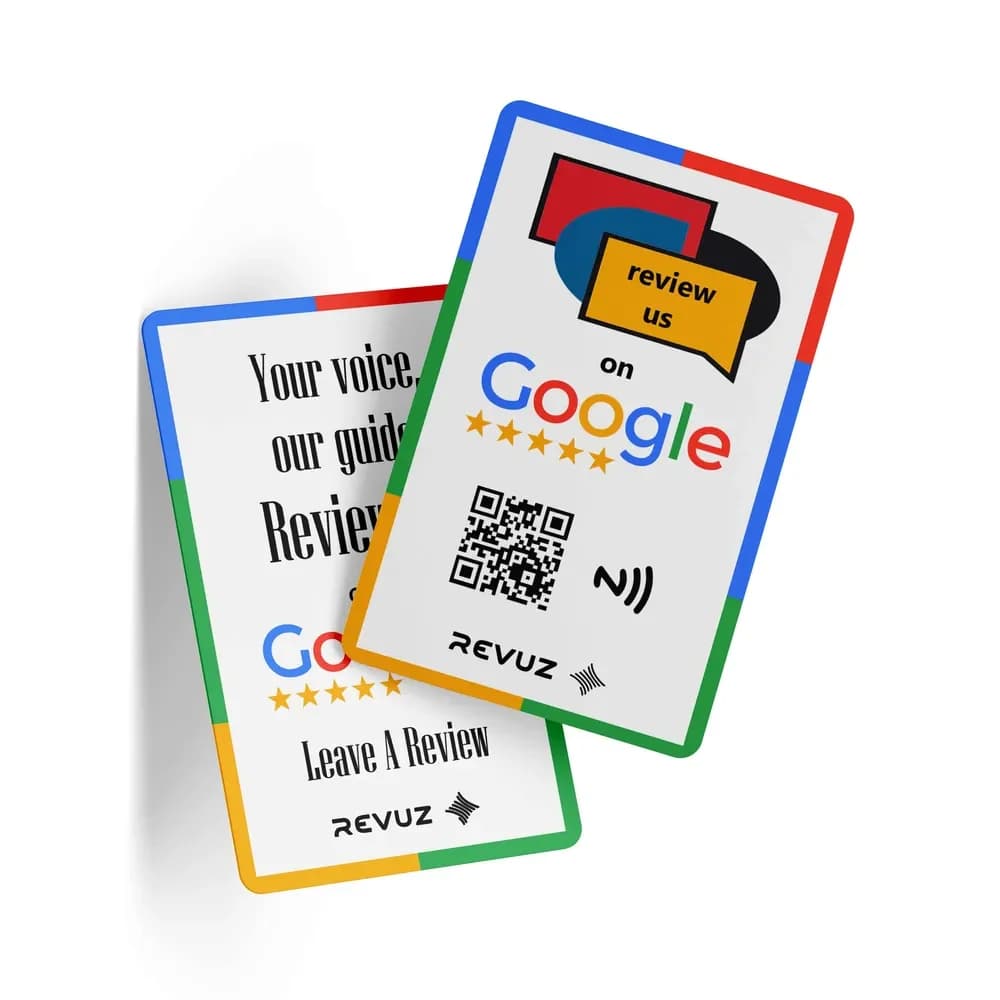
Place Revuz NFC standees at checkout or the front desk to collect Google reviews from guests. One tap opens your review page — no QR scanning needed.
Why Revuz instead of a plain review tag?
Frequently Asked Questions
Start with one. A single tag on the nightstand linking to a landing page covers Wi-Fi, menu, and guide. Add more only if the guest journey needs it.
Equipping hotel rooms with NFC?
We supply pre-encoded NFC tags for room placards, welcome cards, and guest journey touchpoints. Volume pricing for properties.