
NFC Event Check-In & Attendance Tags
Use CaseOne tap replaces manual sign-in sheets and slow QR scanning

At a glance
NFC badges and tags for event check-in, attendee tracking, booth engagement, and contact exchange. One tap replaces manual registration.
The Problem
Event check-in queues are slow. QR scanning requires opening a camera, focusing, and waiting. Paper sign-in sheets are illegible and hard to digitise. An NFC badge or desk tag lets attendees tap to check in, exchange contacts, or engage with booths — instantly.
Who This Is For
- Event organizers and conference planners
- Corporate training and workshop managers
- Trade show booth operators
- HR teams tracking internal event attendance
What Opens on Tap
Check-in confirmation
Attendee taps at entry. System logs arrival with timestamp.
Contact exchange
Two attendees tap badges to exchange digital contact cards.
Session registration
Tap at the room door to register for that session. Tracks capacity.
Booth lead capture
Visitor taps the booth tag. Exhibitor gets the visitor's details.
Feedback form
Quick post-session survey. Tap to open, rate, submit.
Where the Tag Goes
Attendee badge (lanyard card)
Each attendee gets an NFC badge. Tap at entry, sessions, and booths.
Registration desk
Fixed NFC tag at the desk. Attendee taps phone to self-check-in.
Session room door
Tag at each room entrance. Tap to log attendance for that session.
Booth panel
Exhibitor booth tag. Visitors tap to get product info or exchange contacts.
Feedback standee
Post-event or post-session feedback. Tap to open a quick survey.
Best Tag Types for This Use Case
NFC card (badge format)
Standard badge size with lanyard slot. Pre-printed with event branding.
Higher per-unit cost. Order only what you need — badges are single-event use.
NFC sticker
Stick on existing badges, name tags, or printed lanyards. Cheapest option.
Less premium feel than a branded NFC card.
NFC wristband
Silicone wristband for outdoor events, festivals, and multi-day conferences.
Overkill for a half-day indoor workshop.
NFC table standee
For booth engagement or self-check-in desks. Freestanding.
Can be knocked over in busy areas. Secure to the surface.
Quick Decision Rules
- 1Premium conferenceBranded NFC cards as badges
- 2Budget eventNFC stickers on printed name tags
- 3Outdoor festivalNFC wristbands
- 4Booth engagementStandee or embedded tag at each booth
- 5Contact exchangeEncode attendee vCard on badge (needs NTAG216 for photo)
Recommended Deployment Setups
Single-day conference
- Pre-encoded badges mailed or handed at registration. Tap-to-check-in at entry.
Multi-day event
- Same badge works all days. Track daily attendance and session participation.
Trade show
- Attendee badges + booth tags. Lead scanning for exhibitors.
Internal corporate event
- NFC stickers on existing employee badges. Log attendance for compliance.
Common Mistakes to Avoid
- Not testing the check-in system before the event starts
- Using NTAG213 for vCards with photos (not enough memory — use NTAG216)
- No fallback for attendees without NFC phones
- Encoding badges the morning of the event (do it days before)
- Not training registration staff on how the tap works
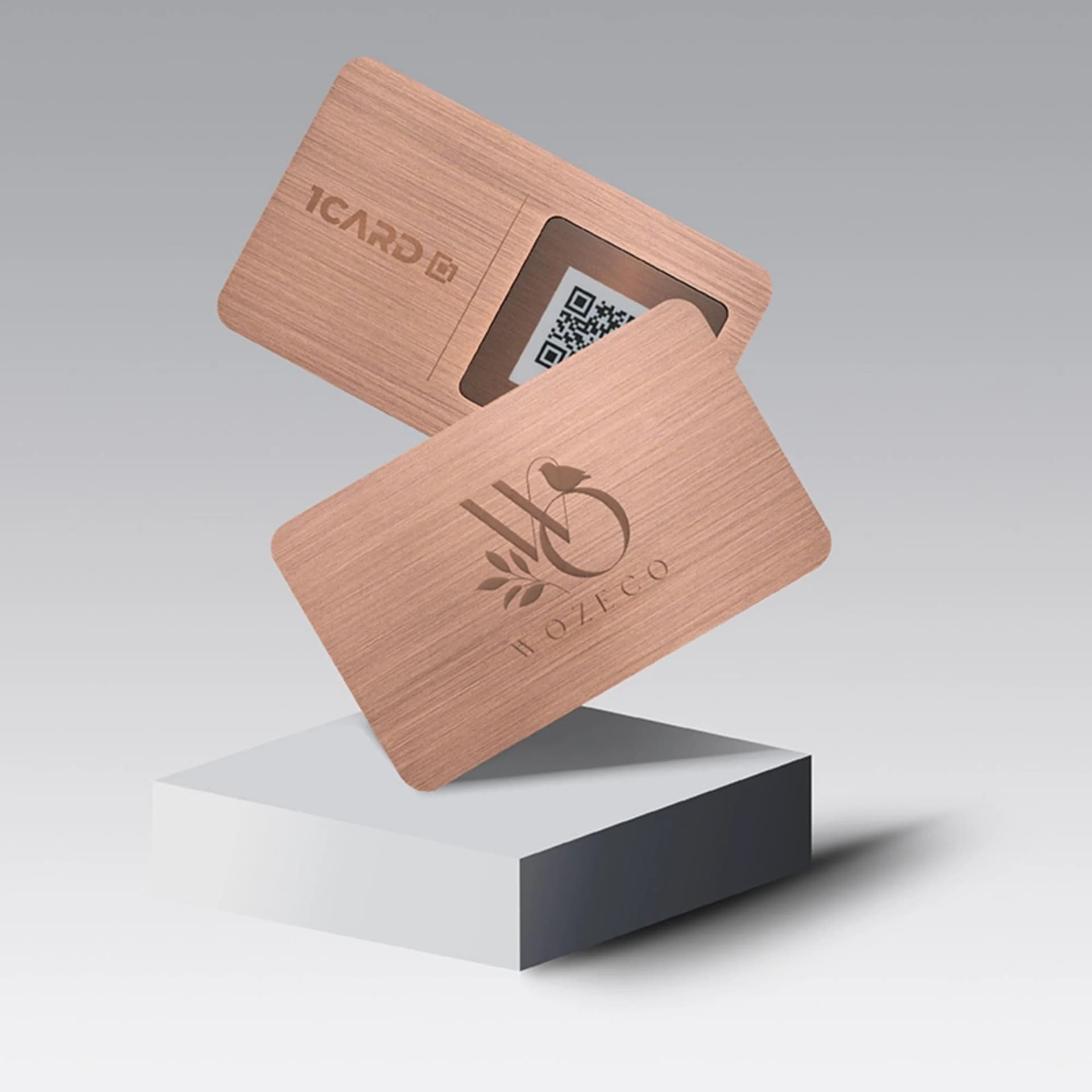
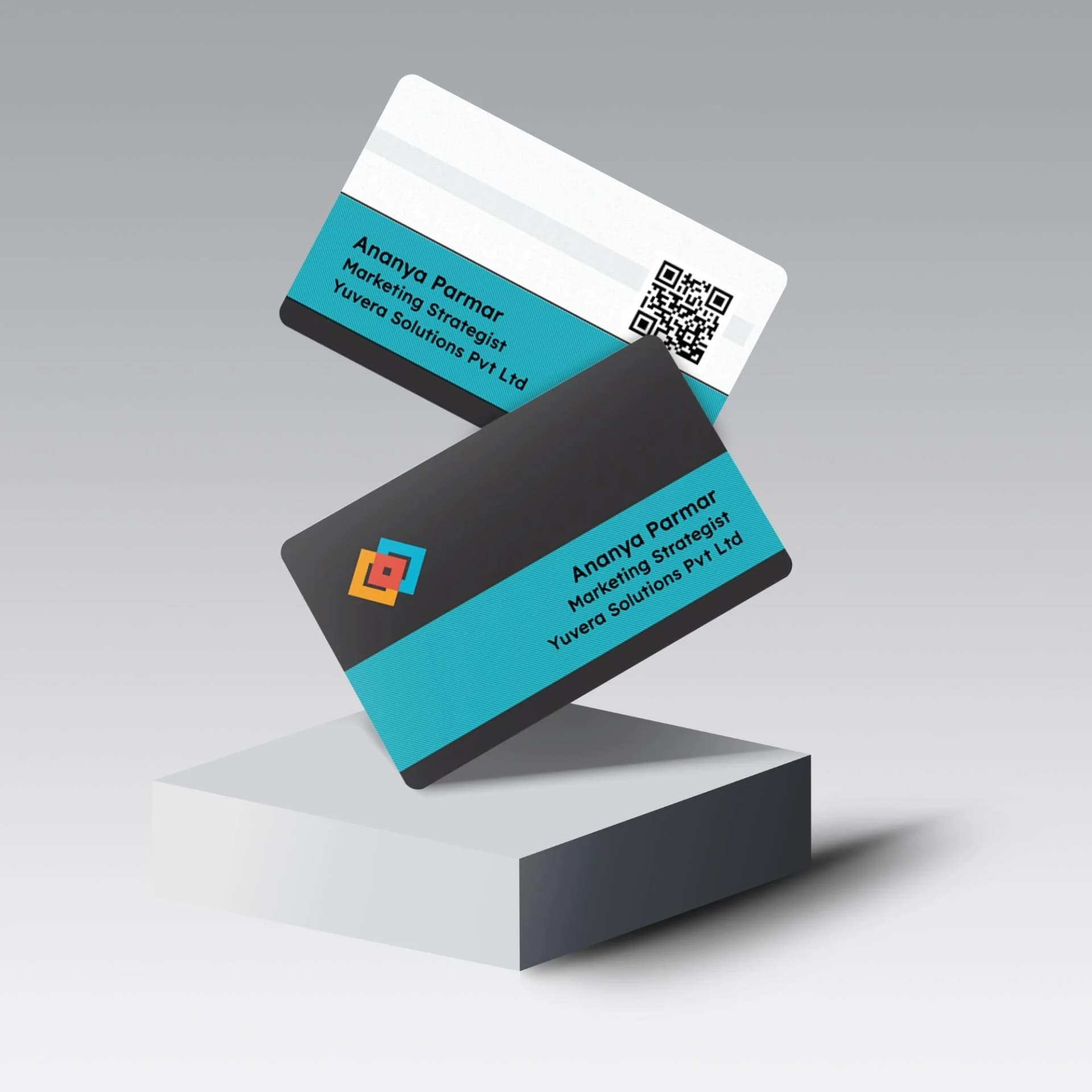
1Card — NFC Business Cards for Networking Events
Give attendees and speakers a reusable NFC business card. One tap shares contact details, LinkedIn profile, or portfolio — no paper needed.
Why 1Card instead of a blank NFC card?

Frequently Asked Questions
Use an NFC encoding app with batch mode, or a desktop USB encoder. Encode each badge with a unique attendee URL.
Running an NFC-enabled event?
We supply pre-encoded NFC wristbands, badges, and stickers for your event check-in system. Volume pricing available.