
NFC UPI & Payment Tags
Use CaseCustomer taps. UPI payment screen opens. No scanning, no typing.

At a glance
NFC tags that open UPI payment apps. For restaurant tables, donation counters, service desks, and event booths. Tap to see payment details.
SEE THE IDEA IN ACTION
Open the payment step
A tap can open a link. You approve payment. An NFC tag and a supported payment link.
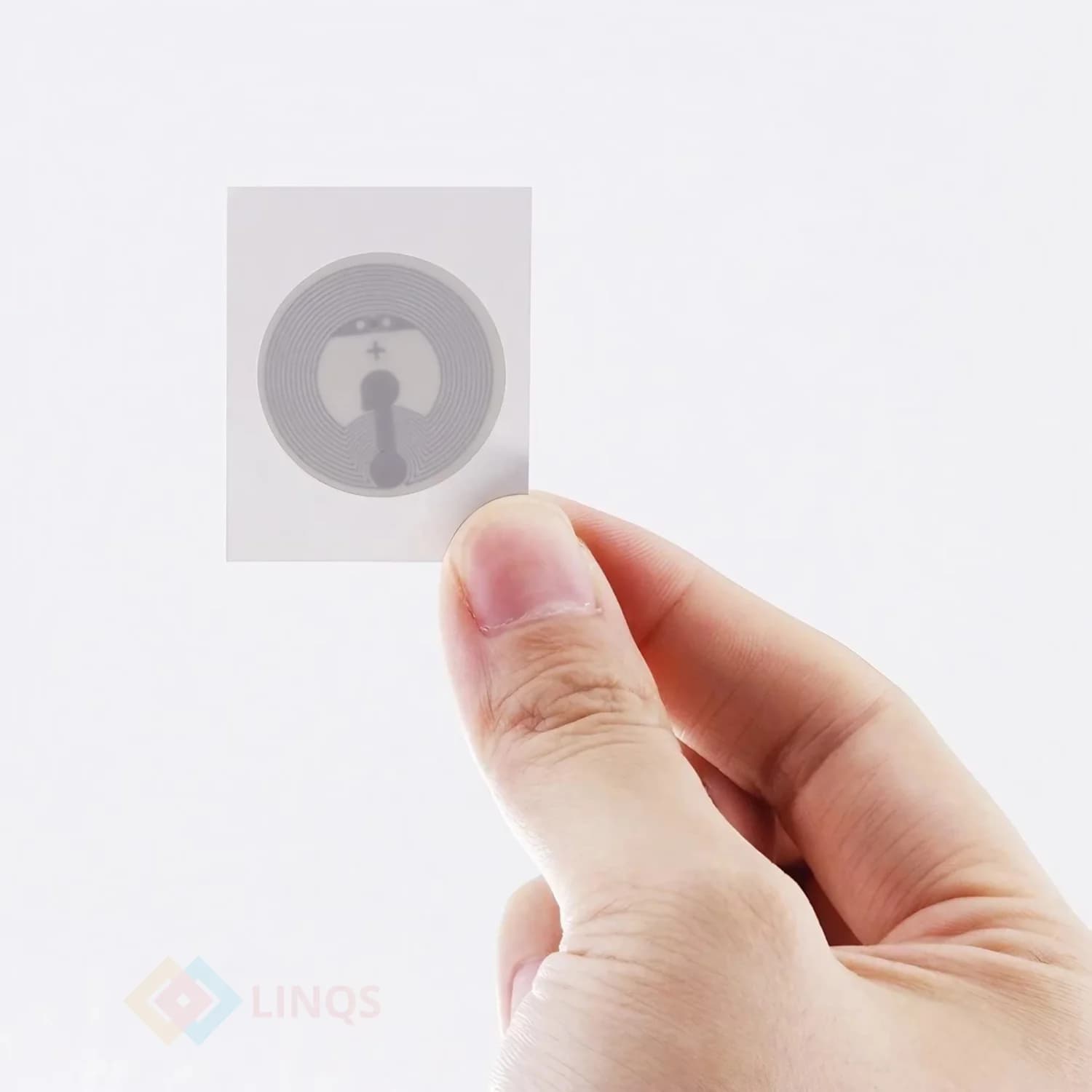
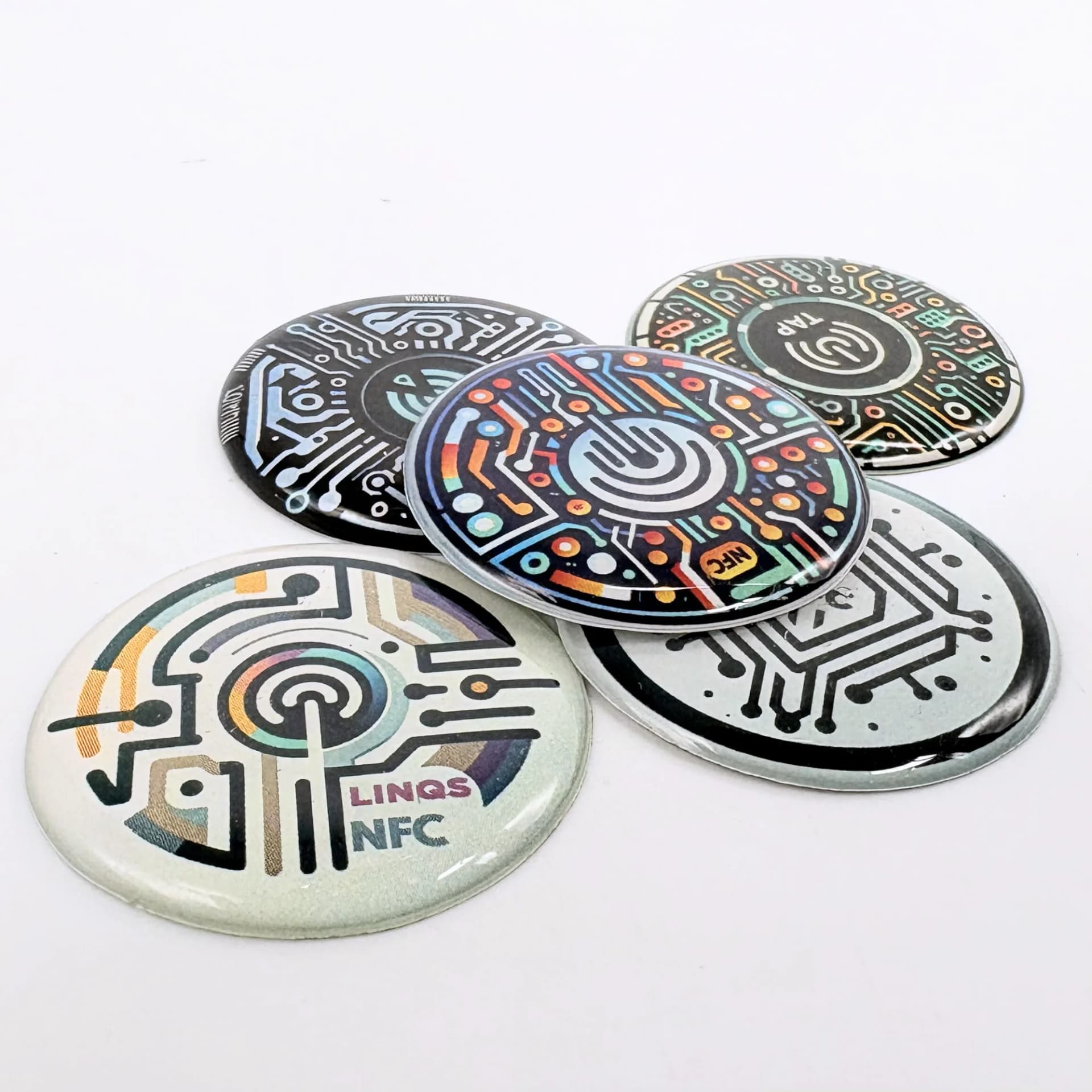
LINQS Pebble NFC Sticker Tags | Links & Payments
- 01Create the correct merchant payment link.
- 02Encode it and test on the intended payment apps.
- 03Verify the payee; the customer still authorises payment.
The Problem
QR codes for UPI work, but they require the customer to open the camera, focus, and wait. In low light or at a distance, scanning fails. An NFC tag opens the UPI payment link instantly on tap — works in any lighting, no camera needed. Combine with a printed QR for full coverage.
Who This Is For
- Restaurant and café owners
- Donation desks and temples
- Service counters and repair shops
- Event booths and pop-up stores
What Opens on Tap
UPI payment link
Opens the customer's UPI app (GPay, PhonePe, Paytm) with your UPI ID and optional amount prefilled.
Payment instruction page
A landing page showing your UPI ID, QR code, and payment instructions. Fallback for non-NFC phones.
Invoice or bill page
Dynamic link showing the current bill. Customer reviews and pays.
Where the Tag Goes
Table tent or standee
On every table. "Tap or scan to pay." Visible to seated customers.
Billing counter
Next to the POS terminal. Customer taps while the bill is being processed.
Donation box or desk
Mounted on the donation counter. Tap to open UPI with prefilled amount.
Service counter
Repair shop, salon, clinic. Tap to pay after service.
Event booth
Pop-up or trade show booth. Tap to pay for merchandise or services.
Best Tag Types for This Use Case
NFC standee (acrylic)
Freestanding display with NFC + printed QR. Professional, durable, reusable.
Too large for product-level tagging or tight counter spaces.
NFC sticker
Stick on existing table tents, menu cards, or counter surfaces.
Can peel in high-traffic or outdoor settings.
NFC card
Rigid card placed on the counter or table. Portable for pop-up events.
Can be picked up and walked off with. Secure it or use a standee.
Quick Decision Rules
- 1Restaurant or caféTable standee with NFC + printed QR
- 2Portable setupNFC card
- 3Fixed counterNFC sticker behind existing signage
- 4Want both NFC + QRStandee with both (most customers will use QR, NFC is the upgrade)
- 5Dynamic billingURL to a billing page, not a static UPI link
Recommended Deployment Setups
Single counter
- One standee or card at the billing point. Test customer adoption.
Restaurant (all tables)
- One tag per table. Encode the same UPI link or table-specific billing.
Multi-location chain
- Same design across branches. Each location's tag points to its own UPI ID.
Event / pop-up
- Portable NFC card or small standee. Easy to set up and take down.
Common Mistakes to Avoid
- Encoding a UPI deep link that only works on one app (use a universal UPI link or payment page)
- Not including a printed QR fallback (many customers still prefer scanning)
- Placing the tag where customers cannot reach it comfortably
- No "Tap to pay" instruction — customers do not know the tag is there
- Not testing on both iPhone and Android (UPI app availability varies)
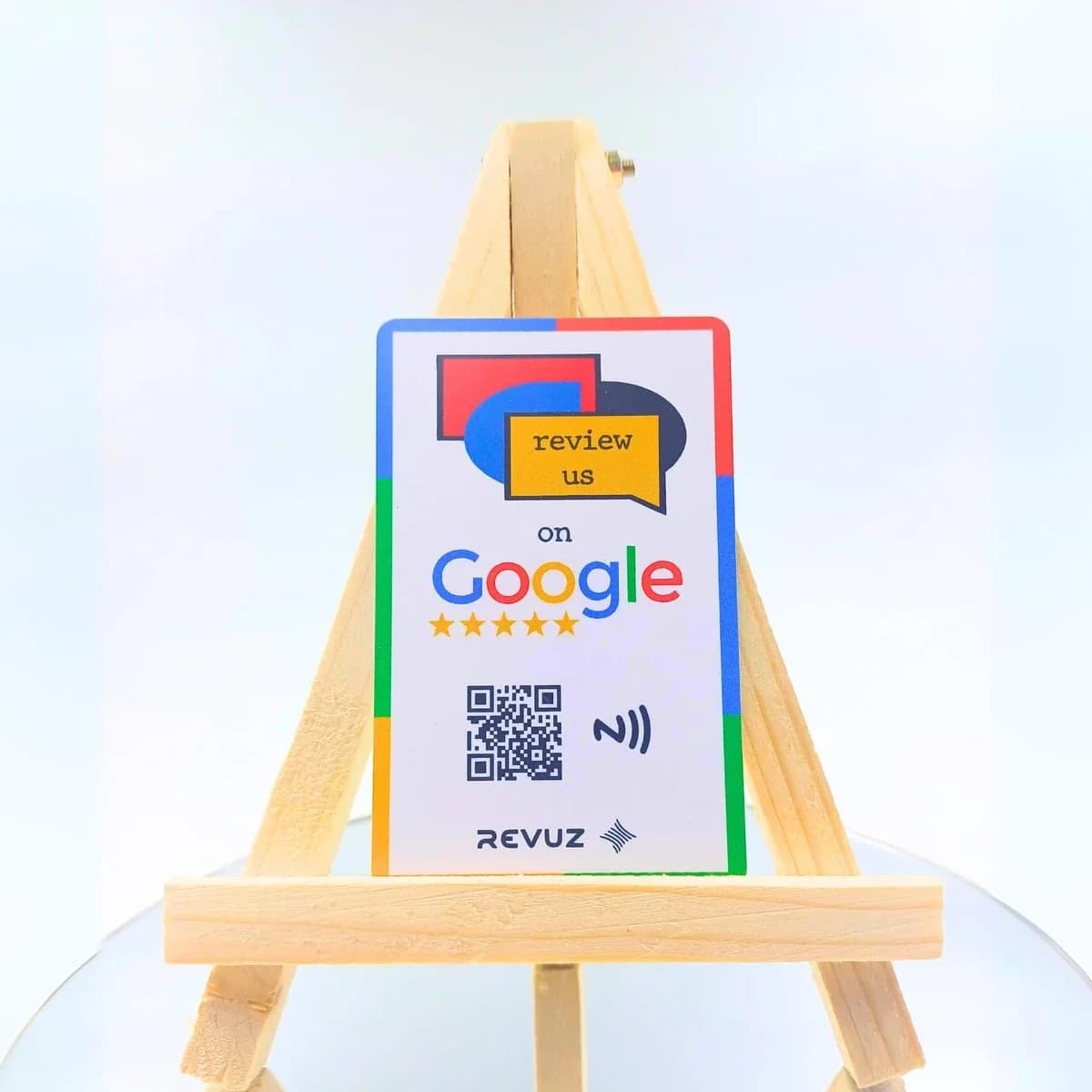
Revuz — Combine Payments + Reviews in One Tap
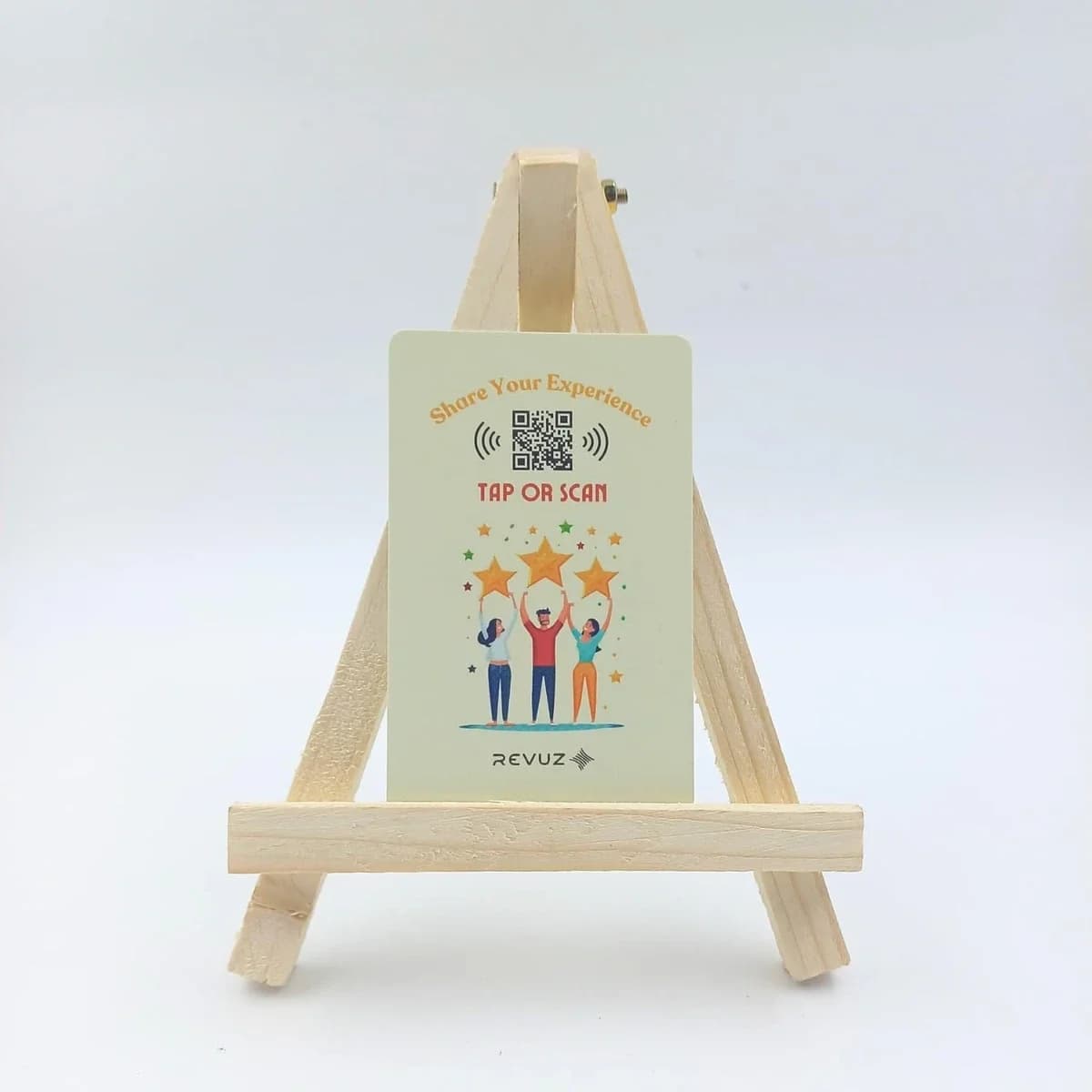
After payment, nudge customers to leave a Google review. Revuz NFC cards and standees handle both — UPI on one side, review link on the other.
Why Revuz instead of a plain review tag?
Frequently Asked Questions
The NFC tag opens a UPI payment link. The phone's default UPI app handles it — GPay, PhonePe, Paytm, or any other.
Need UPI payment tags for your business?
We supply NFC tags and cards pre-encoded with your UPI payment link. Custom branding from 25 units.