
NFC WhatsApp Chat Tags
Use CaseCustomer taps, WhatsApp opens with your message ready to send

At a glance
NFC tags that open WhatsApp with a prefilled message. For support desks, reorders, lead capture, and post-purchase help. No typing needed.
SEE THE IDEA IN ACTION
Start the conversation
Open a chat without typing a number. An NFC tag and a WhatsApp chat link.
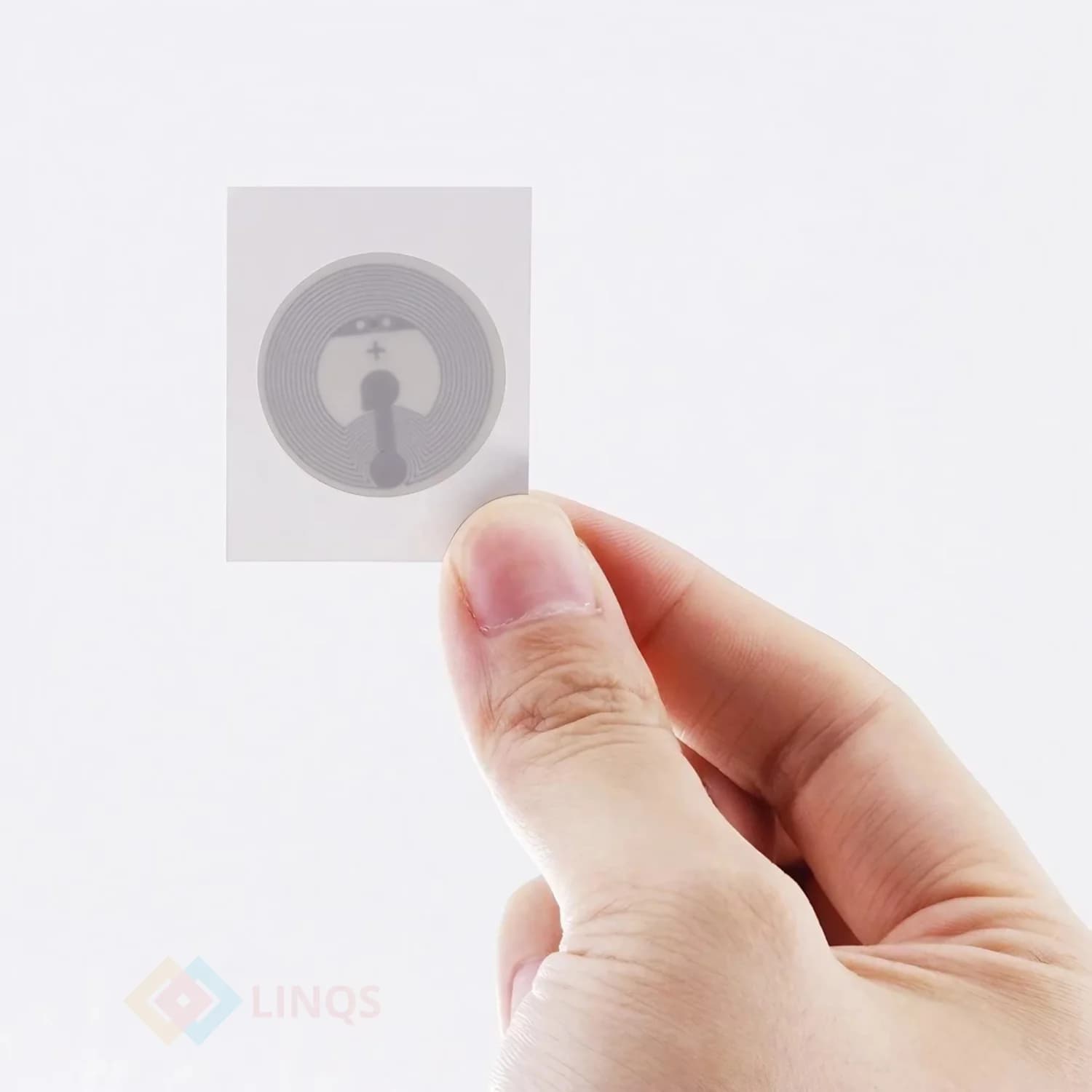
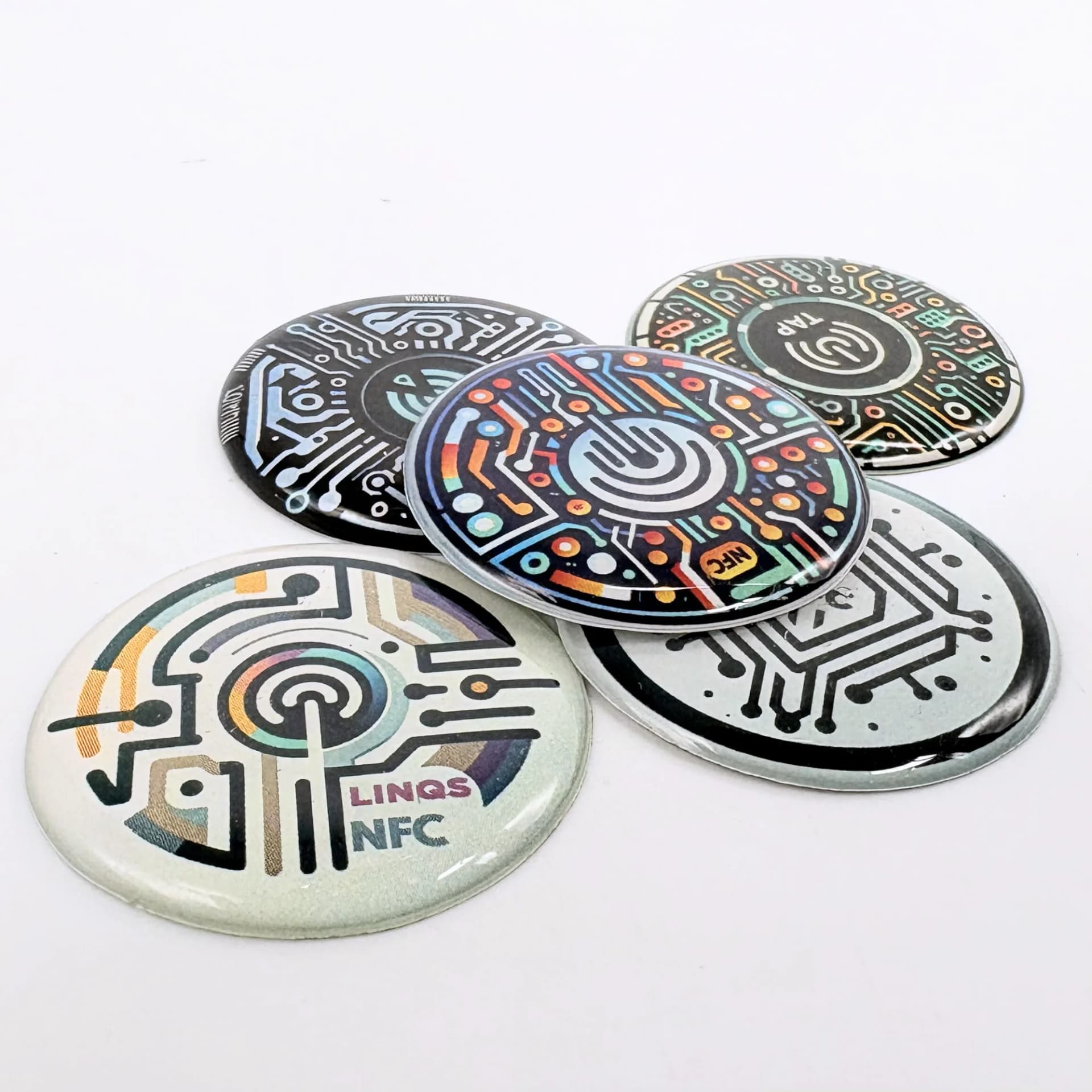
Connect Your WhatsApp in 1 Tap
- 01Create the correct WhatsApp link.
- 02Write the link to the tag.
- 03Test the number and any prefilled message before sharing.
The Problem
You want customers to message you on WhatsApp, but they have to find your number, type it in, and compose a message. Most give up. An NFC tag opens WhatsApp with your number and a prefilled message — one tap from counter to conversation.
Who This Is For
- Retail stores wanting WhatsApp-based support
- Service businesses (salons, clinics, repair shops)
- Restaurants for reorders and feedback
- Field service teams needing quick customer contact
What Opens on Tap
WhatsApp chat with prefilled message
Opens WhatsApp with your number and a ready-to-send message like "Hi, I need help with my order #".
Service request routing
Pre-filled message includes a keyword (e.g., "Support") that routes to the right team in WhatsApp Business inbox.
Post-purchase feedback
"Hi, I just received my order. Here's my feedback:" — customer fills in the blank and sends.
Re-order flow
"Hi, I'd like to re-order [product name]." Starts a commerce conversation instantly.
Appointment booking
"Hi, I'd like to book a [service] appointment." Routes to your booking team or bot.
Where the Tag Goes
Counter standee
Acrylic standee at the billing counter. "Tap to message us on WhatsApp."
Product packaging
Tag inside the box. Customer taps for post-purchase support or reorder.
Service desk
Mounted at the help desk or reception. Tap to start a service request.
Receipt or invoice
NFC sticker on the printed receipt. "Need help? Tap here."
Wall sign or poster
Visible sign near the entrance or waiting area.
Best Tag Types for This Use Case
NFC sticker
Cheapest option. Stick on packaging, receipts, or behind signage.
Not durable for outdoor or high-traffic counter use.
NFC card
Rigid card for counter display or packaging insert. Professional look.
Higher cost. Not needed for disposable packaging.
NFC standee
Freestanding acrylic display. Best for billing counters and reception desks.
Bulky for small counters. Overkill for single-use packaging.
Table tent NFC tag
Folded tent-style display for restaurant tables and café counters.
Can be knocked over. Secure to the surface if needed.
Quick Decision Rules
- 1Simple support lineEncode wa.me link with prefilled message
- 2Multiple departmentsURL to a routing page that lets the customer pick sales vs support
- 3Reorder flowPrefilled message includes product name and "I want to reorder"
- 4Lead captureLanding page with form that sends data to WhatsApp + your CRM
- 5Disposable packagingUse cheapest sticker tags
Recommended Deployment Setups
Single business number
- Build your wa.me URL: https://wa.me/91XXXXXXXXXX?text=Hi%2C+I%27d+like+to+enquire
- URL-encode the pre-filled message (spaces = %20 or +, & = %26)
- Write the URL to an NTAG213 card or sticker using NFC Tools app
- Test on both Android and iPhone before handing out
Multiple locations or staff numbers
- Create a unique wa.me link per location or staff member
- Batch-encode separate tags, labelling each on the back
- Include the location name in the pre-filled message for routing
- Distribute to each location or team member
E-commerce post-purchase
- Tag on delivery note encodes a URL that opens a chat with the order number pre-filled
- Customer doesn't type anything — just taps Send
Physical store re-order
- Tag at the product display — tap to re-order
- Pre-filled message includes the product name
Common Mistakes to Avoid
- Using the wa.me link without a prefilled message (customer sees blank chat and drops off)
- Encoding a landline number instead of a WhatsApp Business number
- No visual instruction on the tag or standee ("Tap here to WhatsApp us")
- Not testing on both iPhone and Android before deploying
- Placing the tag where the customer cannot reach it comfortably
- Forgetting to staff the WhatsApp number — fast response matters
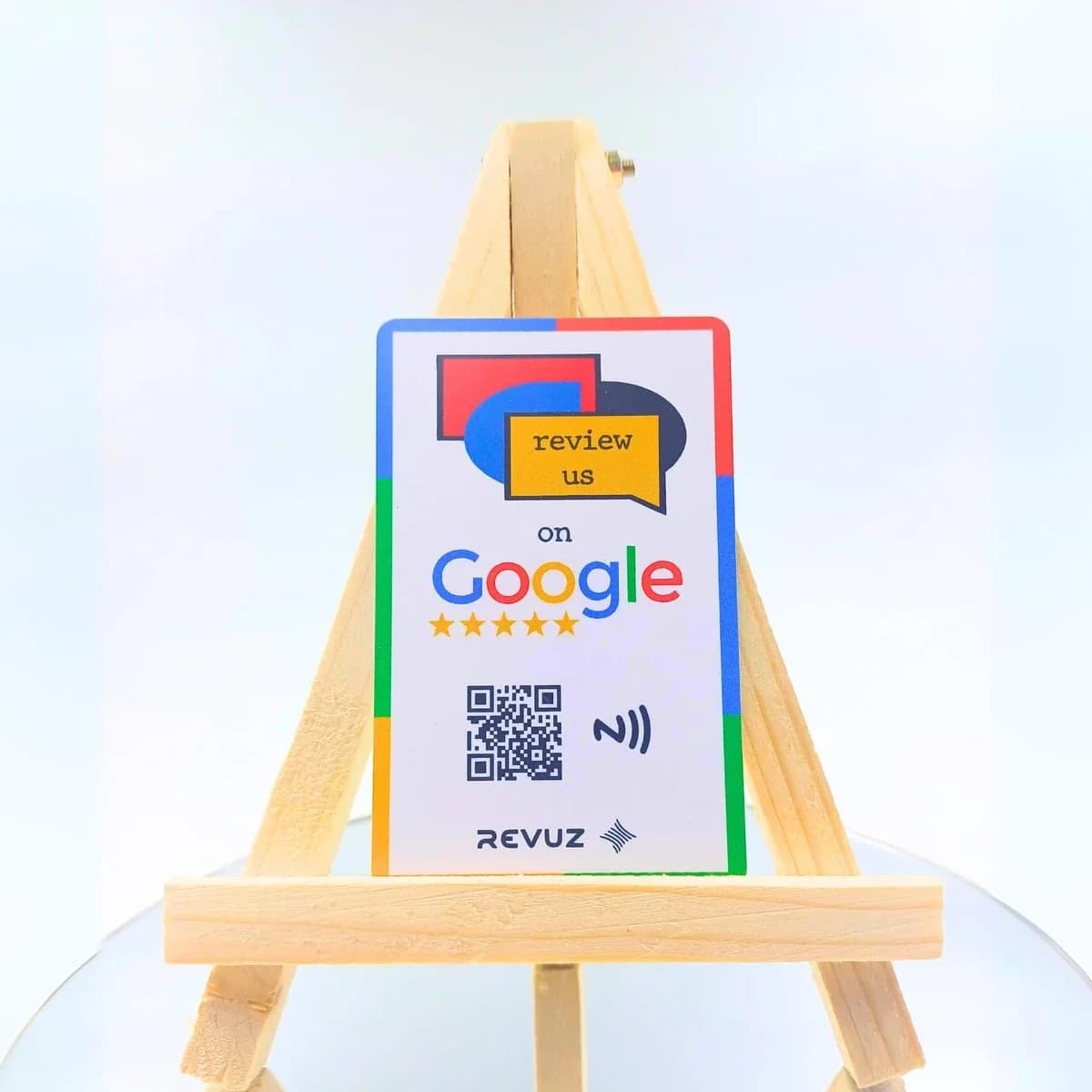
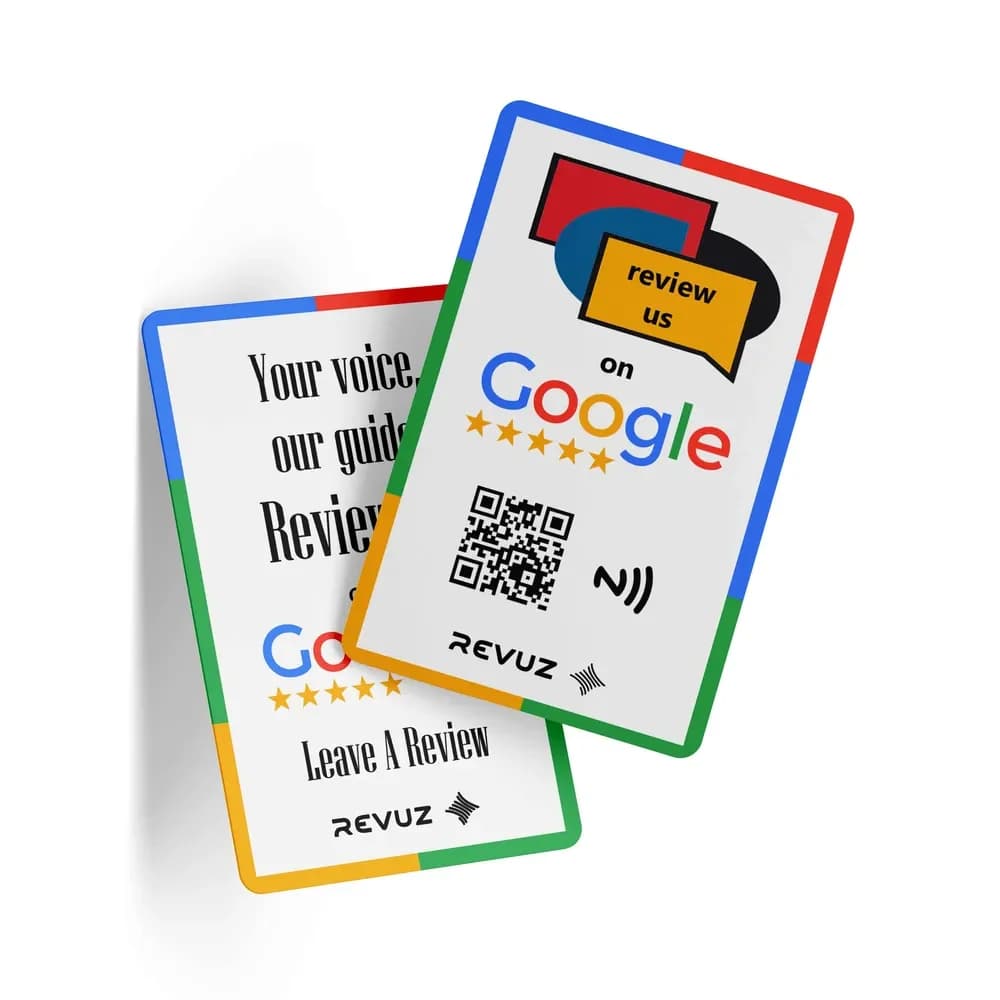
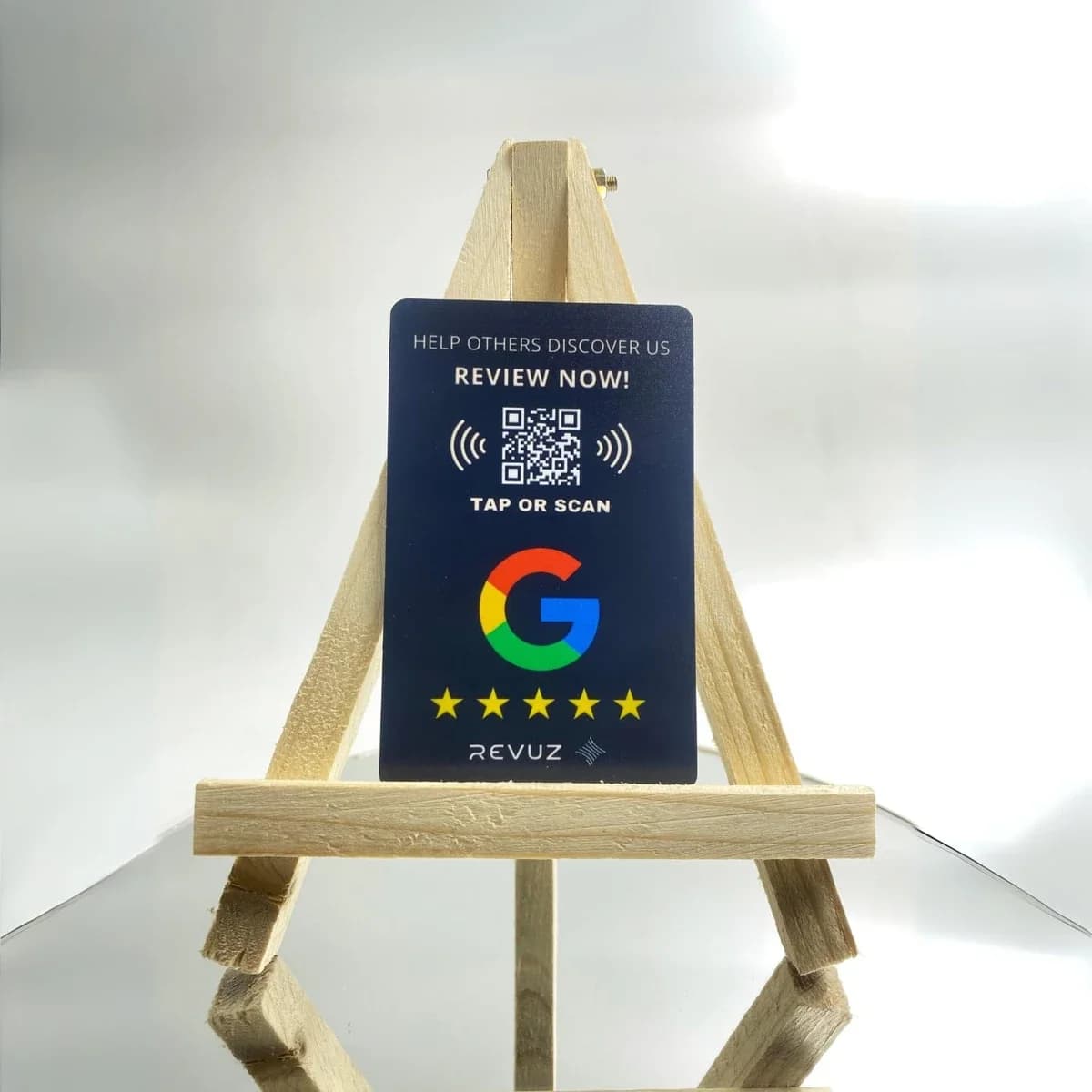
Revuz — NFC Cards for Google Reviews & Social Follows
If your WhatsApp strategy includes collecting reviews or building social followers, Revuz cards combine both in a single tap. Pre-encoded with your Google review link or Instagram profile.
Why Revuz instead of a plain review tag?
Frequently Asked Questions
Use https://wa.me/91XXXXXXXXXX?text=Your+prefilled+message. Replace the number with your WhatsApp Business number including country code.
Handing out WhatsApp cards at scale?
We supply pre-encoded NFC cards with your wa.me link and custom pre-fill text. Order from 50 cards with your branding.