

At a glance
NFC tags for marketing posters. Customers tap to visit landing pages, register for events, view menus, or download apps. Updateable URLs.
SEE THE IDEA IN ACTION
Give your poster a next step
Tap the poster. Open the campaign. An NFC tag and a mobile-friendly campaign URL.
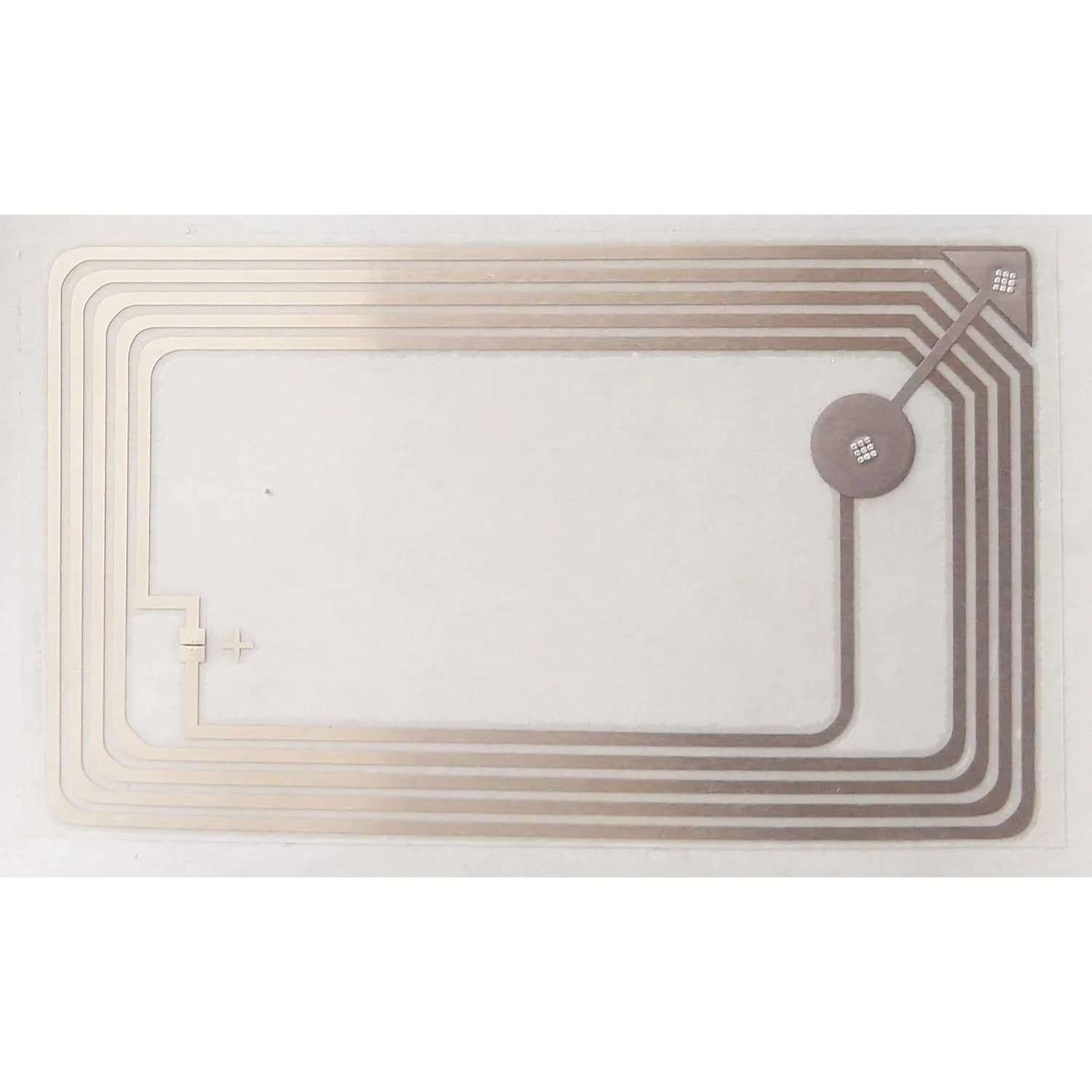
LINQS Large NFC Sticker | Smart Poster Tag
- 01Write the campaign URL to the tag.
- 02Mount on a suitable surface with a clear tap marker.
- 03Test from visitor phones and provide a QR fallback.
The Problem
Posters are one-way. People glance and walk past. A QR code helps but requires opening a camera app. An NFC tag behind the poster lets anyone with a modern phone tap and instantly land on your page — event registration, menu, offer, or app download. You can update the destination URL without reprinting.
Who This Is For
- Retail stores and malls
- Event organizers and venues
- Restaurants and cafés (menus)
- Campus and corporate communications
What Opens on Tap
Campaign landing page
Custom page for the promotion. Track taps as conversions.
Event registration
One-tap RSVP or ticket purchase form.
Menu or catalog
Digital menu, product catalog, or price list. Always up to date.
Offer or coupon page
Discount code, loyalty signup, or limited-time offer.
App download
Deep link to App Store or Play Store listing.
Where the Tag Goes
Bottom-right corner of poster
Standard placement. Users expect interaction points at the bottom.
Behind the QR code
Dual mode: NFC for tap, QR for scan. Same destination URL.
Menu card or tent
Small sign on the table. "Tap for full menu."
Standee base
Floor-standing display with tag at hand height.
Exhibition panel
Trade show booth panel. Visitors tap for product info or lead capture.
Best Tag Types for This Use Case
NFC sticker (thin)
Sticks behind the poster. Invisible to the eye, scannable through paper and thin board.
Does not work through thick acrylic or glass over 3mm.
NFC card (standalone)
Rigid card format. Works as a counter card or menu tent by itself.
Higher cost per unit than stickers.
On-metal NFC tag
For posters mounted on metal frames, steel walls, or metal-backed signage.
Not needed if the poster is on drywall, wood, or glass.
Quick Decision Rules
- 1Poster on metal frameOn-metal tag required
- 2Poster behind glassTest read range; thick glass may block
- 3URL may changeUse a redirect service so you update the destination without re-encoding
- 4Want analyticsUse UTM parameters or a redirect service with click tracking
- 5Dual NFC + QRPlace tag behind the printed QR code area
Recommended Deployment Setups
Single poster
- One tag behind one poster. Test the concept before scaling.
Retail chain rollout
- Same poster across locations. Pre-encoded tags with location-specific URLs.
Event venue
- Tags on directional signage, booth panels, and registration counters.
Campus / office building
- Posters for internal campaigns, HR notices, or event promotions.
Common Mistakes to Avoid
- No visible "tap here" instruction — people do not know the poster is interactive
- Placing the tag too high for comfortable phone reach
- Poster mounted on metal without using an anti-metal tag
- Encoding a URL that is not mobile-optimised
- Not tracking tap/scan analytics — you cannot prove ROI without data
- Using a URL that will expire before the campaign ends
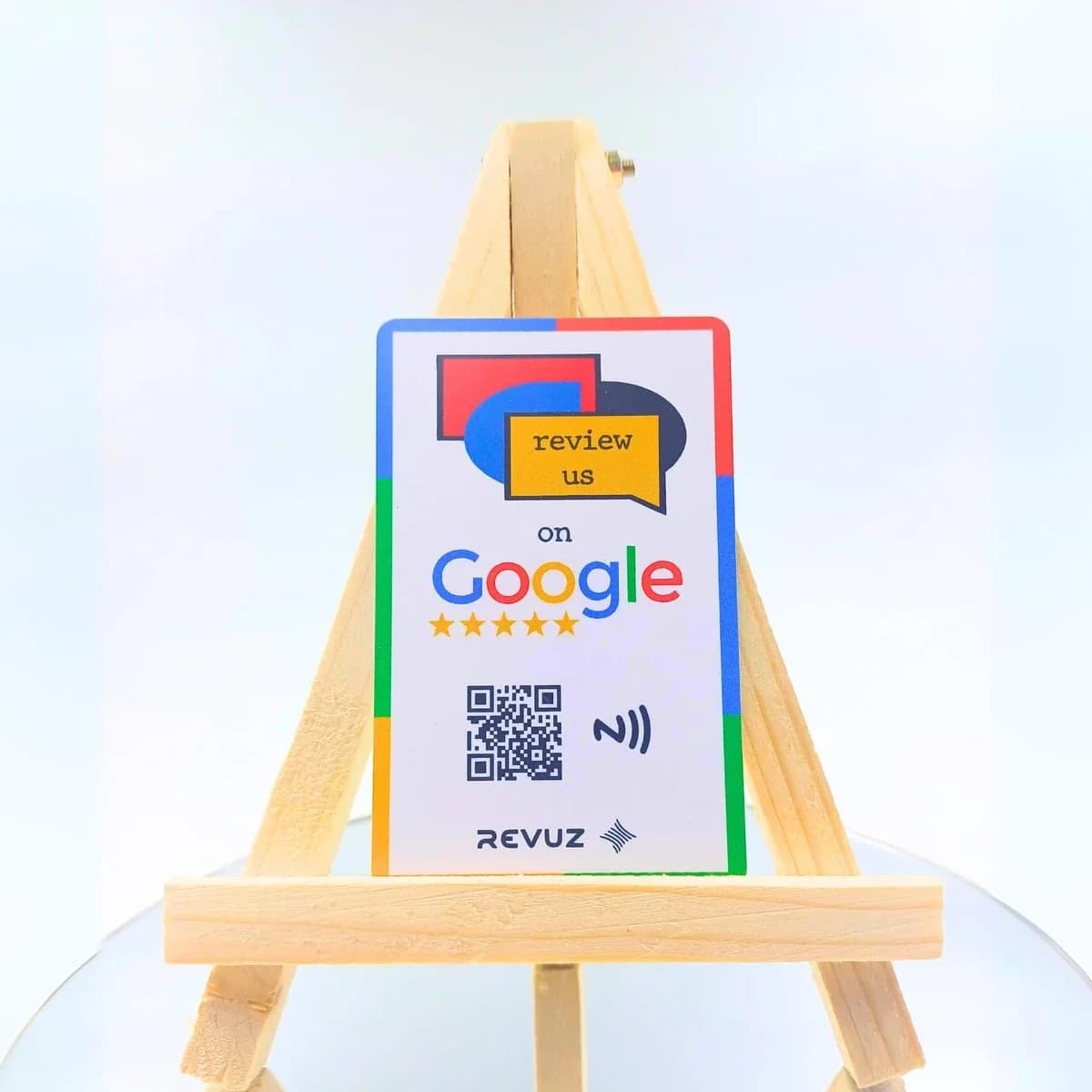
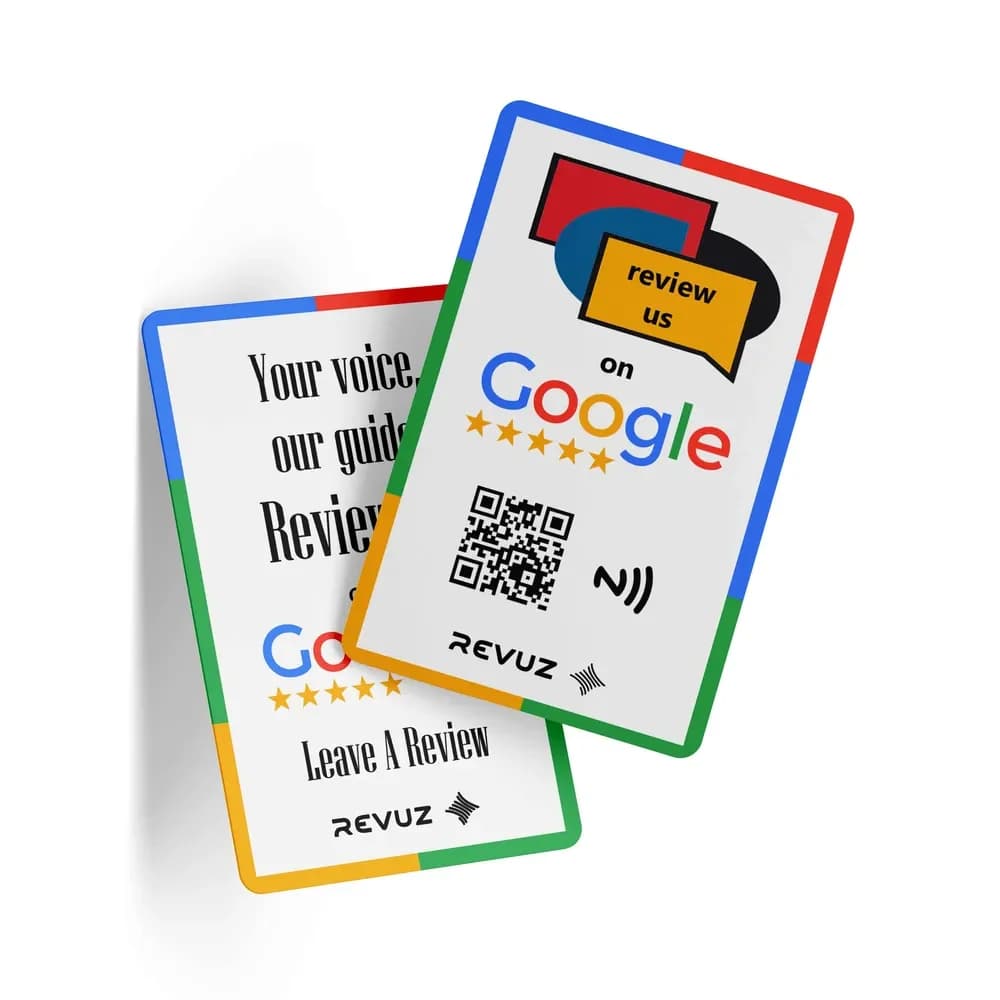
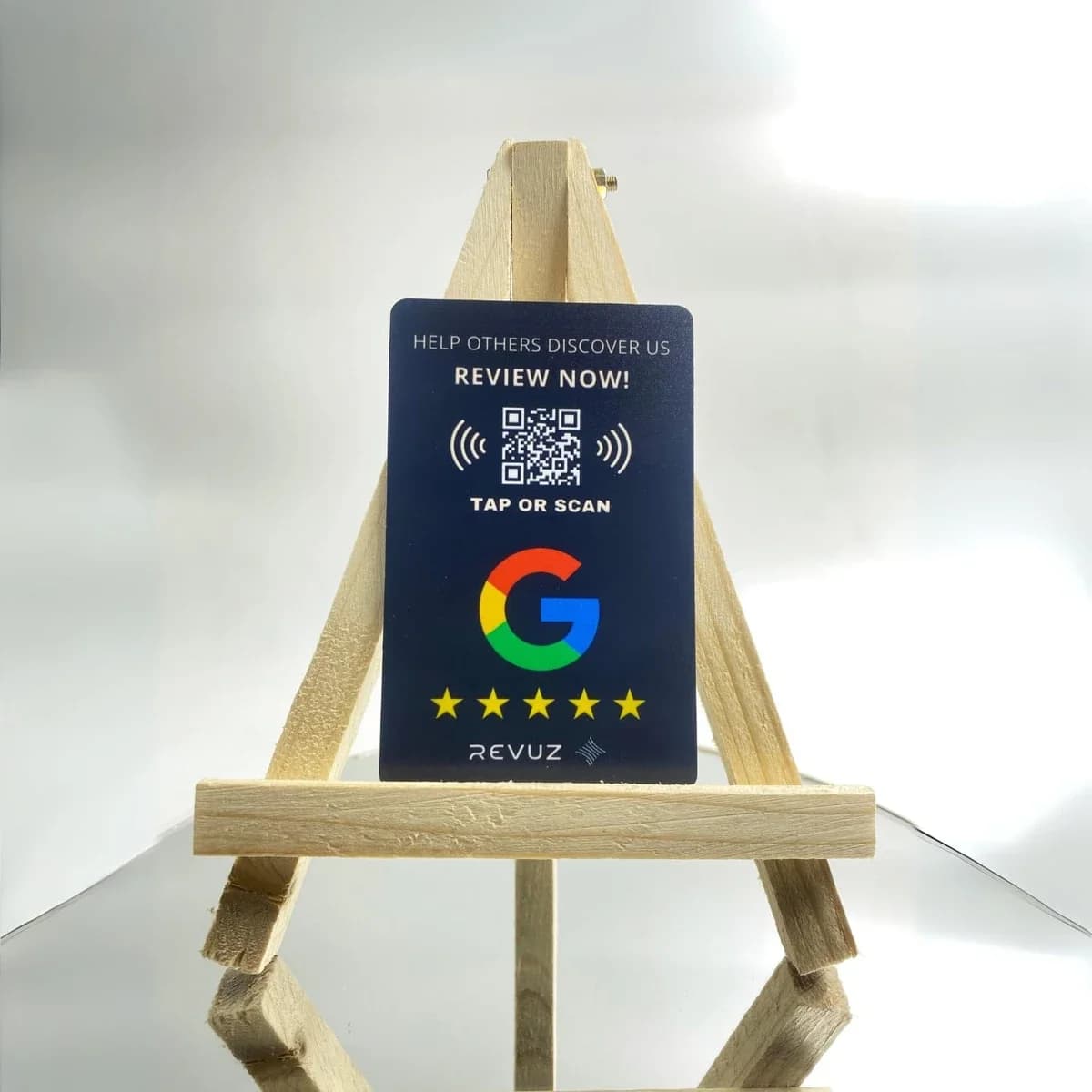
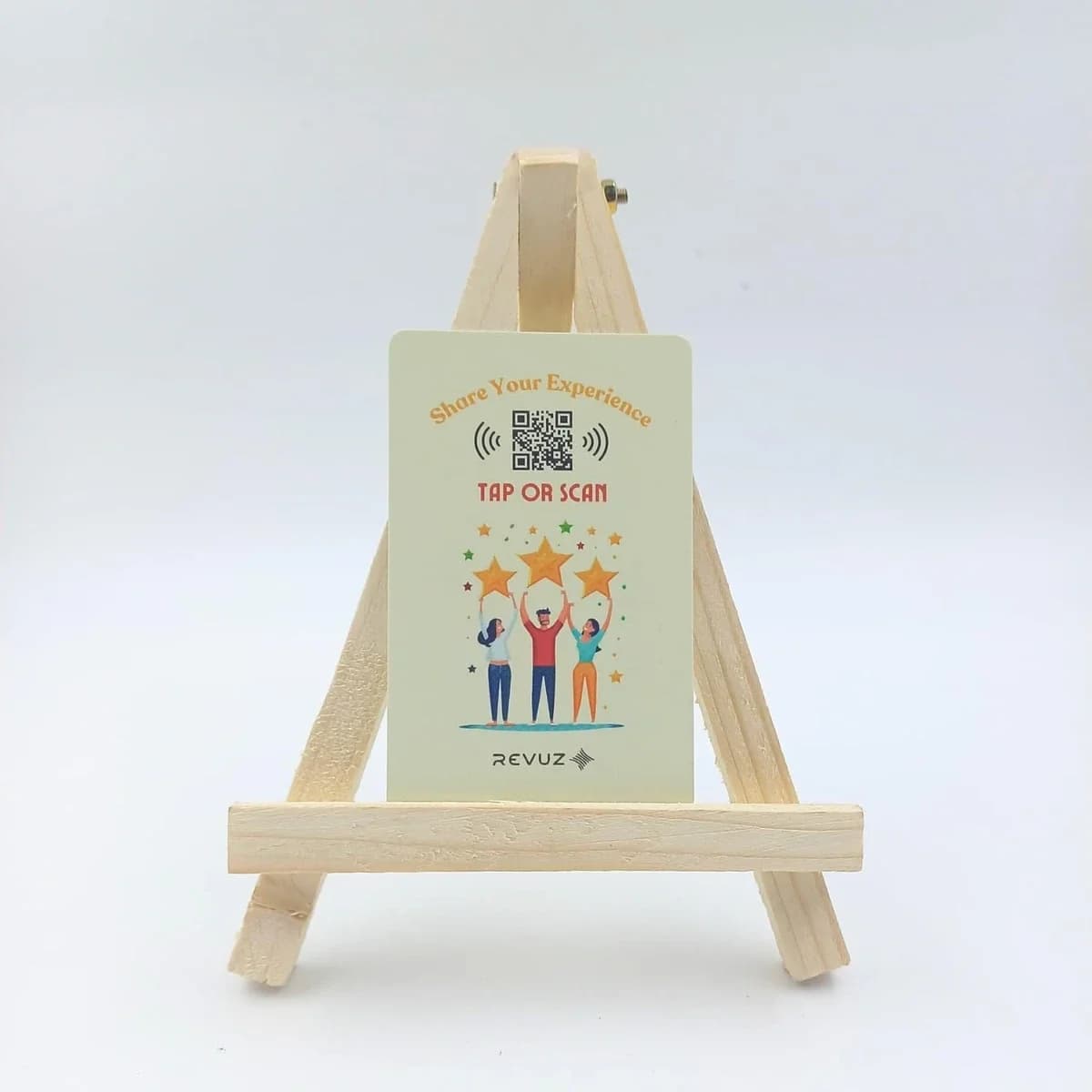
Revuz — Smart Posters That Collect Google Reviews
If your poster campaign goal is driving reviews or social follows, Revuz NFC standees and stickers are purpose-built for that. Pre-encoded, branded, ready to deploy.
Why Revuz instead of a plain review tag?
Frequently Asked Questions
Yes. NFC reads through paper, cardboard, and thin plastic easily. Thick acrylic or glass above 3mm may reduce range.
Deploying smart posters across locations?
We supply NFC tags pre-encoded with your campaign URLs. Stickers, on-metal, or card formats — volume pricing available.