
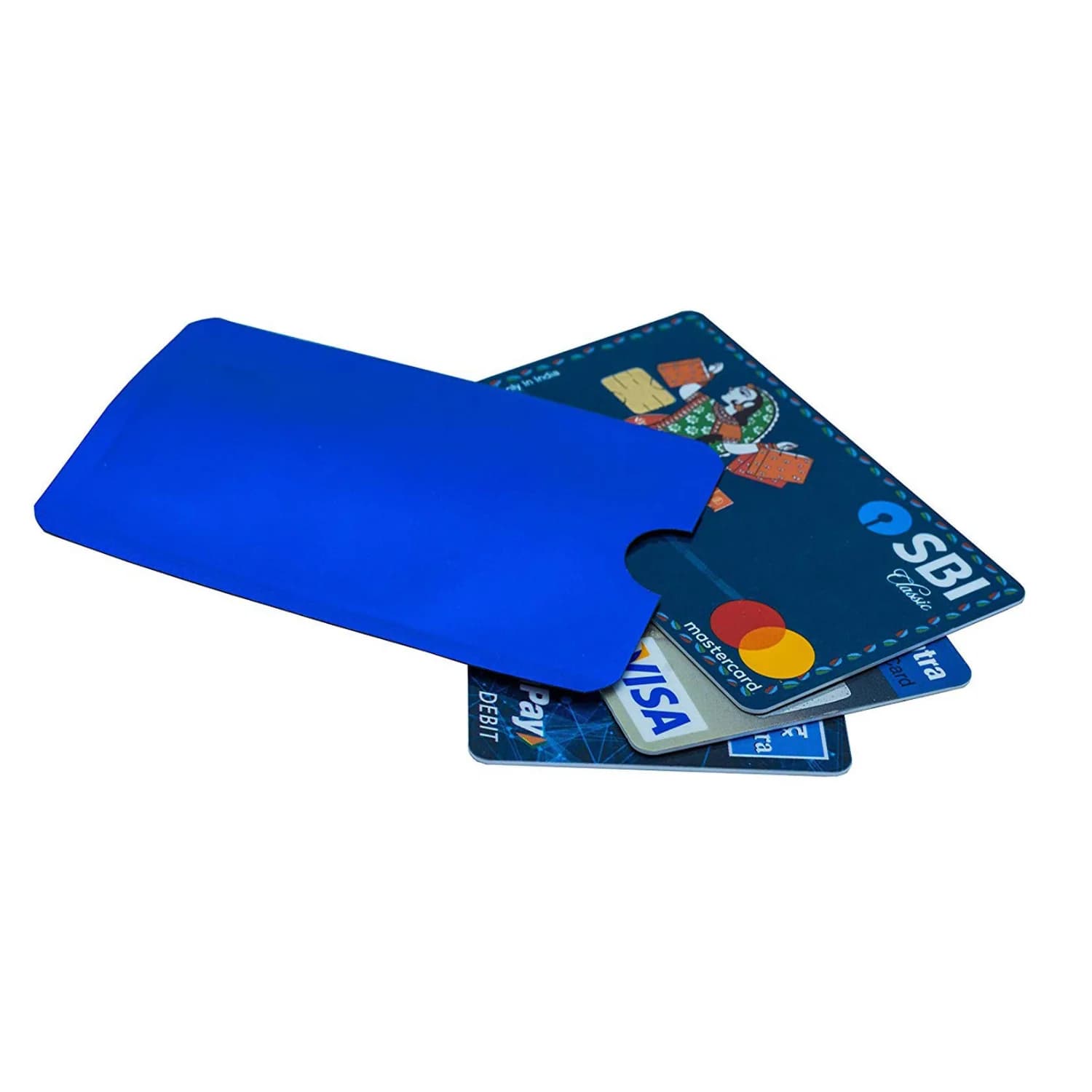
LINQS RFID Blocking Sleeve Blue, Pack of 5
Price includes GST · GST invoice provided
GST invoice
input-credit eligible
Ships in 1 working day
from India
Defect replacement
manufacturing defects
Selected: 1 pack × 1 items = 1 items · ₹35.00 total
465 Single available
Ordering 1,000+? Get a bulk quotePay once. Yours forever — no monthly fee.

Placement affects shielding performance.
Buyer check
Check if this blocker fits your wallet
Use this blocker in a wallet or card stack to help reduce casual unauthorized contactless scans. It adds friction, but it is not a guarantee against every reader or placement.
Place beside the cards you want to shield
Use it inside the wallet or card stack near the contactless cards you care about. Effectiveness depends on placement, wallet layout, and reader strength.
No encoded NFC storage
This is for reducing contactless scan exposure, not for storing URLs, contact cards, or app links. Choose an NFC tag or card if you need a phone-tap action.
Browse NFC cardsSet it up, then test before rollout
- 1Place in wallet: Put the blocker beside the contactless cards you want to shield.
- 2Keep the stack tight: Gaps, metal wallets, and reader angle can change performance.
- 3Test the placement: Try the final wallet or card stack with the reader you care about.
Choose an NFC tag if you need tap content
RFID blockers are not meant for storing URLs, profiles, or app links.
Browse NFC cardsUse a sleeve or wallet for full enclosure
If one card needs more controlled shielding, a dedicated shielded sleeve or wallet may be a better fit than a loose blocker card.
RFID blocking performance depends on placement, card stack, wallet material, and reader strength.
Quick answers
Use this when
- Wallet or card stack shielding
- Reducing casual contactless scans
- Travel or daily card carry
Specs
- Chip Brand
- NXP
- Data Retention
- 10
- Scan Strength
- na
Compatibility
- Android varies by model; iPhone 7/8/X via reader app; iPhone XS+ background reading
- Not rated for metal surfaces
Physical & build
Specifications
Key specs first; full technical details on demand
Proof + documents
Captured in the LINQS lab.
Documents
Frequently Asked Questions
It helps reduce casual unauthorized contactless scans when placed correctly in a wallet or card stack. It is a shielding aid, not a complete security guarantee.
Have more questions? View all FAQs
Replacement Policy
- Replacements available for manufacturing defects
- Video proof required for defect claims
- Custom/encoded items are non-returnable
- GST invoice included with every order