
At a glance
A static NFC tag carries its data on the chip — and freezes it there the moment you encode it. A dynamic tag stores a short URL and lets a server decide what to serve, so you can change the destination after the tag is printed, shipped, and stuck to a wall. This is why nearly every modern deployment stores a pointer, not the payload.
Two NFC tags can look identical, cost the same, and use the same chip — and one of them you can update for the rest of its life while the other is frozen the instant you encode it. The difference is not the hardware. It is what you choose to write onto it.
You can store the data itself on the chip, or you can store a short URL that points to the data. That one decision is what separates a static tag from a dynamic one.
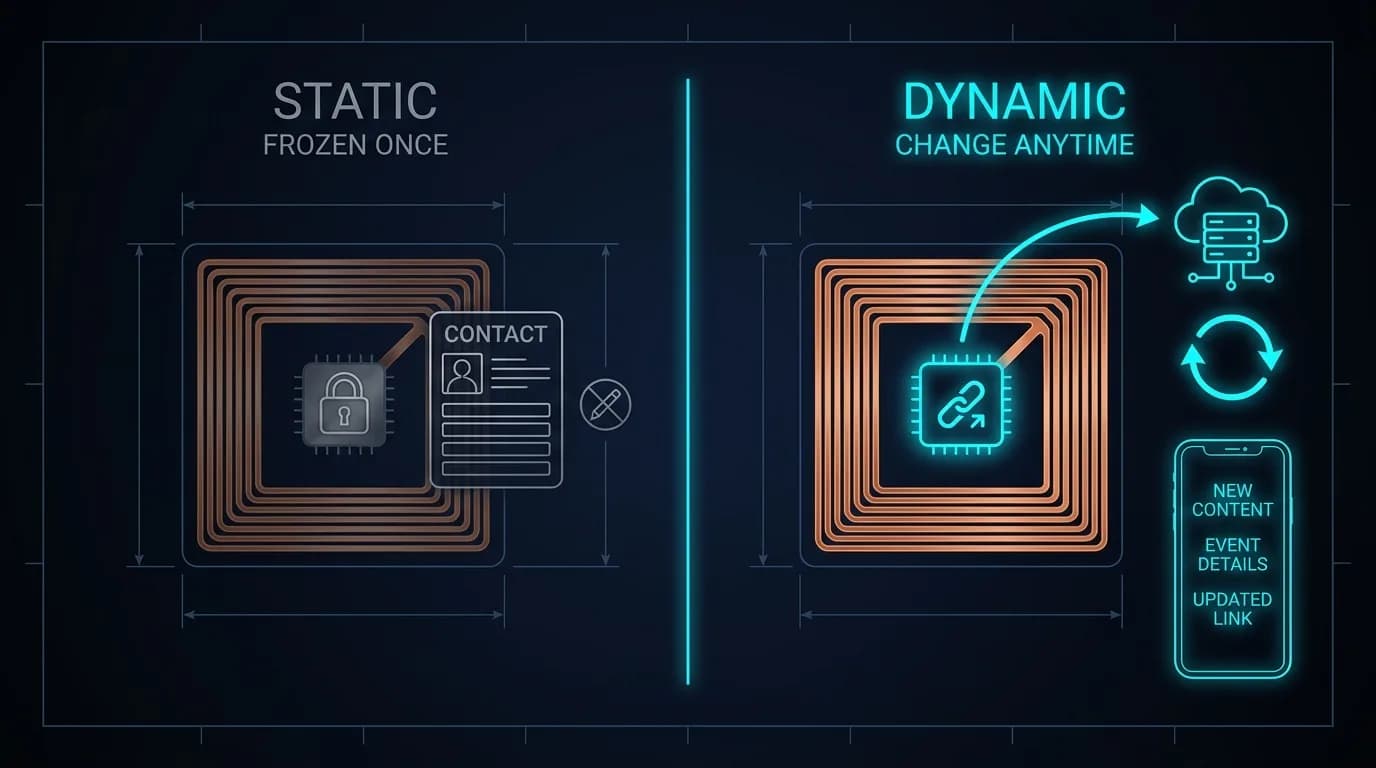
The static way: data on the chip
Write a contact card, a Wi-Fi credential, or a fixed URL directly onto the tag and the phone reads it straight off the chip — no internet required. That is the appeal of static encoding: it works offline and depends on nothing else.
The catch is permanence. The data is now physically on that specific tag. Change your phone number, move the campaign, fix a typo, and every tag carrying the old data is wrong until you re-encode or replace it one by one. For a single tag on your desk, fine. For ten thousand tags already printed and shipped, that is the whole budget gone.
The dynamic way: a pointer on the chip
The modern alternative stores one thing on the tag: a short URL, like https://linqs.in/a7X9P2. The tag never holds your actual content. When someone taps it, the phone opens that URL, a server looks up the ID, and the server decides — right then — what to send back.
Because the content lives on the server, you can change it whenever you like and every tag pointing at that URL updates instantly. The tag never has to be touched. This is the old engineering trick: almost any problem can be solved by adding a layer of indirection. The URL is that layer.
A static tag holds an answer. A dynamic tag holds a question the server answers fresh every time.
| Static (data on chip) | Dynamic (URL on chip) | |
|---|---|---|
| What the tag holds | The actual data | A short URL pointing to the data |
| Change after printing? | No — must re-encode each tag | Yes — edit the server, instantly |
| Needs internet to use? | No | Yes, to fetch the content |
| Content size limit | Chip memory (144–888 bytes) | Effectively unlimited (lives on server) |
| Best for | Offline vCards, fixed Wi-Fi, no-server setups | Profiles, menus, reviews, campaigns, asset records |
What indirection actually buys you
Once the tag is just a pointer, a whole set of things become possible that a frozen chip can never offer:
- Update content after the tag is printed, shipped, and installed — no recall, no re-encoding.
- Repoint a campaign mid-flight: the same poster tag can lead to a new landing page next week.
- Fix a typo or a dead link without throwing away a single tag.
- See analytics — how many taps, when, roughly where — because every tap hits your server.
- Serve different content over time or by context: a product tag that shows setup today and warranty info next year.
- Deactivate a tag remotely — a lost-pet tag or an asset tag can be turned off or reassigned if it goes missing.
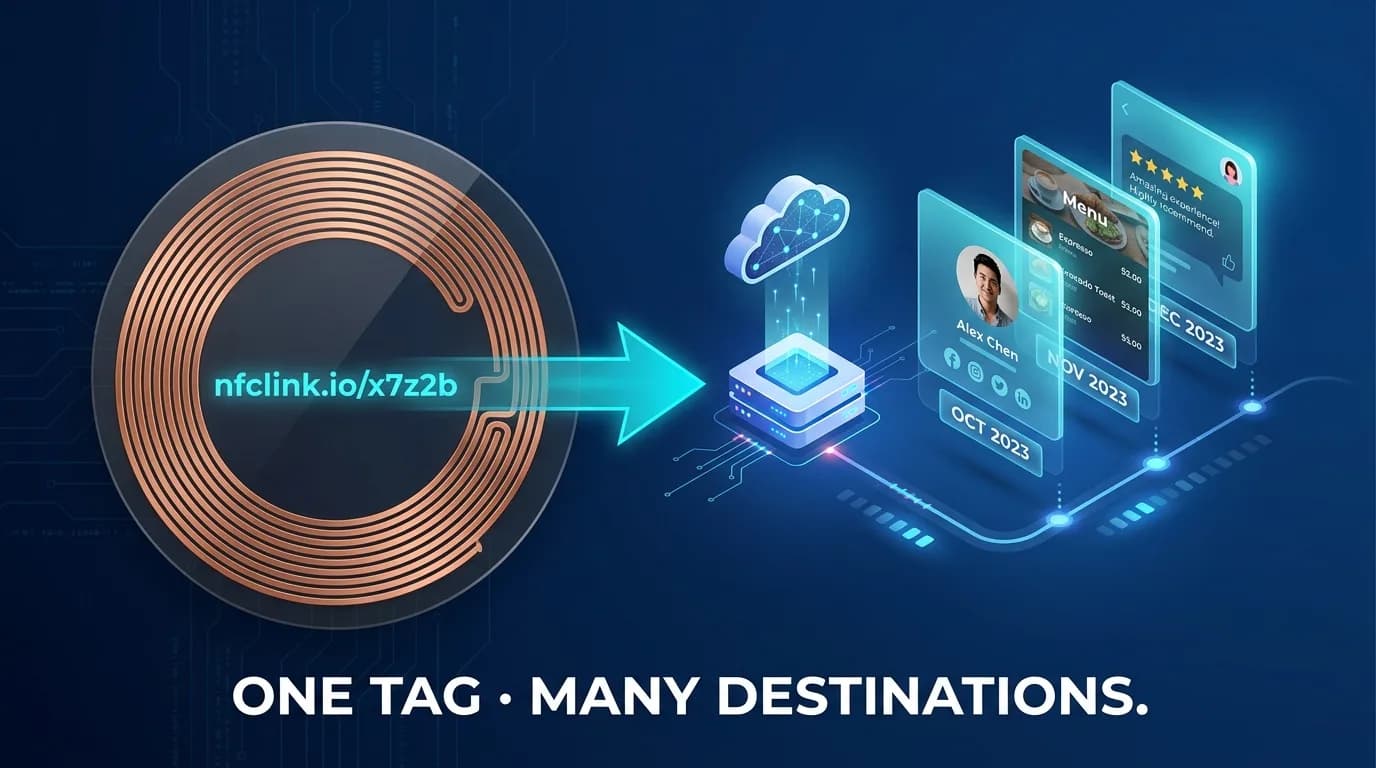
This is exactly how 1card.in digital business cards, revuz.in review stands, and lessworry.in pet tags work. The card printed last year still shows your current job title because the title was never on the card — it was always on the server, behind the URL.
Everything above describes a tag whose destination you control from a server — which is exactly what the LINQS Smart NFC + QR Dynamic Sticker does, productised. It stores a short link you can repoint at any time, works by tap or QR scan, and needs no app and no subscription. For printed surfaces and signage, the LINQS Dynamic QR Code does the same with scan analytics built in. From ₹99 a unit, with no recurring fee.
When static still wins
Indirection has one real cost: the dynamic tag needs the internet to fetch its content, because the content is not on the chip. For almost every consumer and marketing use case that is a non-issue — the phone is online anyway. But there are genuine cases where static encoding is the right call:
- A vCard handed out where signal is unreliable and the contact must save without a connection.
- Wi-Fi credentials, where the whole point is to connect a device that is not yet online.
- Closed environments with no server, or deployments that must keep working if a service is ever shut down.
The honest rule: store a pointer unless you have a specific reason the data must live offline on the chip.
If you ever want to change what the tag does after it ships — and most people do — store a URL and keep the content on a server. Reach for static encoding only when the data must be readable with no internet at all. Either way, a short URL fits the smallest, cheapest chip with room to spare.
The takeaway
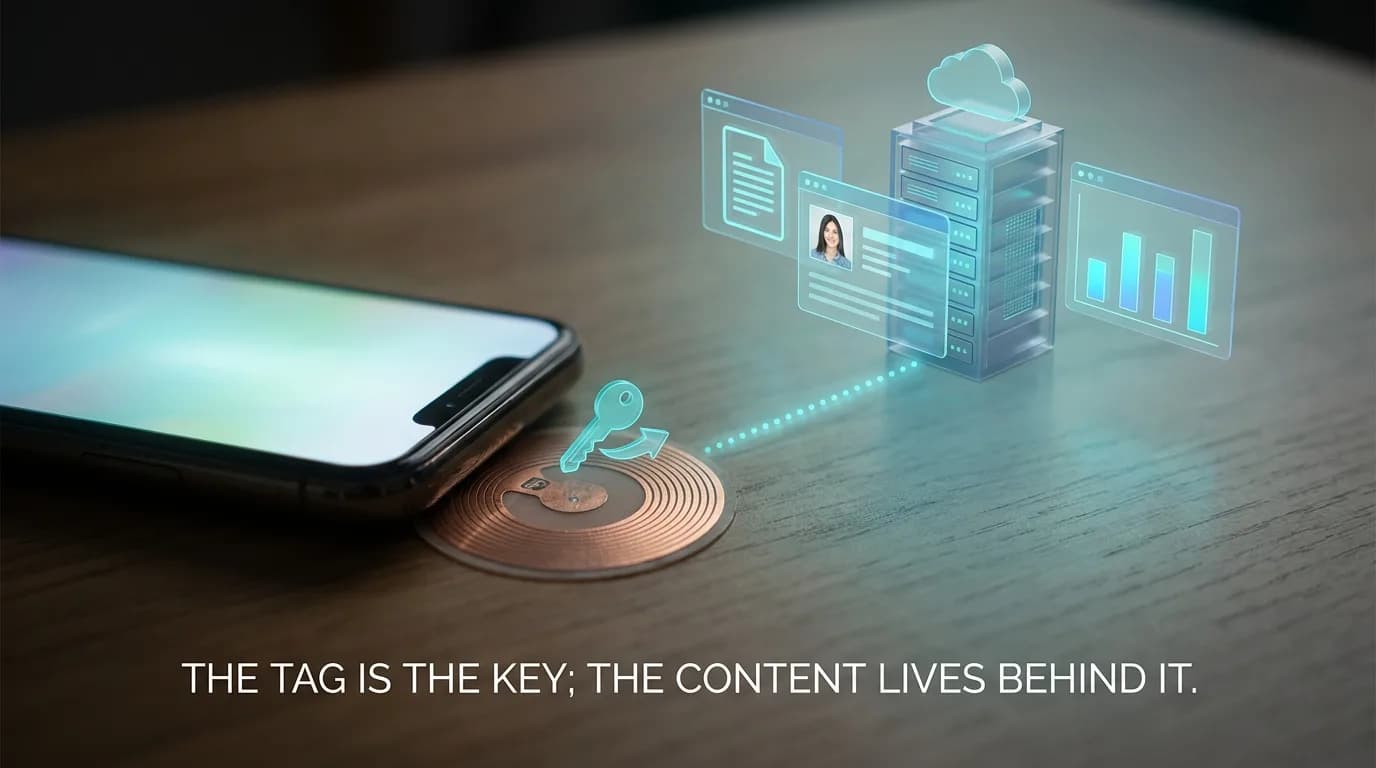
A tag that stores a URL is not a workaround for small memory — it is the better design. It turns a one-time encode into something you can manage for years, and it is the reason a tag printed today is still useful long after the data it serves has completely changed. The chip is the key; the system behind the URL is the building.
How a tag stores a URL record (NDEF) and the tag-type behaviour described here follow the NFC Forum Type 2 Tag specification; chip user-memory figures are from NXP's NTAG213/215/216 datasheet.