
Tap, scan, add your link.No NFC setup.
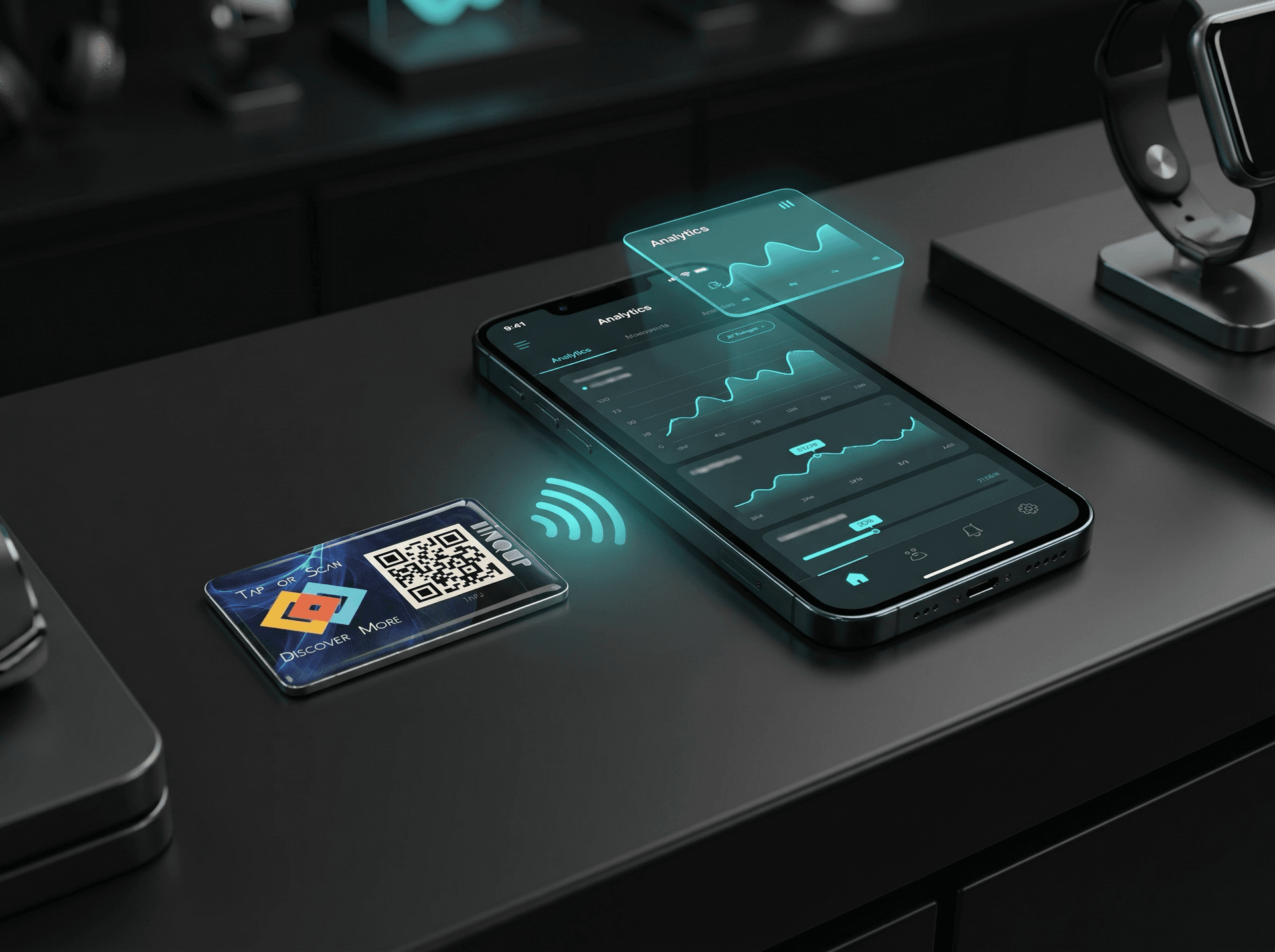
This sticker arrives ready. Tap it or scan the QR code. Add your destination link. Change it later when your menu, review link, WhatsApp, payment page, or offer changes.
Watch the video
You do not need a tag project. You need a working link.
Blank NFC tags create doubt. Which app? What data? What if the URL changes? This sticker removes that work.
Already linked
NFC + QR
Menu, review, WhatsApp
Same sticker
Built for people who do not want technical work.
I do not know how to encode NFC.
I want one sticker that works without setup stress.
Menus and offers keep changing.
I do not want to reprint table stickers.
Customers ask for WhatsApp, reviews, payments, and forms.
I need one simple physical shortcut.
I cannot tell which counter or campaign worked.
I need scan counts and basic signals.
The sticker stays. The destination changes.
Use it for a review page today. Change it to an offer next week. Move it to WhatsApp later. No reprint. No chip rewrite.
Previous links are not lost.
LINQS keeps link history. You can see older destinations, their scans, and make an older link active again.
Know if people used it.
A normal sticker cannot tell you anything. This one measures taps and scans through LINQS.
Great on counters, packs, tables, displays, and folders.
Use on
Plastic, paper, wood, glass, painted surfaces, and other clean, dry, non-metal surfaces.
Avoid
Metal, heavy rain, full submersion, wet-use areas, and curved surfaces.
Small sticker. Big job.
Quick answers before you buy.
Do I need an NFC writer app?+
No. The sticker is already linked to LINQS. You only add the final destination link.
Can I change the link later?+
Yes. Change the destination in LINQS. The same physical sticker keeps working.
What happens when a customer scans it?+
The NFC tap and QR scan open the same LINQS dynamic link. That link sends them to your saved destination.
Can I see analytics?+
Yes. You can see scans, trends, cities, device mix, last scan, and peak hour.
Does it work on metal?+
No. Use it on clean, dry, non-metal surfaces like glass, plastic, paper, wood, or painted surfaces.