
All Guides
A new connection starts with a tap.
SOCIAL CONNECTIONSPut a public profile link on a sticker or keychain.
At a glance
An NFC social tag stores a profile URL. A compatible phone reads the tag and offers to open that link in a browser or supported app. It does not follow an account automatically.
SEE THE IDEA IN ACTION
Make a new connection
Instagram, Snapchat. One link away. A writable tag or keychain and a public profile URL.
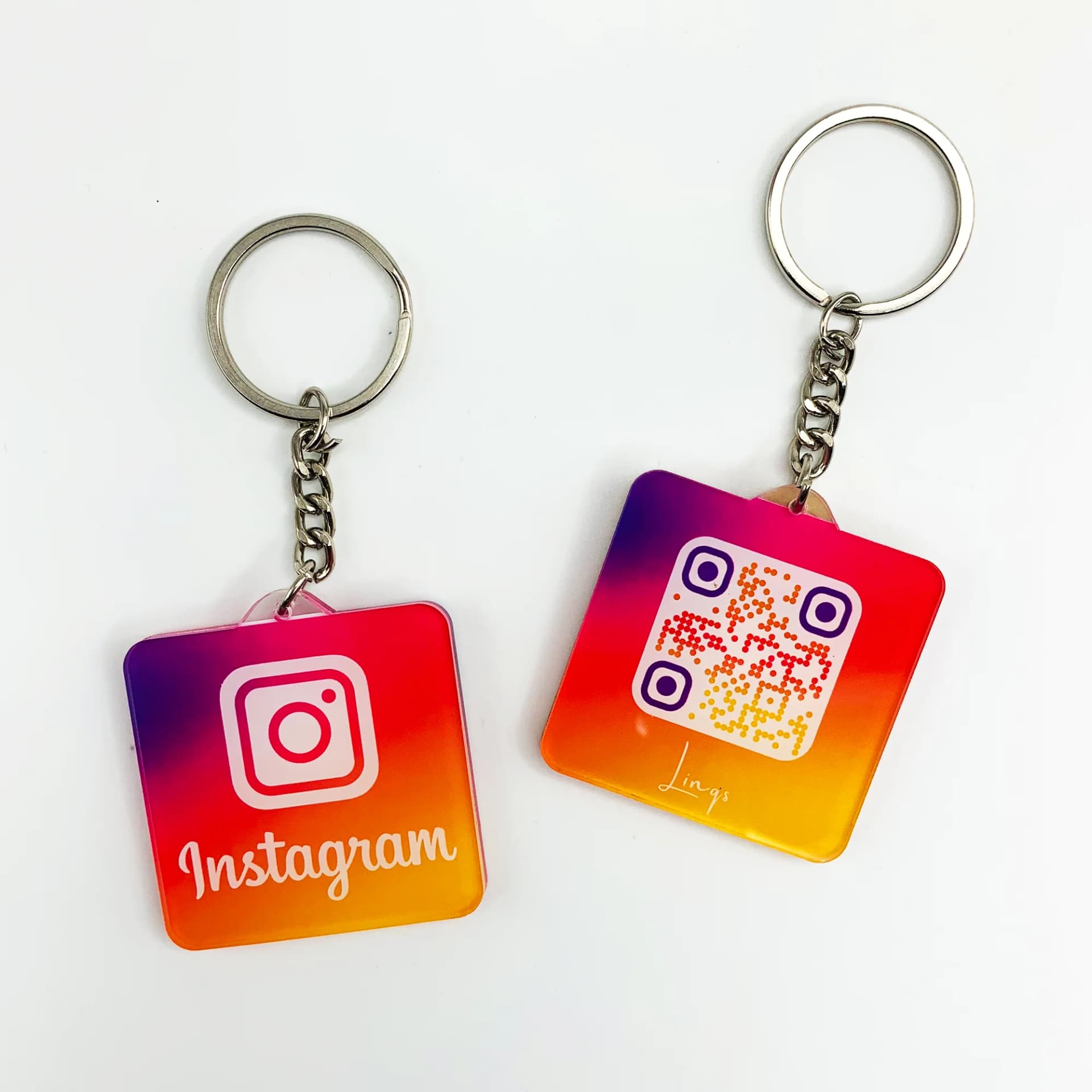
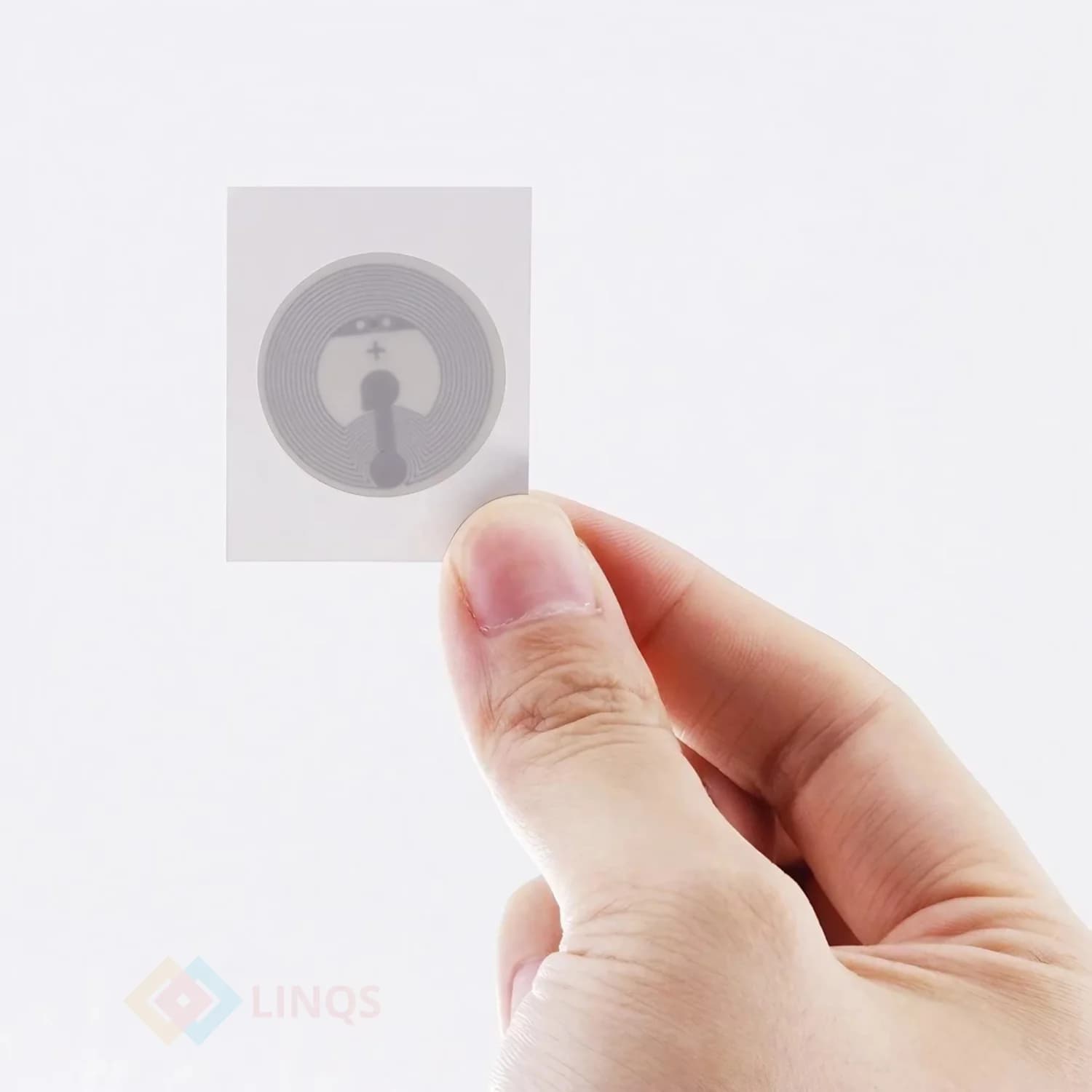
Social NFC Stickers, Connect Faster
Tap Your Phone on This Keychain, Instagram
Snapchat Without Typing Username?
- 01Copy the full public profile URL.
- 02Write the URL to an NFC tag.
- 03Test with another phone; keep the profile public.
The Problem
Typing a username is easy to get wrong. A tag can take visitors straight to the correct public profile.
Who This Is For
- Creators sharing an Instagram profile
- Friends sharing Snapchat profiles
- Businesses linking to a social channel
Quick Decision Rules
- 1Use a full HTTPS profile URL, not just a username.
- 2Choose a keychain for carrying or a sticker for a suitable surface.
- 3Use an anti-metal tag when mounting on metal; test the finished placement.
Common Mistakes to Avoid
- Expecting a tap to follow an account automatically.
- Using a private, mistyped or changed profile link.
- Assuming every phone will open the same app.
Frequently Asked Questions
Compatible phones can usually read a standard NFC URL without a separate NFC reader app. The destination may require its own app or sign-in.