
Give a favourite song a physical home.
MUSIC & KEEPSAKESA keychain, a keepsake, a link to the music.
At a glance
An NFC music tag stores a song, album or playlist URL. Tapping with a compatible phone opens the link; playback depends on the music app, account and phone settings. The tag does not store audio.
SEE THE IDEA IN ACTION
Give a song a home
A favourite playlist. A physical keepsake. A writable NFC tag and a song or playlist link.
Choose a finished Spotify keychain or sticker below. For a DIY project, blank NTAG213 tags are also available.
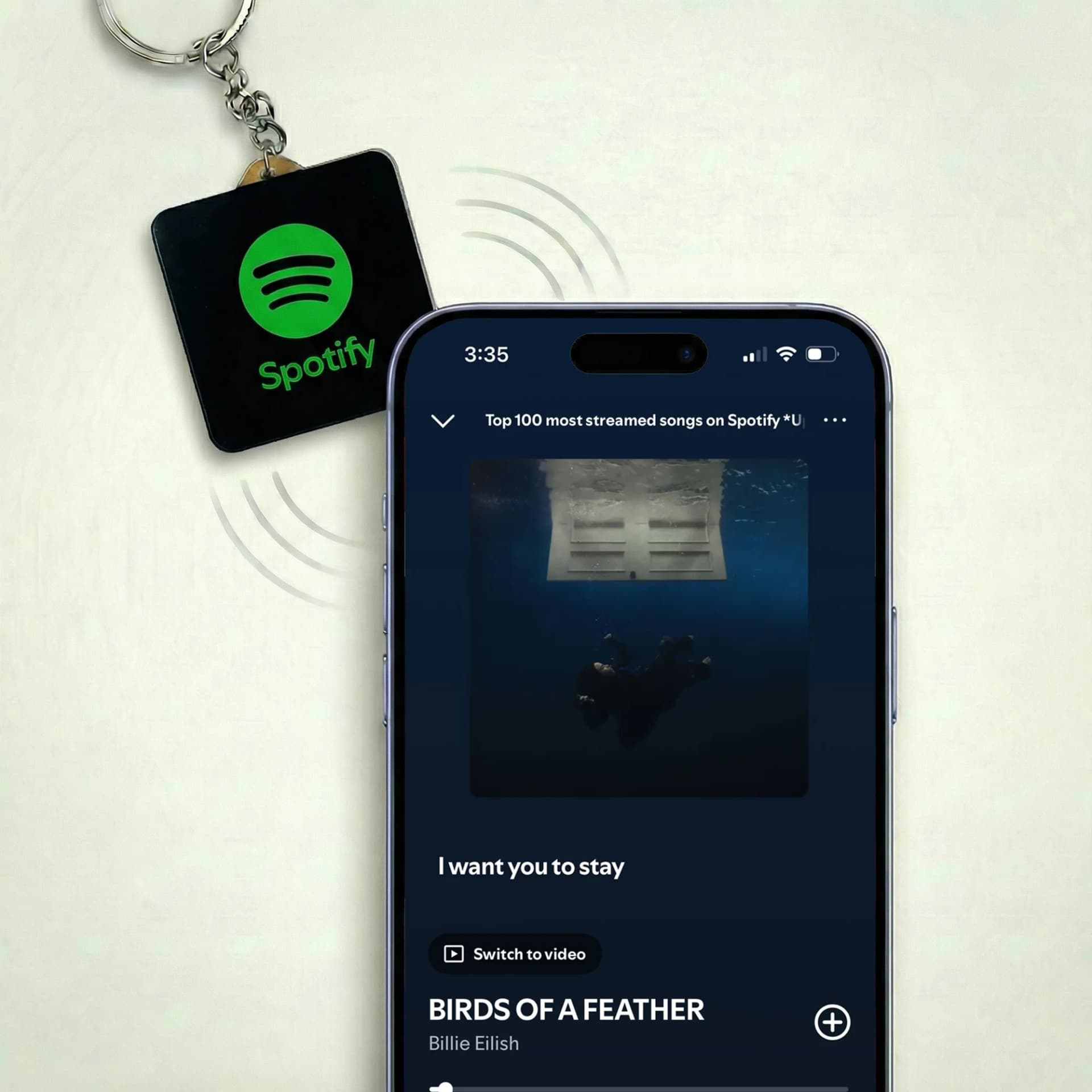
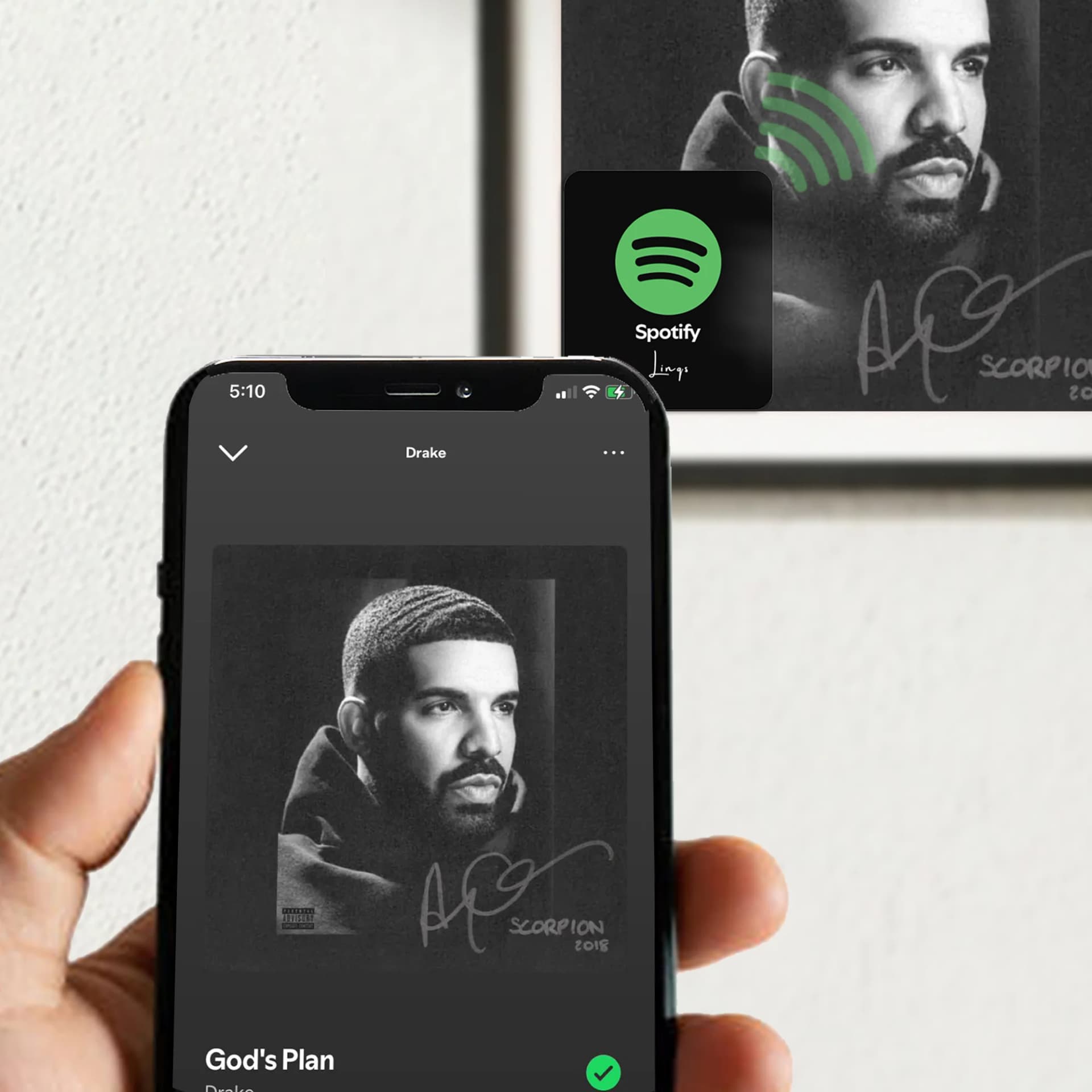
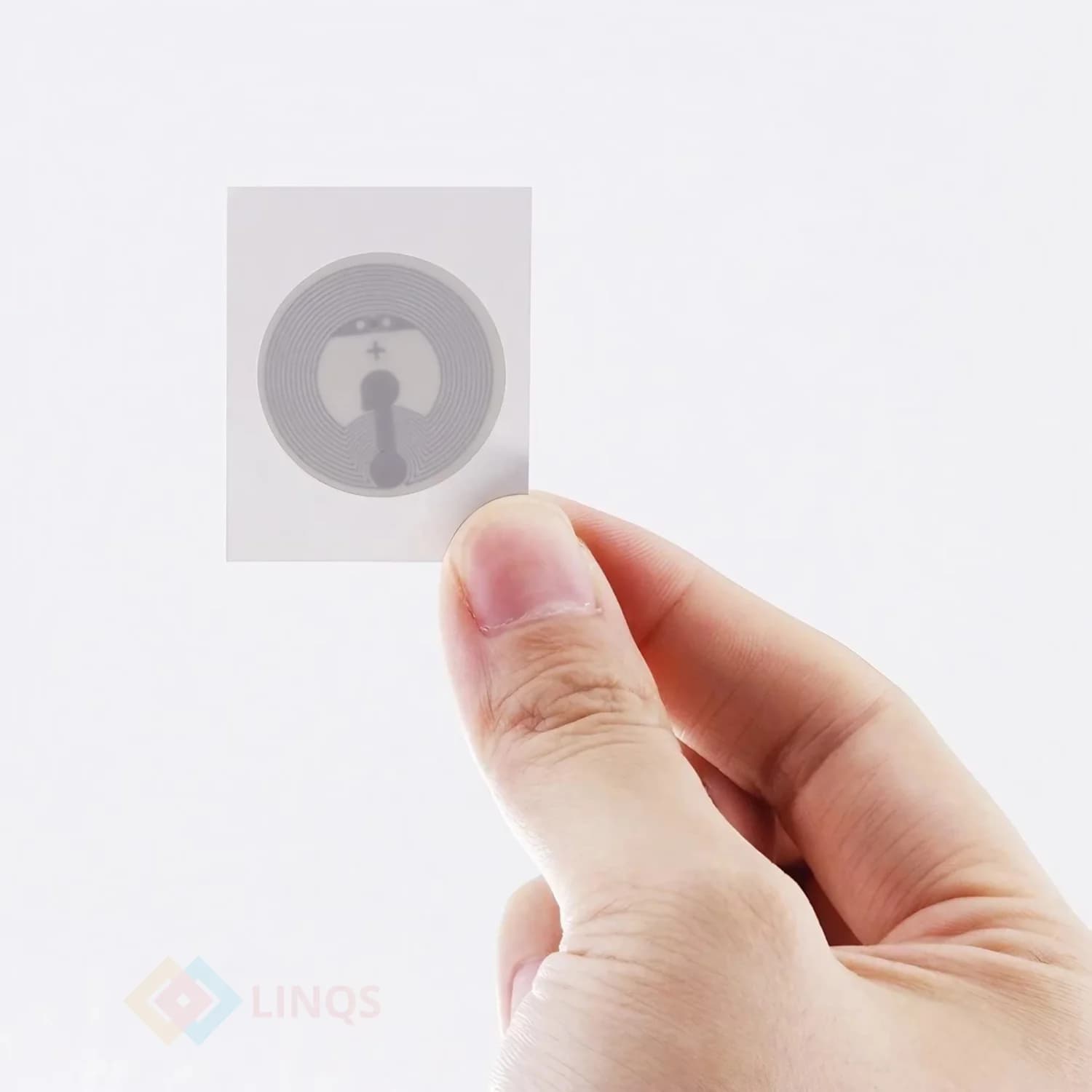
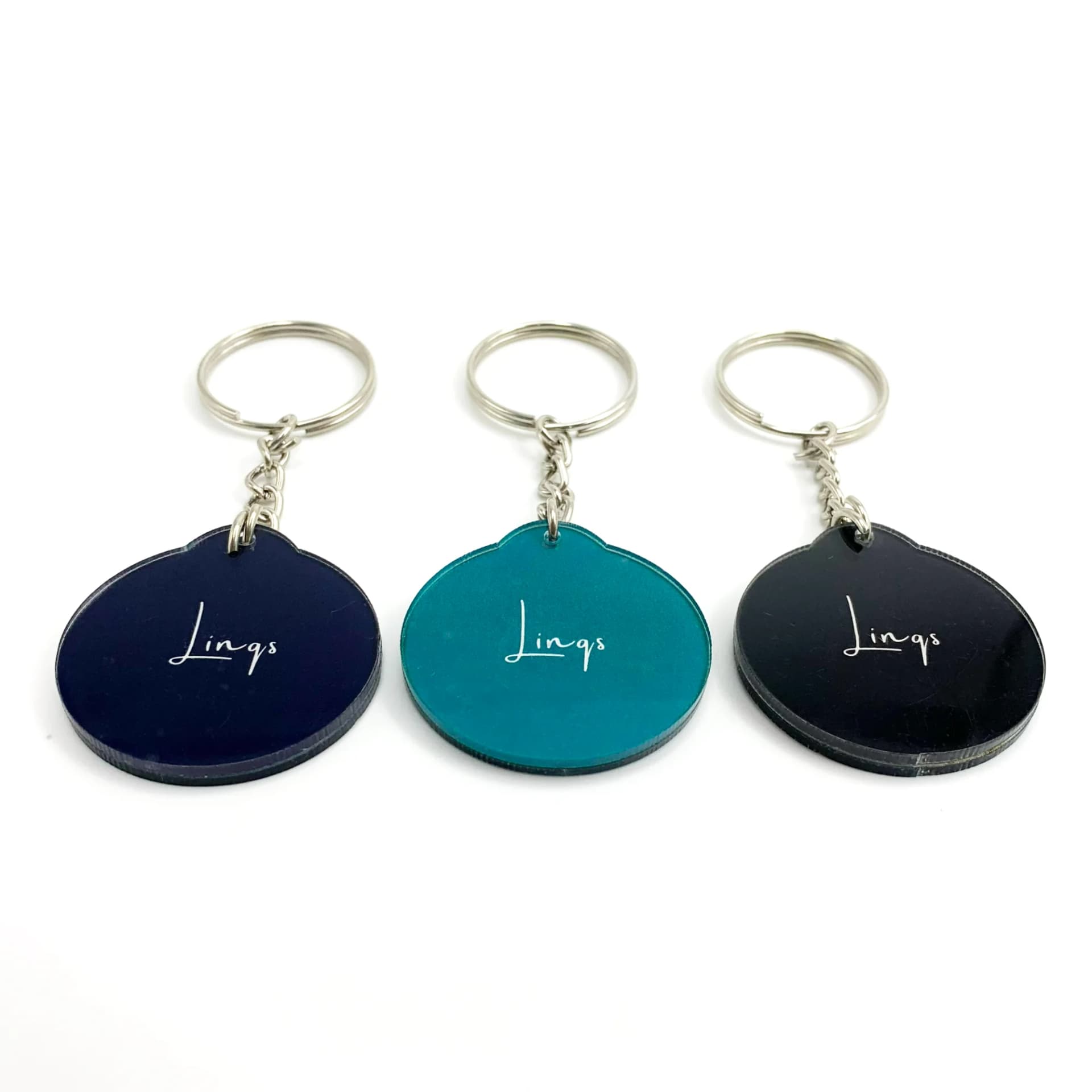
Spotify Music Tag, Play Song in One Tap
Keychain Plays Music When You Touch It
Spotify NFC Keychain on Bus Rides
- 01Copy the Spotify song or playlist share link.
- 02Write it as a URL record to the tag.
- 03Tap, open the link and press play in the music app.
The Problem
A saved music link can become a physical gift or an easy way to find a favourite playlist.
Who This Is For
- Music lovers sharing a playlist
- Personal keepsakes and gifts
- A shortcut to a favourite album
Quick Decision Rules
- 1Copy the share URL from Spotify or the music service.
- 2Choose NTAG213 for a short music URL; check longer links with the memory calculator.
- 3Test the link on another phone before making a gift.
Common Mistakes to Avoid
- Expecting the tag to contain a song or work without internet.
- Promising automatic playback when a tap may only open the app.
- Locking the tag before checking the destination.
Frequently Asked Questions
Not necessarily. A tap opens the URL. The app may need sign-in or a separate play action, and playback depends on the service and account.