
THE MAKE-IT-YOURSELF GUIDE
Make a card.
Make a connection.
How to make an NFC business card.
To make an NFC business card, write a short profile URL to an NTAG213 card, print a matching QR code, then test on iPhone and Android. Choose NTAG216 only when the stored record needs more space.
01 / MAKE IT WORK
Four steps. One tap.
Create a link
Your contact profile. One short URL.
Write the card
NFC Tools → Write → URL.
Print + add QR
Same link. A second way in.
Test both ways
iPhone + Android. Tap + scan.
Show the writing instructions
- Create a public profile with a working save-contact option. Blank cards do not include a hosted profile.
- On an NFC-writing phone, open NFC Tools. Choose Write, add a URL record, paste the profile link, then write.
- Read it back. Confirm the exact link and public contact details.
- Print a QR code pointing to the same URL. Test the finished card and QR on an iPhone and Android phone.
- Leave it writable while testing. Permanent locking cannot be undone; profile details can still change behind an unchanged URL.
02 / PICK THE CHIP
More memory. Not more magic.
NTAG213
A profile link.
144 bytes of user memory.
Your details live online.
Edit the profile, keep the card.
NTAG216
More stored data.
888 bytes of user memory.
For a larger NDEF record.
Check the encoded size first.
NTAG215, direct vCards & compatible chips
NTAG215 has 504 bytes of user memory. NDEF formatting uses some space on every chip. A bigger chip does not make a linked profile richer or guarantee a longer read range.
A direct vCard stores contact data on the card. Reading it may need an app, depending on the phone; changes require rewriting an unlocked card. A profile URL is the simpler cross-phone option.
NXP and compatible are separate chip options. Choose and test the exact model before a batch.
03 / CHOOSE THE LOOK
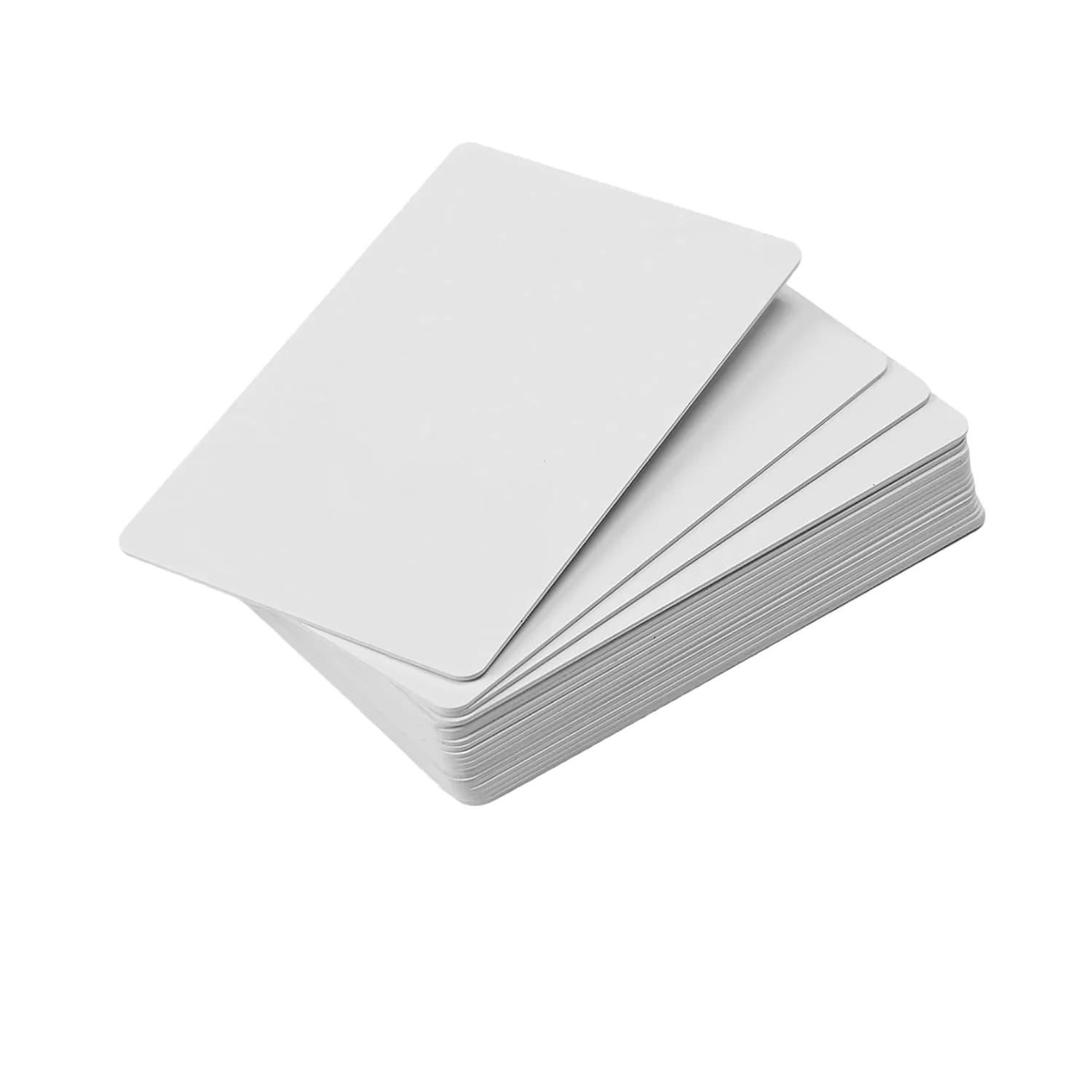
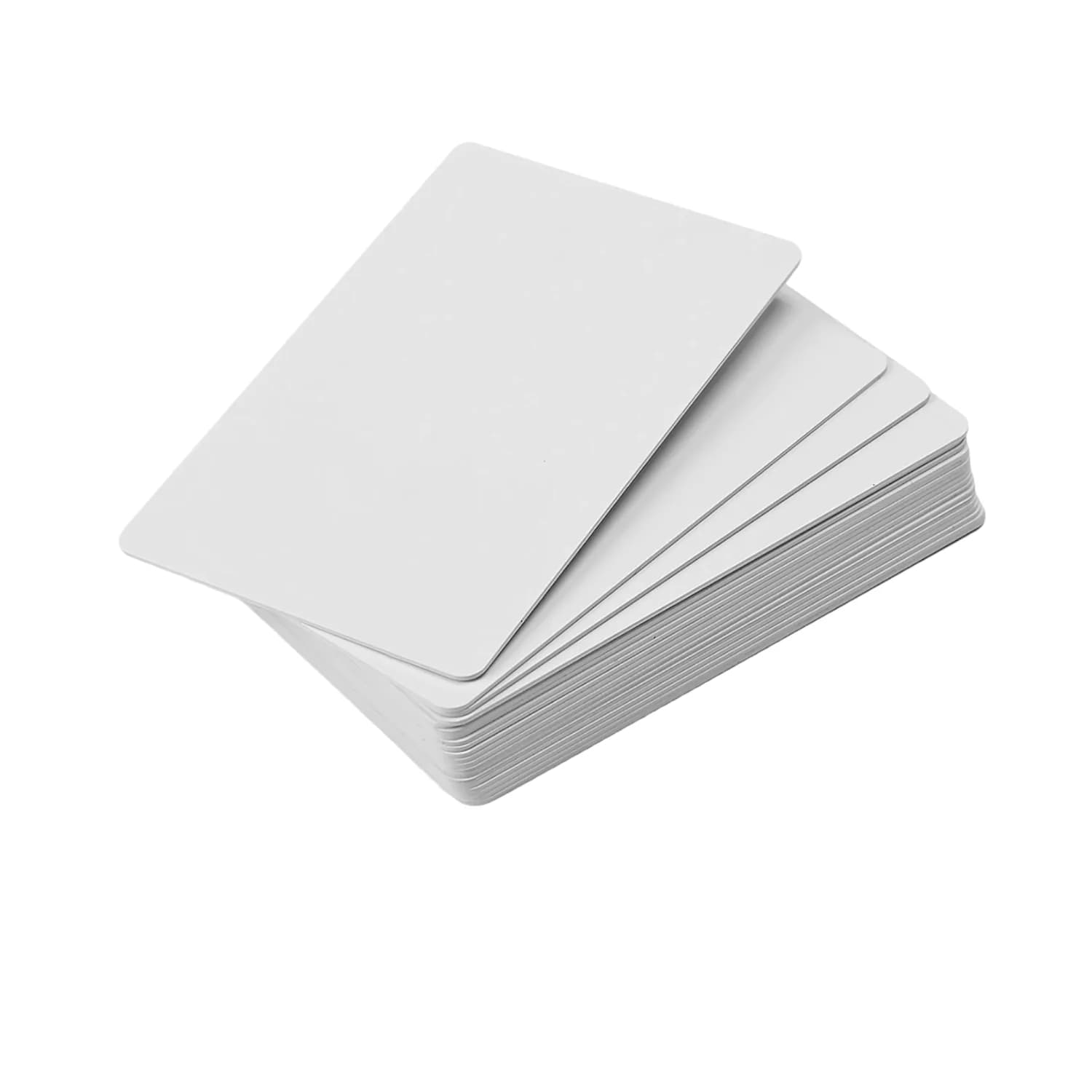
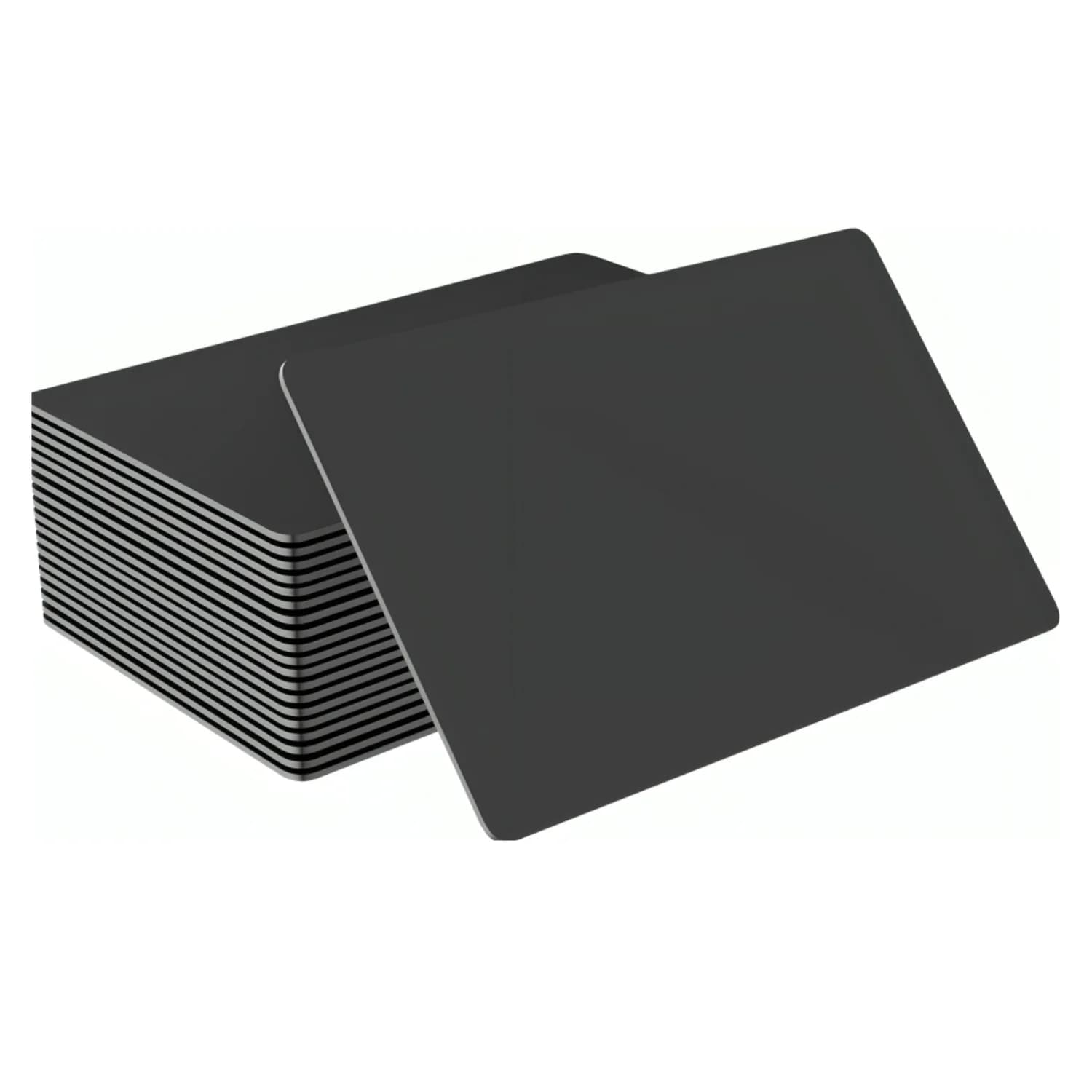
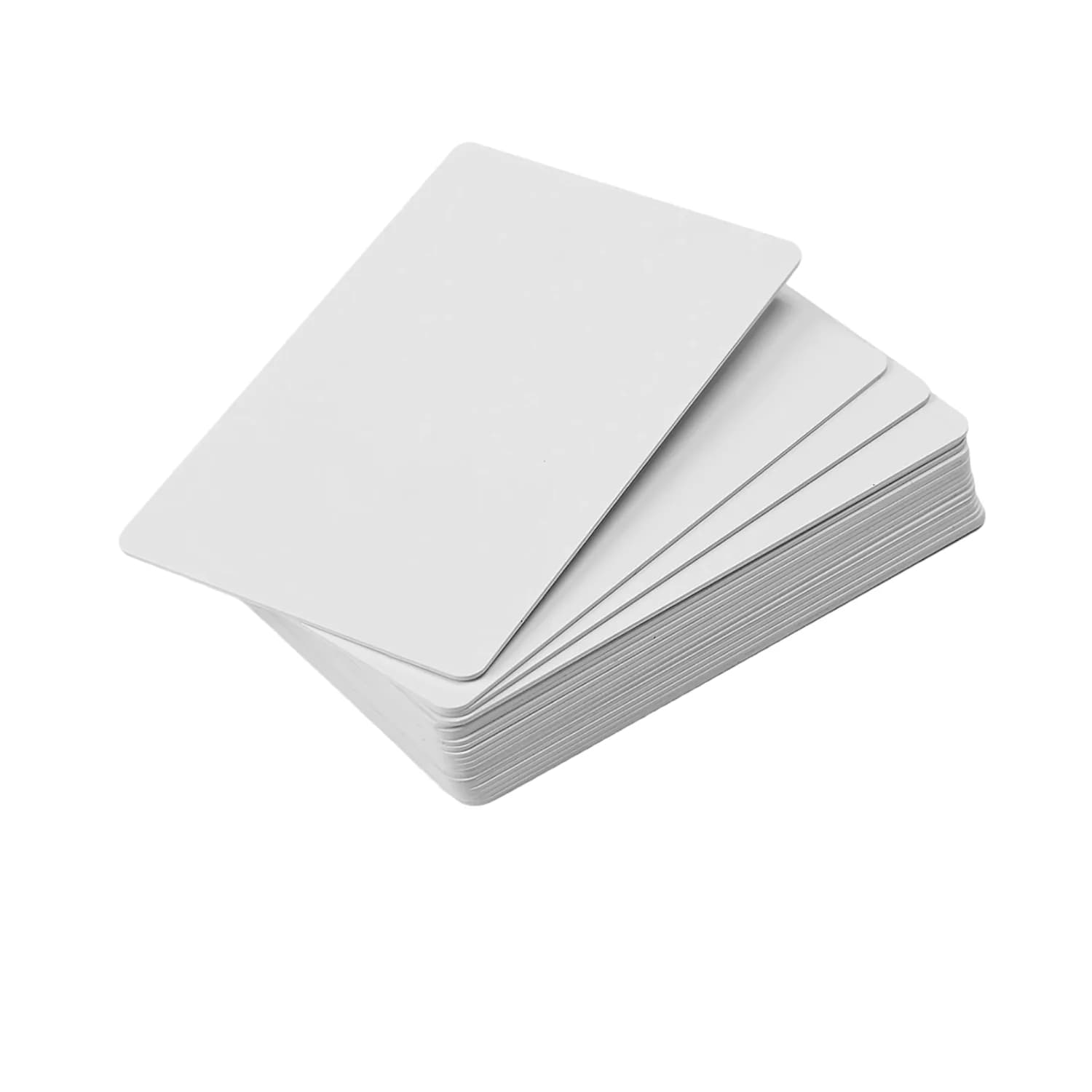
White canvas. Black statement.
Choose the surface before the printer. Check packs and availability on each model.
04 / PRINT IT RIGHT
Match the surface. Then print.
Colour, artwork & printer checklist
White and black are the blank-card colours shown here. Printed colours depend on ink, ribbon and finish. Black stock may need a white ink layer for bright artwork; confirm this with the print shop.
- Confirm card thickness, coating and printer compatibility.
- Use the printer’s artwork template, bleed and safe area.
- Give the QR strong contrast and a clear border.
- Approve one printed, encoded sample before the batch.
- Do not feed PVC cards through an ordinary laser printer.
05 / BEFORE YOU SHARE
Ready to hand over?
- Correct profile opens
- Save contact works
- QR opens the same link
- iPhone + Android tested
- Test before locking
THE SMALL PRINT
A few useful answers.
Does the person tapping need an app?
A compatible phone can open a correctly encoded profile URL without a separate reader app. Direct vCard records are different: support varies and a reader app may be needed. Check the phone compatibility guide.
Check supported phones →Can I change my details later?
Yes. Edit the profile behind the same URL. To change the URL stored on the card, the card must still be writable. Permanent locking cannot be undone.
Does NTAG216 scan farther than NTAG213?
More memory does not guarantee more range. The card antenna, phone, case and nearby metal affect reading. Use NTAG216 for a larger stored record, not a longer scan distance.
Can I print the card at home?
Only with suitable equipment. PVC-tray inkjet printers need inkjet-coated cards. Thermal and UV equipment need a matching card surface. Test one sample before printing a batch.
Detailed NFC card printing guide →Why does my card not scan?
Check NFC support and settings, remove thick or metal cases, and try a different antenna position. Read the stored URL with the writing app and test the QR fallback too.
Full NFC troubleshooting guide →Already using DESFire access cards?
DESFire is an access-system choice, not the default DIY profile-link card. Confirm NDEF setup, keys and phone support with the system integrator.
Sources & further reading
Card catalogue checked 8 September 2026. Prices, packs and availability are shown on product pages.