
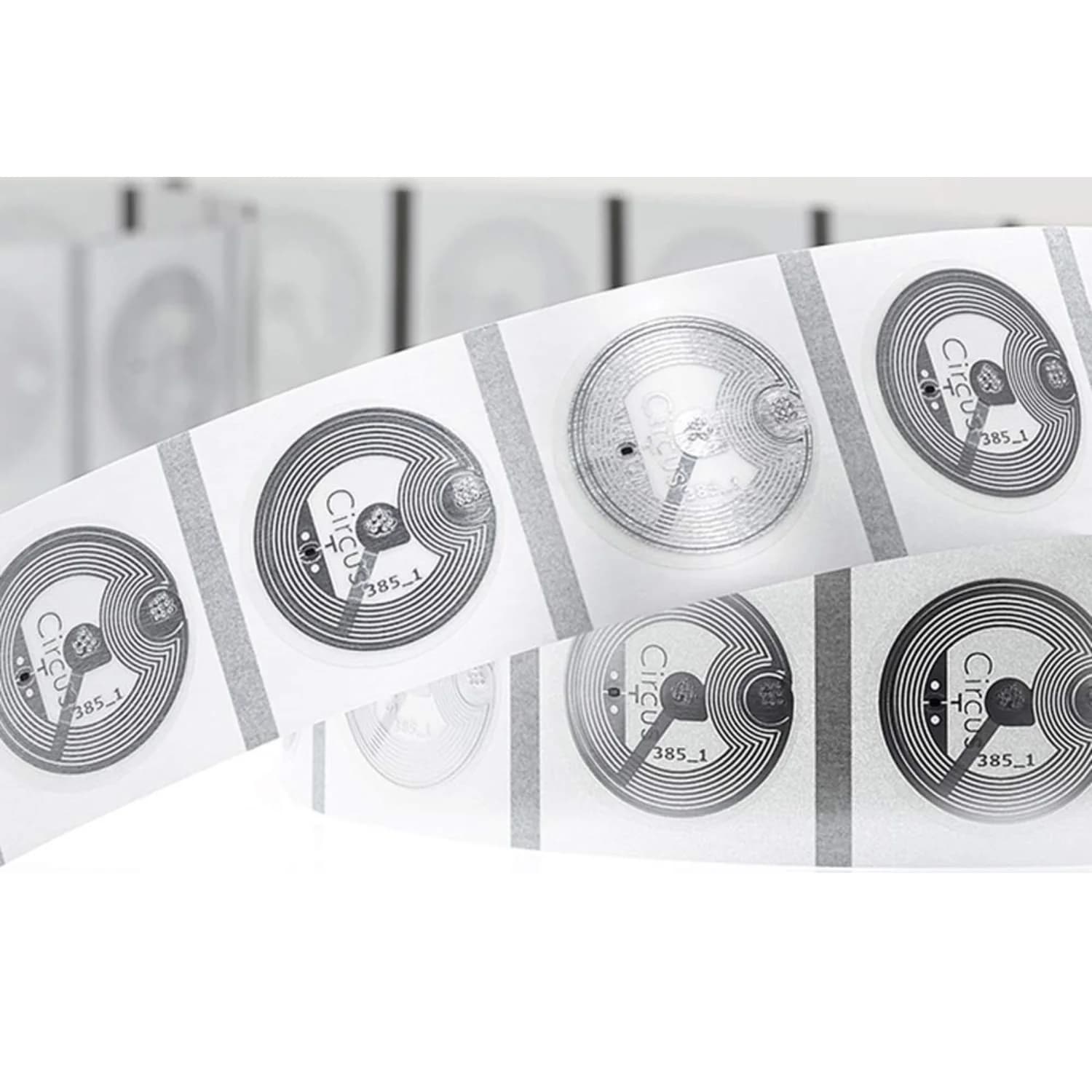
LINQS NFC NXP NTAG210 Circus Sticker, 22 mm PET Tag
Input credit eligible for businesses
Genuine NXP NTAG chip
not a clone
GST invoice
input-credit eligible
Ships in 1 working day
from India
Defect replacement
manufacturing defects
Selected: 1 pack × 10 items = 10 items · ₹350.00 total
123 10 Pack available
Ordering 1,000+? Get a bulk quotePay once. Yours forever — no monthly fee.

Use an on-metal SKU for metal surfaces.
Best for single link or contact card.
Buyer check
Where this NFC tag fits
Use this SKU on non-metal surfaces when the tag needs to open a short URL, basic contact record, app link, or simple text.
Works on non-metal surfaces
Do not mount this SKU directly on metal. Choose an on-metal tag if the tag will touch a metal asset, rack, machine, or vehicle.
Browse on-metal tagsBest for one short NFC record
Use it for a short URL, basic contact record, app/deep link, or simple text. If the data is long, choose NTAG216.
Compare chip capacitySet it up, then test before rollout
- 1Install an NFC writing app: Android or iPhone: install a dedicated NFC writing app. Shortcuts is an automation trigger, not a tag writer.
- 2Tap to write link or contact: Write your URL, contact, or app link, then tap the card to save.
- 3Test with 2 phones: Test the final tag on the exact Android and iPhone models expected in the rollout.
Choose on-metal if mounting on metal
Standard NFC stickers lose scan reliability when placed directly on metal.
Browse on-metal tagsChoose NTAG216 if your data is larger
Use a higher-memory chip for long URLs, full vCards, or larger text payloads.
Compare chip capacityChip: NTAG210 (NXP original). Capacity: 0.3× vs NTAG213.
Quick answers
Use this when
- Short URL or redirect
- Basic contact record
- Custom printed rollout
Don't use
- Choose on-metal if mounting on metal: Standard NFC stickers lose scan reliability when placed directly on metal.
Specs
- Chip Brand
- NXP
- User Memory
- 48 bytes
- NFC Chip Model
- ntag210 (NXP original)
- Data Retention
- 10
- Scan Strength
- Excellent
- 32-bit Password
- Yes
Compatibility
- Android varies by model; iPhone 7/8/X via reader app; iPhone XS+ background reading
- Not rated for metal surfaces
Physical & build
Specifications
Key specs first; full technical details on demand
Proof + documents
Captured in the LINQS lab.
Documents
Frequently Asked Questions
Use it on non-metal surfaces such as plastic, paper, glass, or wood unless the SKU facts say it supports metal.
Have more questions? View all FAQs
Replacement Policy
- Replacements available for manufacturing defects
- Video proof required for defect claims
- Custom/encoded items are non-returnable
- GST invoice included with every order